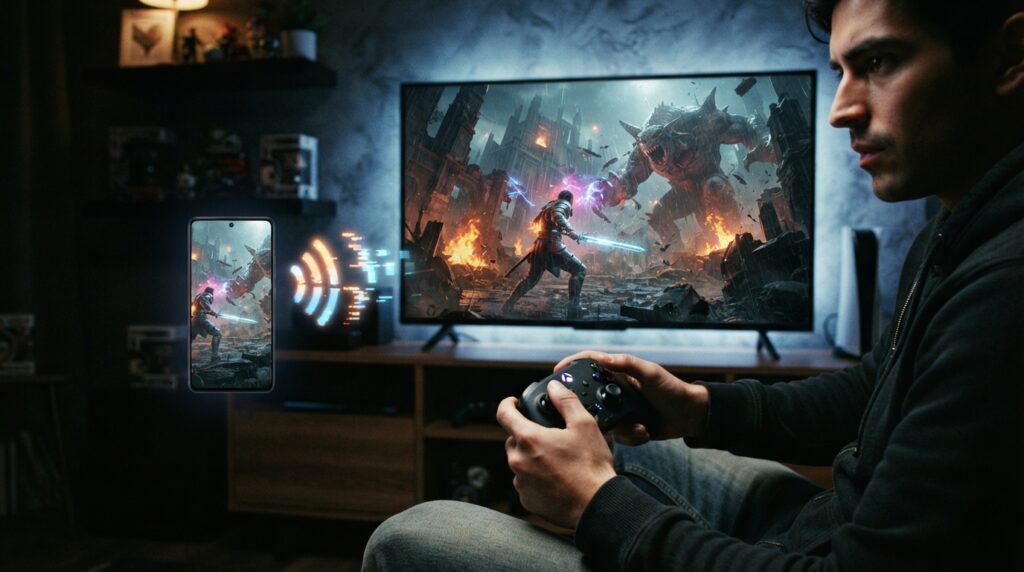
Amazon Luna Remote Play lets friends and family play supported multiplayer games from different locations, Amazon Game Studios announced on September 10, 2026. It creates a shared session, not a pass to every multiplayer game on Luna.
The host needs Amazon Prime or Luna Premium and can invite up to seven people. Guests need an Amazon account and a supported device, but no subscription of their own. Amazon said more than 60 games supported shared sessions at launch. To start one, open Luna’s Remote Play section, then check the game list before rounding up the group.
TL;DR: Amazon Luna Remote Play lets friends in different locations join a shared multiplayer session in supported games, with more than 60 titles available at launch. The host needs Prime or Luna Premium and can invite up to seven guests, who need an Amazon account and compatible device but no subscription; check each game’s listing, because Remote Play does not work across Luna’s entire catalog.
Amazon Luna Remote Play Brings Multiplayer Online
Amazon Game Studios announced Luna Remote Play in its September 10, 2026 update as a way for friends and family in different locations to play multiplayer games together. The key qualifier is “supported”: Remote Play creates a shared session for eligible games. It does not magically unlock every multiplayer title in Luna’s catalog.
To get started, the host opens the Remote Play section in Luna’s navigation, starts a session, and invites the group. The feature runs through the host’s game session. It is not a separate matchmaking system that makes every Luna game remotely playable. That distinction matters: a multiplayer label alone does not guarantee Remote Play support.
Amazon says guests do not need to download the game or pay an extra Remote Play fee. That makes joining simpler, but the limits remain: the game must support shared sessions, and players still need to meet Luna’s requirements. Playing together remotely is a useful idea. Treating it as universal multiplayer is wishful thinking with a polished button.
Who Hosts And Who Can Join
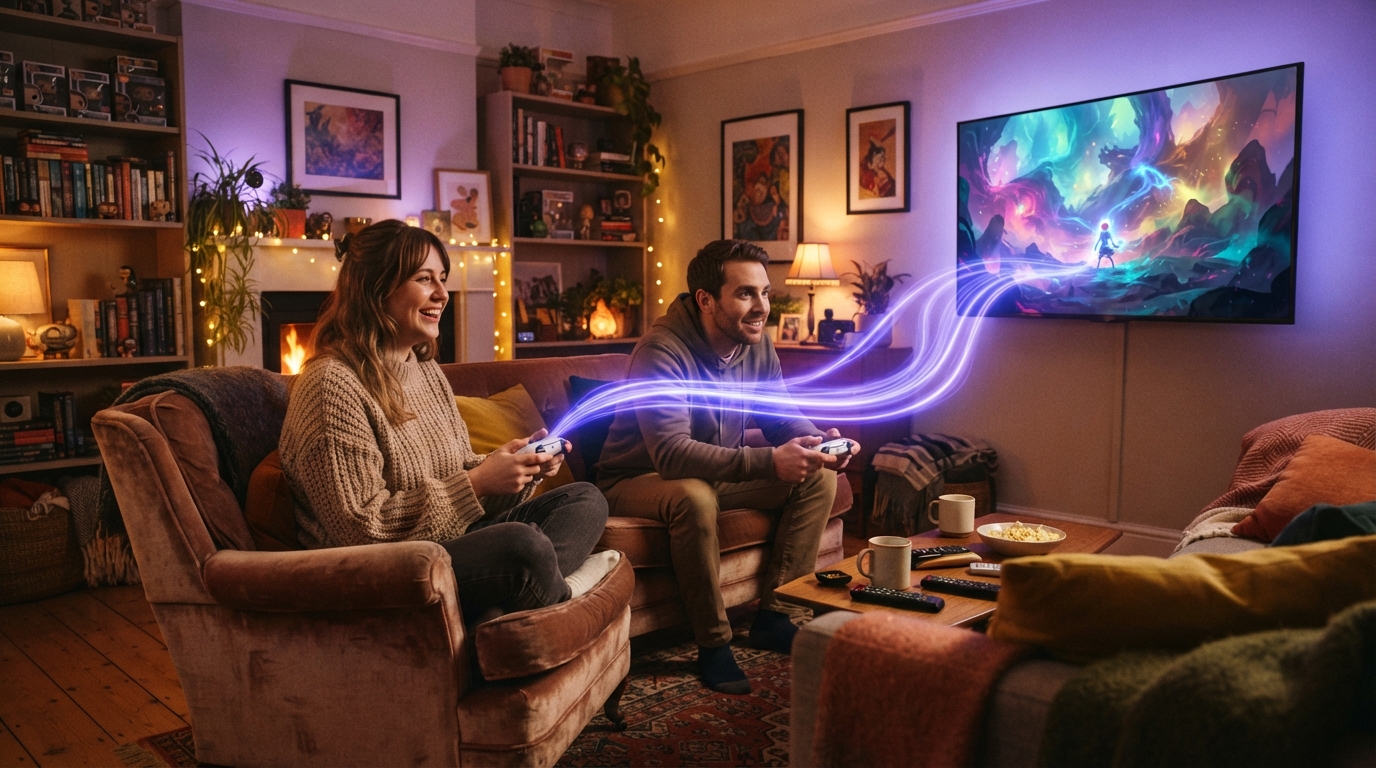
Amazon Game Studios’ September 10, 2026 announcement puts the subscription requirement on the host. The person starting a Luna Remote Play session must have Amazon Prime or Luna Premium and can invite up to seven other players. Guests do not need their own Prime membership to join.
Guests do need an Amazon account and a supported device. Amazon says they do not need to download the game or pay an additional Remote Play fee. The feature itself costs nothing extra, but it is not subscription-free access: the host still needs an eligible Prime or Luna Premium account. Amazon has removed the guest toll booth, not the host’s membership gate.
For U.S. readers, Amazon’s September 2026 Luna guide lists Prime at $14.99 per month or $139 per year, and Luna Premium at $9.99 per month. Those are prices for eligible subscriptions, not Remote Play fees; Amazon says the feature adds no charge. Amazon’s Luna guide lists the subscription prices.
Supported Games Are The Real Catch
The catch is simple: Luna Remote Play works only with games Amazon has marked as supported. More than 60 Luna games supported shared sessions at launch. That is a sizeable list, but it is not the whole multiplayer catalog. A multiplayer label alone does not qualify a game. Remote Play support is specific to each title, because apparently “play together” still needs fine print.
LEGO Star Wars III: The Clone Wars makes the distinction easy to see. Amazon’s Luna listing says the game supports local co-op and Remote Play for one to two players. The same listing says it is scheduled to leave Luna on October 31, 2026. So the game can support Remote Play while its place in Luna’s catalog has an expiry date. Those are separate facts, not a contradiction.
Compatibility tells you whether a title can use Remote Play; availability tells you whether players can still access it on Luna. The catalog changes over time, so a supported game is not promised a permanent seat on the service. The Remote Play label is no preservation pact, and even LEGO’s plastic heroes aren’t immune to the catalog shuffle.
Devices Internet And Location Matter
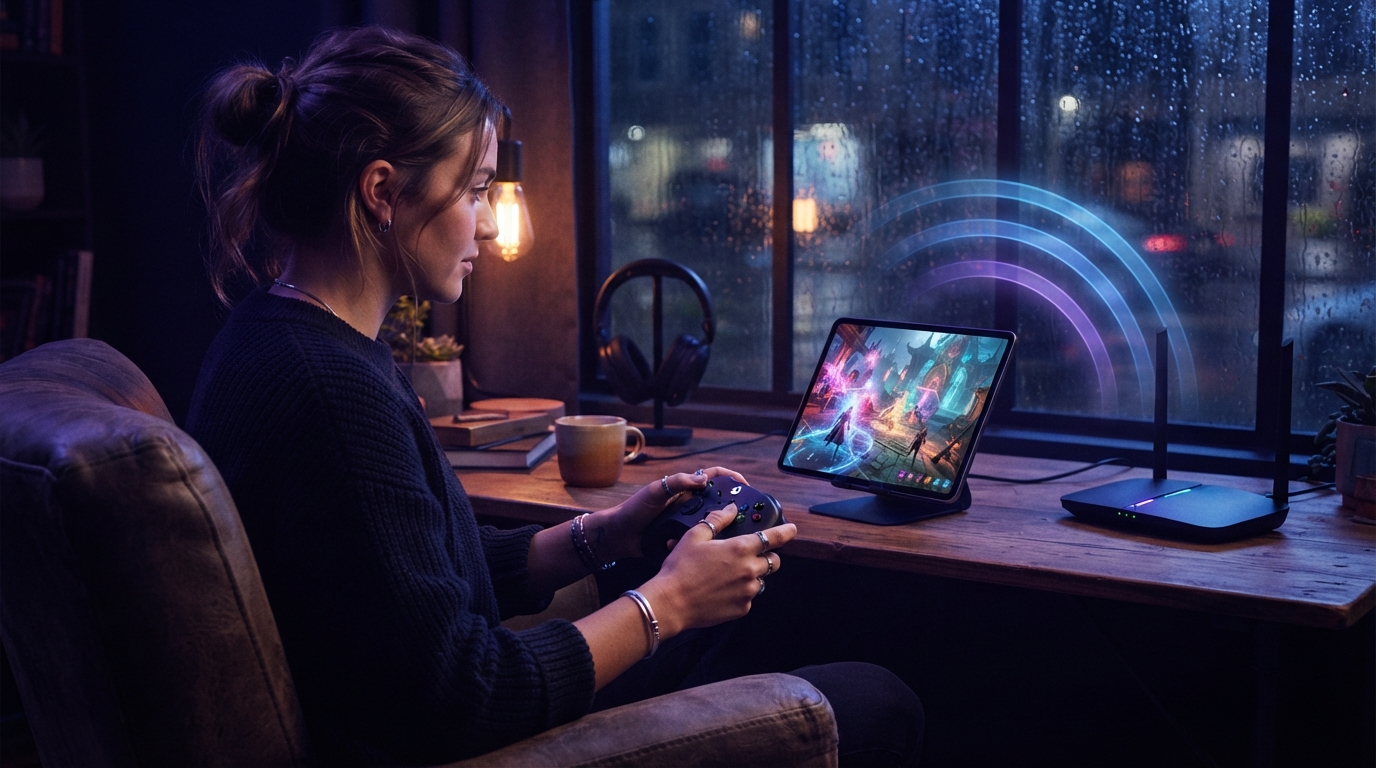
Amazon Luna runs games on Amazon Web Services servers and streams their audio and video over the internet. Players do not need to download games or install updates. That keeps game files off the device, but makes the internet connection part of the setup.
Amazon lists Fire TV, Fire tablets, Windows PCs, Macs, Chromebooks, iPhone and iPad web apps, Android devices, and select Samsung and LG smart TVs as compatible options. The company recommends an internet speed of at least 10 Mbps for the best experience. A compatible screen is only one piece of the puzzle: access also depends on internet service, device compatibility, game availability, and whether Luna is supported where a player lives.
Amazon’s September 2026 guide lists Luna in 14 countries: the United States, United Kingdom, Canada, Germany, France, Italy, Spain, Austria, the Netherlands, Poland, Sweden, Portugal, Belgium, and Luxembourg. A friend outside that list may have a perfectly good device and connection, but location can still shut the door on the session.
There is also an age-related condition. Amazon’s Luna Terms of Use, last updated June 10, 2026, say users under 18 may use the service only with parent or guardian involvement. Cloud gaming removes downloads from the checklist, not the terms. Amazon Luna’s Terms of Use spell out that requirement.
Check The Game Before You Invite Everyone
A quick check before scheduling the group can save you from gathering a bunch of people for an unsupported game.
- Open the specific game’s Luna listing and look for Remote Play support. Support is not universal, and Amazon’s catalog can change over time.
- Confirm the host and guests have compatible devices, internet access, and Luna availability in their locations. The host also needs Prime or Luna Premium; guests need an Amazon account.
- In Luna, open the Remote Play section in the navigation to start a session.
Remote Play can bring a supported game to friends in different places, but its usefulness depends on which games the group wants to play.
Check The Game Before You Invite Everyone
Before sending invitations, open the Luna listing for the exact game your group wants and check for the Remote Play label. If it is missing, pick another title; “multiplayer” on the box is not a workaround. Amazon said more than 60 games supported shared sessions at launch, but the label is the useful check for any individual game.
If your pick is LEGO Star Wars III: The Clone Wars, factor in its scheduled departure from Luna on October 31, 2026. Its listing supports Remote Play for one to two players, but that does not make it a safe long-term choice if your group plans to play later. Check the listing again close to your session, then use Luna’s Remote Play section to start it. A little calendar checking beats assembling a party for a game that has already left the building. The catalog can change.