Nintendo eShop gifting arrives on the Nintendo Switch and Nintendo Switch 2 eShop on November 16, 2026, letting you send digital games, DLC, and upgrade packs to members of your Nintendo Account family group. The date comes from Nintendo’s announcement, but Nintendo’s system-update notes point to an eShop update on November 17, one day later. System version 23.5.0, which adds support for the feature, was released November 9.
TL;DR: Nintendo eShop gifting lets Switch and Switch 2 owners send digital games, DLC, and upgrade packs to members of their Nintendo Account family group starting November 16, 2026, though the date may slip to November 17. Gifts go through normal checkout with no announced extra fee and appear on the recipient’s HOME Menu immediately, but supervised accounts can’t send them, friends outside the family group are excluded, and the purchase cap is unpublished. Recipients receive a license under Nintendo’s terms, not a copy they own outright.
Digital Game Gifting Lands This November
Nintendo says gifting works like a normal eShop purchase. Select “Give as a Gift” on a product page, choose a family-group member and one of that member’s linked systems, then check out as usual. Nintendo hasn’t announced a separate gifting fee, and delivery is immediate. The gift lands on the recipient’s HOME Menu, no wrapping paper required.
The timing is the messy part. Nintendo’s announcement points to November 16, but its system-update notes tie the feature to an eShop update scheduled for November 17. Until the console confirms the date, treat November 16 as the target and November 17 as the likely fallback. If the gift option is missing from your eShop on the 16th, check your system software before assuming something has broken.
Who Can Send and Receive a Gift
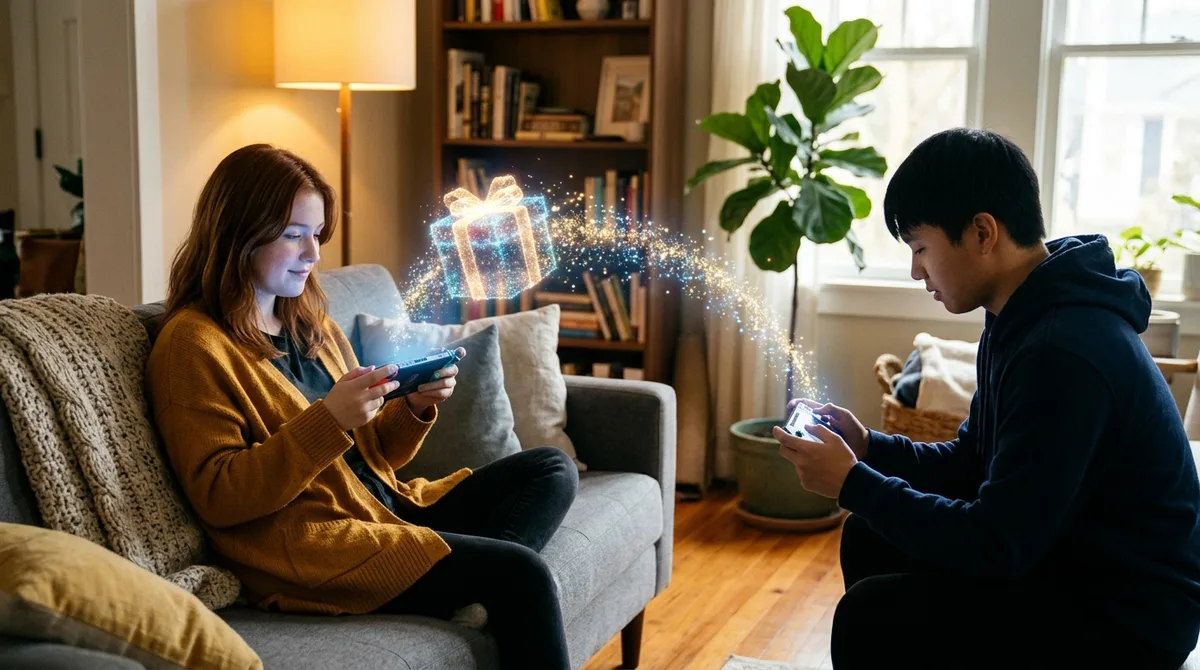
A Nintendo Account family group can hold up to eight Nintendo Account users, and gifts only go to members of that group. A friend with a separate account, however close, is not a valid recipient. Sorry, your best friend from college is out of luck.
Supervised accounts cannot send digital gifts at all. Nintendo also limits how many gift purchases an account can make in a given period, but it hasn’t published the number or the period. You’ll only learn that limit by bumping into it.
The purchase runs through the normal eShop checkout, with two extra selections along the way:
- Open the game, DLC, or upgrade pack on the eShop and select “Give as a Gift.”
- Choose a recipient from your family group.
- Pick one of that recipient’s linked systems.
- Complete checkout as usual.
Delivery is immediate, and the gift appears on the recipient’s HOME Menu. Nintendo hasn’t announced a separate gifting fee or a dollar range, so the regular checkout total is the only charge the company has described.
What Qualifies and What Nintendo Hasn’t Said
Eligible items are digital games, downloadable content, and upgrade packs. Nintendo also says some products may not be eligible, but it hasn’t named them. A title you want to send could get refused at checkout, and you won’t know why until it happens.
The purchase cap is the other blank. Nintendo hasn’t published how many gift purchases an account can make, or the period that limit covers. Is it weekly, monthly, or lifetime? The company isn’t saying.
- Eligible: digital games, DLC, and upgrade packs
- Excluded: some products, unnamed
- Cap: unpublished number, unpublished period
A vague limit is still a vague limit. Calling it “limited” tells you nothing you can plan around, and most players will find the ceiling by smacking into it in the middle of holiday shopping.
Gifting Doesn’t Fix the Ownership Problem
Gifting makes a license easier to pass around, not easier to own. Nintendo’s U.S. Purchase and Subscription Terms, last updated August 2026, say some software and digital content is licensed, not sold. A gift bought this way is still a license, just delivered to someone else’s HOME Menu.
Those same terms say products are for personal use and may not be resold for commercial purposes. The feature lets you hand a game to a cousin in your family group, but the recipient still holds a license, not a copy they can keep, trade, or sell.
California’s Assembly Bill 2426, effective January 1, 2025, requires covered digital-good sellers that use words like “buy” or “purchase” to provide a clear license disclosure or obtain an affirmative acknowledgment that the buyer is receiving a license. A disclosure is the minimum, not a feature.
Players notice the difference. A YouGov survey of 1,500 U.S. adults conducted July 5, 2026, found 51% of console gamers generally prefer discs or cartridges, compared with 32% who prefer digital purchases. Among physical fans, 81% cited permanent ownership, and 70% worried digital games could become unavailable in the future.
The Australian Competition and Consumer Commission’s 2025 digital-platform inquiry report found 56% of surveyed Australian game players were unaware that some digital-store purchases grant a license rather than ownership. Of those surveyed, 72% considered that arrangement quite or very unfair. The survey covered consumers aged 14 and older and was conducted in October and November 2024.
What to Check Before Your First Gift Goes Out
Start with the people. Confirm that every recipient belongs to your Nintendo Account family group, and check that none of the accounts involved is supervised, because supervised accounts cannot send digital gifts at all.
Next, check your system software. Version 23.5.0 was released November 9, but the gift option depends on the eShop update, so a current system doesn’t guarantee the option. If it’s missing on November 16, wait for the November 17 update before you assume something is broken.
Once the option appears, confirm the eShop date against your console’s update notes, then work through the list:
- Check the recipient’s linked systems before checkout.
- Confirm the gift appears on the recipient’s HOME Menu.
- Tell the recipient they are getting a license under Nintendo’s terms, not a copy they own outright.
Running a Test Gift First
Before you spend holiday money, run one low-stakes test. Pick a cheap indie game, send it to a family member who will actually play it, and write down the date and time you sent it. That single purchase confirms the option works on your account and starts your own record of how quickly the unpublished gift cap arrives.
While you shop, keep a short list: each title you try to send, whether checkout accepted it, and the date. If a game gets refused, you’ll have a real answer about excluded products instead of a rumor from a forum thread.
Reread Nintendo’s Purchase and Subscription Terms before checking out anything expensive. The recipient inherits the license rules, not just the game.