
You finally dug your Nintendo 64 out of the attic, eager to relive the glory days of GoldenEye, only to plug it into your shiny 4K TV and realize it looks like a smear of radioactive oatmeal. Plugging vintage hardware directly into a modern display isn’t just ugly; it introduces enough input lag to make Mario feel like he is wading through molasses. If you want your pixels sharp and your jumps precise, you need to stop relying on your TV’s internal processing and invest in proper retro game upscalers.
Don’t you dare buy those generic twenty-dollar AV-to-HDMI dongles from Amazon, either. Those cheap plastic rectangles are e-waste disguised as a solution, treating your pristine 240p signal like garbage 480i video and adding even more delay. Real hardware is the only way to turn that muddy mess into crisp, beautiful scanlines, so stop disrespecting your console collection and treat it with the dignity it deserves.
Key Takeaways
- Modern 4K TVs fundamentally mishandle 240p retro signals, creating significant input lag and blurry images by incorrectly processing them as interlaced video.
- Generic budget converters found on online marketplaces destroy gaming performance with delay and poor image quality, making them a waste of money compared to proper hardware.
- Dedicated FPGA upscalers like the Retrotink or OSSC are essential investments that provide zero-lag processing and preserve the original pixel art aesthetic.
- To get the best results from an upscaler, you must abandon composite cables in favor of high-quality RGB SCART or Component connections to ensure a clean signal.
Why Your 4K TV Murders Vintage Signals
Your shiny new OLED might be smart enough to run Netflix, but it is an absolute idiot when it comes to the Super Nintendo. Old consoles output a signal called 240p, which is a progressive scan designed to draw lines quickly and cleanly. Modern displays have forgotten this standard exists and assume you are feeding them an interlaced 480i signal from a dusty VCR. To fix this imaginary problem, the TV processes the image to de-interlace it, crushing the scanlines and turning crisp pixel art into a blurry mess. It is essentially trying to smooth out a jagged masterpiece because it thinks the sharp edges are mistakes.
The visual vomit is bad enough, but the real crime here is the input lag introduced by all that unnecessary post-processing. While your TV is busy doing math equations to figure out what a sprite is supposed to look like, you are mashing the jump button in vain. By the time the image finally hits the screen, Mario has already walked directly into the first Goomba and died three times. We are talking about adding over a hundred milliseconds of delay, which makes precision platformers feel like you are playing them underwater. You aren’t bad at Mega Man X suddenly, your television is just gaslighting you into thinking your reflexes have aged poorly.
The Twenty Dollar Amazon Converter Scam
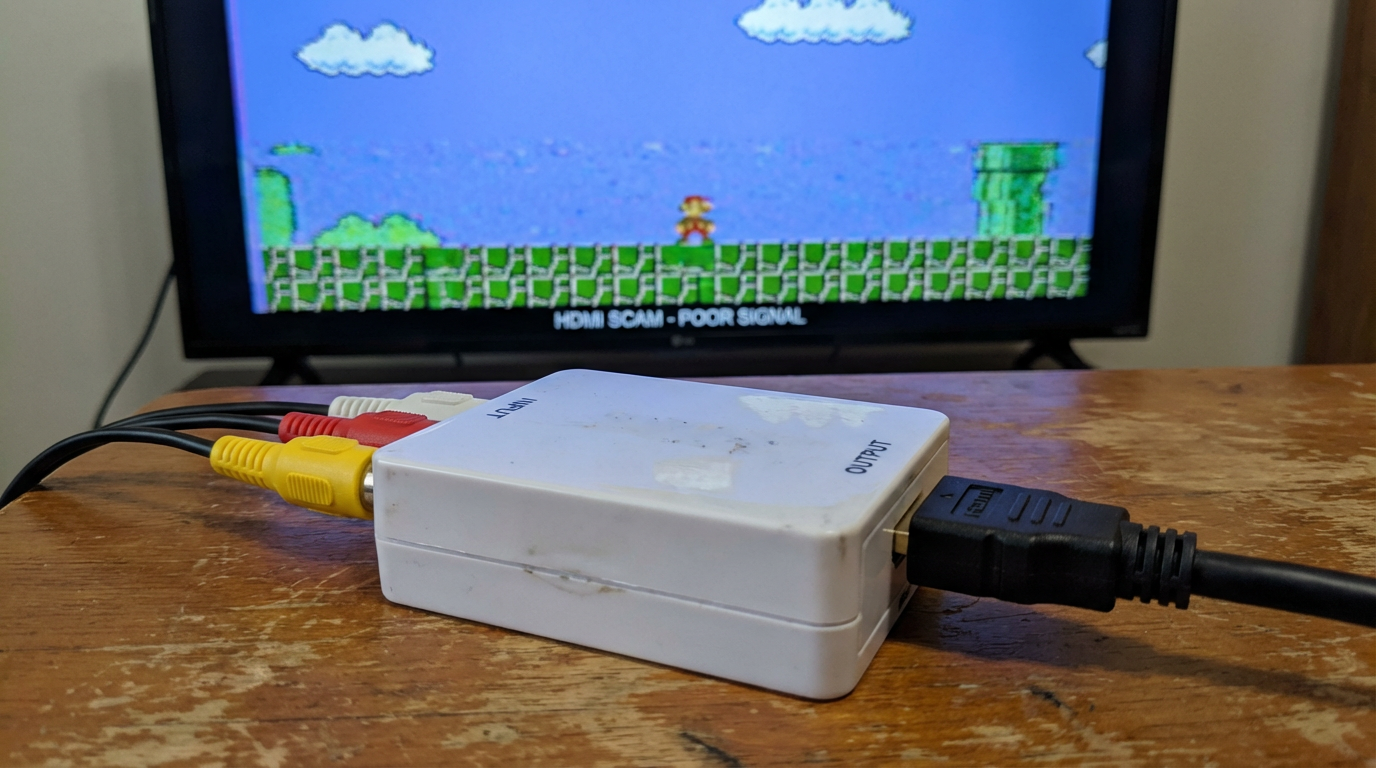
If you type “N64 to HDMI” into Amazon, you will inevitably be assaulted by a legion of identical generic black boxes costing less than a pizza. These anonymous dongles promise crisp 1080p output and plug-and-play simplicity, but they are lying to your face with the confidence of a used car salesman. Buying one of these plastic tragedies is the quickest way to turn your nostalgic gaming session into a blurry, lag-filled nightmare. They are mass-produced landfill fodder rebranded by a thousand different companies that disappear the moment you ask for a refund. You might think you are saving money by avoiding the expensive gear, but you are actually just throwing a twenty-dollar bill directly into the trash.
The fundamental problem is that these converters were designed for DVD players and VHS tapes, not the precise timing required for Super Mario World. They treat the crisp 240p progressive signal from your console as 480i interlaced video, resulting in a picture that looks like it was smeared with Vaseline. Even worse is the input lag, which introduces enough delay to effectively make platformers unplayable and fighting games a test of psychic ability. When you press the jump button, your character waits a solid half-second before responding, ensuring you fall into the nearest pit every single time. These devices do not care about preserving the integrity of your pixels or the responsiveness of your controls.
Stop trying to convince yourself that “it’s good enough” just because you do not want to spend real money on a niche hobby. These cheap scalers introduce visual artifacts that make text unreadable and colors look like they have been left out in the sun for a decade. If you actually respect your retro collection, you need to accept that proper video processing requires dedicated engineering rather than generic mass production. Do yourself a favor and toss that generic dongle into the recycling bin where it belongs. Your eyes deserve better than the muddy signal garbage these budget scams pump onto your pristine 4K television.
Retrotink, OSSC, and Hardware That Actually Works
If you want the gold standard of plug-and-play magic without a headache, you need to look at the Retrotink 5X Pro. Mike Chi, the wizard behind this device, essentially engineered a box that eats garbage signals and spits out pristine 1440p HDMI without asking you a single question. It detects your console automatically, fixes the resolution instantly, and applies scanlines that actually look like a CRT rather than a cheap jail bar overlay. Yes, it costs nearly as much as a modern console, but you are paying for the luxury of not needing an engineering degree to play Super Mario World. It is expensive, but so is the therapy you would need after dealing with cheaper alternatives.
On the other end of the spectrum sits the Open Source Scan Converter, or OSSC, which is perfect for people who enjoy reading technical manuals on weekends. This device spits out a razor-sharp image that rivals anything on the market, but it demands your blood and sweat in return. You will likely spend hours tweaking phase settings and sampling rates just to get the picture centered, only for the signal to drop when you switch games. It is a fantastic piece of kit if you are a control freak who needs pixel-perfect timings for every single console in your collection. Just be prepared to spend more time navigating LCD menus than actually playing Castlevania.
The common thread between these devices is the use of FPGA technology to process signals with zero perceptible input lag. Unlike your smart TV which tries to smooth everything out like a bad Instagram filter, these scalers treat the 240p signal with the respect it deserves. They preserve the sharp pixel edges that artists agonizingly drew by hand thirty years ago. If you are serious about retro gaming, you have to accept that good hardware costs actual money. You can either pay up for a Retrotink or OSSC now, or you can keep tolerating input lag that makes Sonic the Hedgehog feel like he is running underwater.
Garbage In, Garbage Out: The RGB Cable Necessity
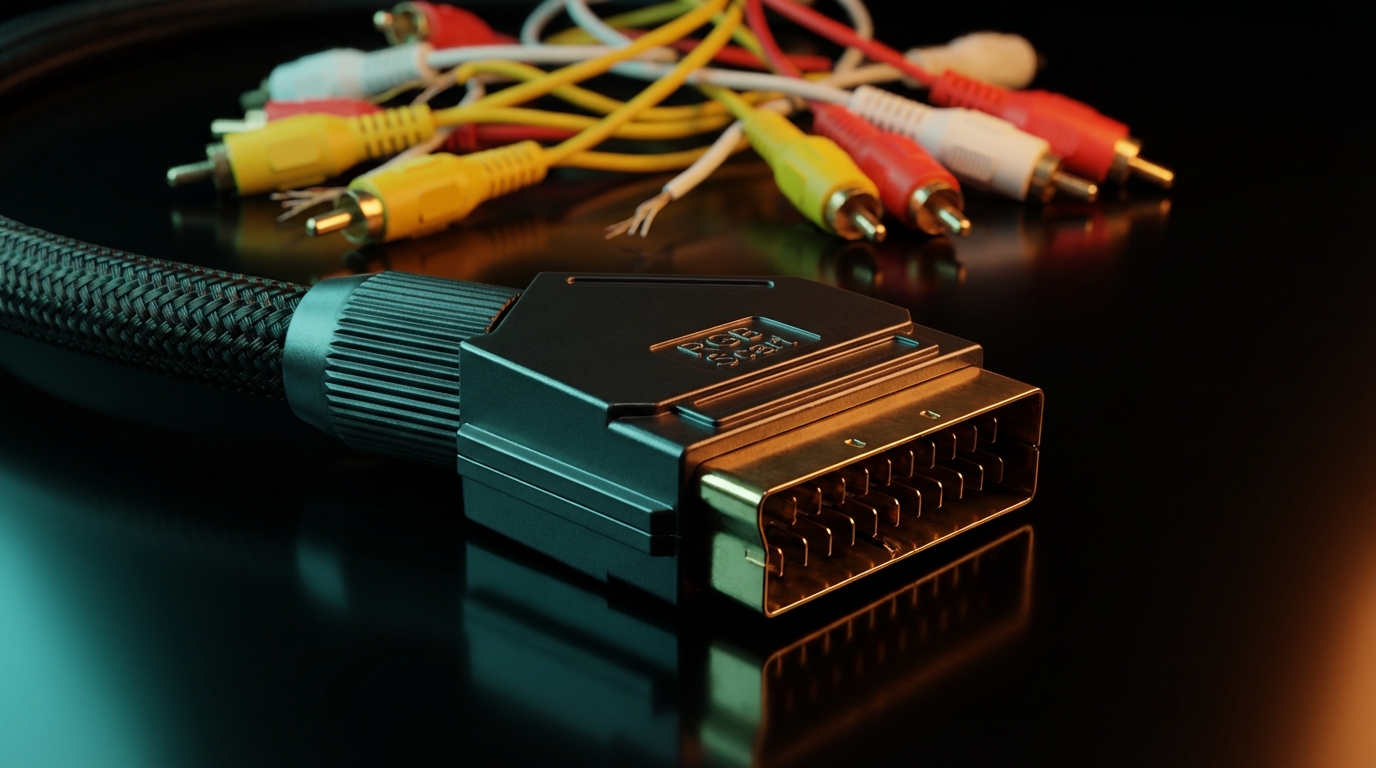
You can go out and spend hundreds of dollars on the fanciest video processor on the market, but it won’t mean a thing if you feed it a signal that looks like hot garbage. Plugging a rusty RF adapter or those flimsy yellow composite cables into a high-end upscaler is the visual equivalent of putting lipstick on a pig. These ancient connection methods mash all the color and brightness data into one noisy line, ensuring that your expensive hardware just upscales a blurry mess. The scaler does exactly what it is told to do, which in this case is to make your muddy signal look crisp and terrible in 4K resolution. If you want pristine pixels, you have to stop choking the video output at the source.
To actually see the individual pixels the artists intended, you need to upgrade to RGB SCART or Component cables immediately. These connections separate the video information into distinct channels, preventing the color bleeding and dot crawl that plague lower-quality options. It is the difference between looking through a dirty window and opening the glass entirely to see the world outside. Most retro consoles from the Super Nintendo onwards support these superior signals natively without any modification. You are literally robbing yourself of visual clarity by sticking to the cables that came in the box thirty years ago.
Do not insult your setup by buying a premium scaler only to cheap out on the wiring that connects everything together. High-quality shielded cables are mandatory if you want to avoid audio buzz and video interference that will drive you insane. It might seem painful to drop fifty bucks on a SCART cable, but the alternative is playing a game that looks like it was smeared with Vaseline. Treat your console with some respect and give it the bandwidth it needs to shine on that massive television. Once you see the sharpness of a proper raw signal, you will physically recoil at the sight of a yellow plug.
Stop Being Cheap: Real Upscalers Cost Money
Look, I know dropping the price of a modern console on an upscaler just to play Super Mario World feels like highway robbery. But if you care even a little bit about preserving the crisp pixels and tight controls of your childhood, you cannot cheap out on this hardware. Those twenty-dollar dongles are e-waste waiting to happen, while a proper OSSC or Retrotink is an investment in your sanity. Quality engineering costs actual money, and in this niche hobby, there is simply no magical shortcut around that fact. You can either pay the premium now or cry later when Mario jumps a full second after you press the button.
Trying to play retro games on a 4K TV without a dedicated upscaler is a guaranteed way to convince yourself that your reflexes have aged like milk. The truth is that your reaction time is probably fine, but your TV is processing that 240p signal with all the urgency of a sloth at the DMV. A good upscaler removes that invisible barrier between your thumb and the action on screen, making the games feel exactly how you remember them. If you respect your game collection enough to keep it around, respect it enough to display it correctly. Otherwise, you might as well just emulate everything on your phone and save us all the headache.