The retro handheld market in 2025 is a minefield of alphabet-soup brand names and cheap plastic shells that feel like they’ll disintegrate if you sneeze too hard. For every impressive device, there are a dozen clones that can barely run Super Mario World without catching fire. This isn’t just about playing Game Boy games on a slightly better screen; these pocket rockets are tackling systems we once thought required a full-blown PC. My job is to wade through this swamp of AliExpress specials and marketing jargon so you don’t waste your money on a glorified paperweight.
One useful way to sort the crowd is by shape, not by the processor name stamped on the box. Clamshell designs protect the screen in a bag, while horizontal models usually give your hands more room for longer sessions. Vertical handhelds nail the old Game Boy feel, but larger hands may find their controls cramped. None of these shapes is automatically best. The right one depends on which games you actually play and whether you value pocketability more than comfort.
The biggest leap this year is how far up the console ladder these things can climb without wheezing. We’ve seen budget-friendly heroes like the Retroid Pocket Mini handle everything up to Dreamcast flawlessly, which is impressive for the price. But then you have the monsters at the high end, like the new AYANEO Pocket ACE, which runs PS2 titles so well it’s a little spooky. Of course, that power comes with a price tag that could buy you an actual PS2 and a lifetime supply of instant noodles. Is flawless God of War emulation on the bus worth skipping rent?
Raw power is useless if you’re squinting at a washed-out screen and your thumbs are cramping into oblivion. Thankfully, manufacturers have finally realized a screen shouldn’t look like a foggy bathroom mirror, with bright IPS and even OLED displays becoming standard. This means you can play your games in a room with a window, a shocking concept for some of these devices. We’re also seeing some clever control schemes, moving beyond just slapping on more buttons and hoping for the best. Some even have D-pads that can mechanically switch into analog sticks, which is the kind of weird, wonderful engineering I live for.
The Under $70 Anbernic and Miyoo Cult
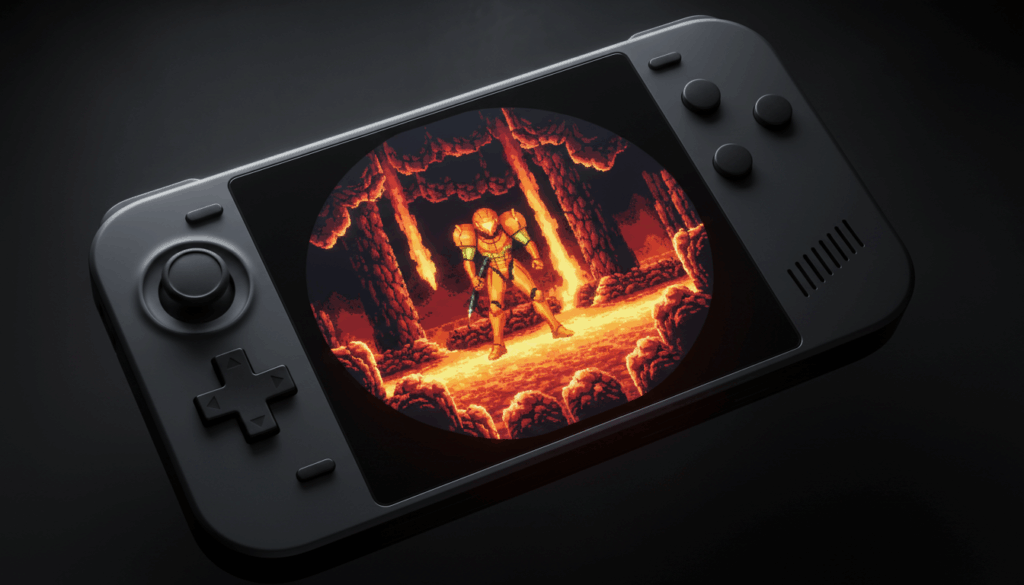
Let’s be brutally honest: you don’t need to spend half a grand on a premium handheld just to play Super Metroid for the seventeenth time. The Anbernic RG-35XX SP and Miyoo Mini Plus have achieved cult status for a simple reason: they are cheap, reliable, and perfect for the golden age of 2D gaming. These little plastic rectangles will flawlessly run everything from the NES to the Game Boy Advance, often on beautiful IPS screens that make the original hardware look like a blurry mess. They are the definitive pick-up-and-play devices for anyone whose nostalgia is firmly planted in the 8-bit and 16-bit eras.
Budget-friendly does not mean every detail is perfect. A small screen can make text-heavy games harder to read, and a tiny battery means remembering to charge the device before a long trip. Check whether the model includes a microSD card and whether its stock card is worth trusting. A decent replacement card can save you from the thrilling hobby of rebuilding your game library after a cheap card gives up. Also check the button layout: a shoulder-button-heavy game can turn a cute pocket device into a cramped little hand workout.
The party stops, however, the moment you get greedy and try to push into the 3D realm. While these budget kings can handle most of the PlayStation 1 library, they will choke and sputter on more demanding titles, turning your game into a slideshow of regret. Don’t even bother trying to run Nintendo 64 or Dreamcast; it’s like asking a hamster to pull a freight train. The processors in these devices are built for sprite-based masterpieces, not for rendering complex polygons, and no amount of software wizardry can change that hardware reality.
So, who are these devices for in 2025 when a Retroid Pocket can run Dreamcast flawlessly? They’re for the purists, the tinkerers, and anyone who wants a dedicated, no-nonsense machine for classic gaming without a major investment. You can toss one in a bag, hand it to a kid, or lose it on the bus without having a financial meltdown. The incredible community support, with custom operating systems like GarlicOS and OnionOS, also turns a good device into a great one by perfecting the user experience. They represent the brilliant, dirt-cheap entry point into this hobby, and that’s a title no premium handheld can steal.
Chasing the Elusive PS2 Emulation Dragon
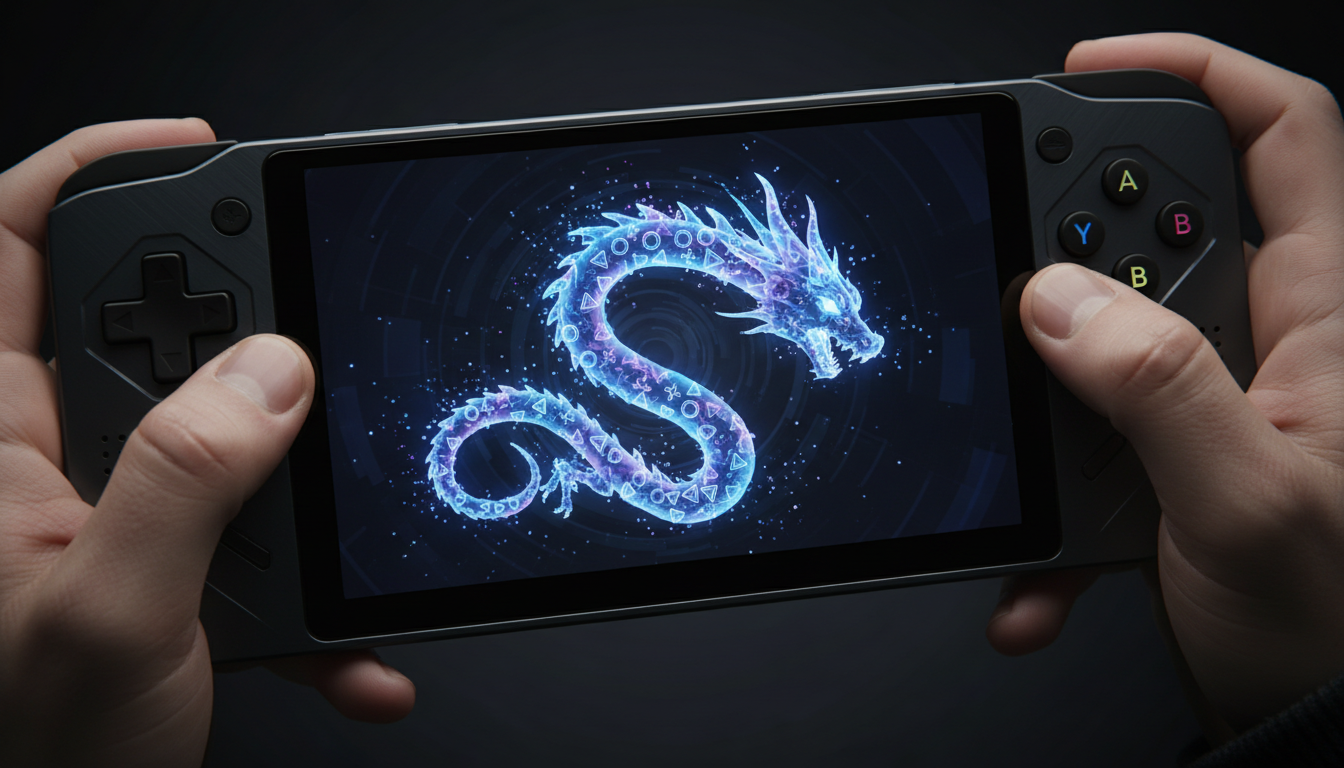
The long-running joke in the retro handheld world has always been the promise of good PlayStation 2 emulation. For years, we’ve watched underpowered devices wheeze through Shadow of the Colossus at a cinematic ten frames per second. But now, premium contenders like the AYANEO Pocket ACE have swaggered in, demanding a king’s ransom for what they claim is flawless performance. The question is whether dropping up to $600 on one of these is a ticket to portable nirvana or just a faster way to drain your bank account. It’s a steep price for a dream that has consistently let us down.
Let’s cut to the chase: the AYANEO Pocket ACE pulls it off, but with a few giant asterisks shaped like dollar signs. Seeing God of War II run this smoothly on a device that fits in a jacket pocket is mind-blowing, and it handles the notoriously difficult titles that would make lesser handhelds curl up and die. The technology is here, but you’re paying a massive premium for a dedicated emulation machine that costs as much as a Steam Deck while doing far less. For 99% of people, this isn’t the answer; it’s a spectacular, single-purpose toy for those with more money than sense. The dream is real, but it remains an overpriced fantasy for anyone with a budget.
D-Pads Displays and Other Dealbreakers
A processor capable of running GameCube games is utterly useless if the D-pad feels like you’re pressing a wet sponge into another wet sponge. I’m talking about that disgusting, squishy response that makes pulling off a shoryuken feel like a random act of God. The best handhelds have clicky, responsive D-pads and face buttons that give you actual tactile feedback, because precision matters when you’re one pixel away from a spike pit. Some companies are even trying to reinvent the wheel with nonsense like a D-pad that switches into an analog stick, which is an identity crisis I frankly don’t have time to troubleshoot. Just give me controls that work, not a science fair project.
Let’s be brutally honest: a washed-out, dim screen will make even the most perfectly emulated PS2 title look like a sad, forgotten memory. In 2025, there is no excuse for a handheld that doesn’t have a bright IPS or, even better, an OLED display. The vibrant colors and deep blacks are what make retro games pop, not some ridiculously high resolution that your GBA ROMs can’t even use. I’d take a gorgeous, color-accurate 480p screen over a grainy 1024×768 panel that looks like it’s being viewed through a layer of dust and regret. If I can’t see the game properly in a well-lit room, the device is an expensive paperweight.
Build Quality and Handheld Ergonomics
There is a difference between a handheld that is small and one that is comfortable. A tiny clamshell can fit in a pocket, but its cramped controls may turn a long RPG session into a thumb-stretching exercise. Larger devices often add grips that let your hands relax, but they also take up more bag space and can feel like carrying a small brick. The right shape depends on what you play. A compact vertical device is lovely for short sessions of Tetris; a wider horizontal model is usually kinder to your hands during hours of platforming.
Build quality is more than whether the shell survives a dramatic drop onto a carpet. Check for buttons that wobble, triggers that creak, hinges that feel loose, and seams that look like they were assembled during a fire drill. Clamshell designs protect the screen when shut, which is a useful bit of engineering rather than another excuse to add RGB lighting. Still, a hinge is another part that can wear out. A sturdy-feeling body and well-placed controls matter more than a fancy logo or a transparent shell that makes the device look like a tiny aquarium for electronics.
Weight and button placement can change how a device feels after ten minutes. Heavy handhelds may be comfortable in short bursts but tiring when held above your face during a late-night session. Shoulder buttons should be reachable without turning your index fingers into origami. If possible, look at photographs of the device being held, not just glamour shots on a black background. Ergonomics rarely win a spec-sheet contest, but they can absolutely lose you a gaming session.
Battery Life and Charging Reality
Battery claims need context. A low-powered handheld playing a 2D Game Boy Advance game can last much longer than a high-end model pushing a demanding PS2 title, bright screen, and full volume. Wi-Fi, screen brightness, performance settings, and sleep behavior all affect the result. That means a single advertised battery number tells you about as much as a game trailer that says “coming soon.” Look for reports tied to the kind of games you actually plan to play, not just a manufacturer’s best-case estimate with the screen dimmed to candlelight.
Charging speed and convenience matter too. USB-C has become common, but the port alone does not guarantee fast charging or clear battery information. A device that takes ages to charge can be an annoying travel companion, especially if you forgot to plug it in the night before. Check whether it supports charging while playing and whether it resumes properly from sleep, because a handheld that wakes up with a drained battery has mastered the art of disappointing you while doing nothing. Keep an eye on heat during demanding games as well. More power is great until the device gets hot and the battery percentage drops like it has somewhere better to be.
Emulation Compatibility Has Limits
“Supports PS2” is not the same as “runs every PS2 game perfectly.” Emulators translate software made for old hardware, and some games are more difficult to translate than others. Performance can vary by title, emulator version, graphics settings, and even the specific chip inside a handheld. One game may run smoothly while another has audio glitches, visual errors, or slowdowns in busy scenes. The same warning applies to Nintendo 64, Saturn, and Dreamcast libraries. Compatibility is a list of compromises, not a magic stamp of approval.
Upscaling and filters can make old games look sharper, but they also ask more from the processor. Turning every enhancement on because the menu offers it is a good way to trade a stable game for a prettier slideshow. Some systems also rely on features such as analog sticks, extra shoulder buttons, or touch input, which small handhelds may handle awkwardly. Before choosing a device for one specific game, check whether that title works well on the relevant chipset and emulator. The console name on a product page is a starting point, not a promise from the gaming gods.
Storage, SD Cards, and Keeping Your Library Tidy
Many retro handhelds use microSD cards for the operating system, games, or both. Some arrive with a bundled card that is slow, poorly organized, or about as trustworthy as a treasure map drawn on a napkin. Replacing it with a reputable card can reduce the risk of corrupted files and sudden boot problems. Before changing anything, back up the original card and follow instructions written for the exact model. Flashing the wrong image or deleting a system folder can turn a promising weekend into an unplanned electronics lesson.
Storage needs depend on the systems you want to play. Cartridge-era games are small, while disc-based libraries can eat through space quickly. A large card is not automatically a well-managed library, either. Sensible folders, clear file names, and a curated selection make browsing faster than dumping thousands of titles onto the device and pretending that scrolling for twenty minutes is a hobby. Keep save files and configuration backups somewhere safe. A device can be replaced; a save file for a game you have been playing for months is a tiny tragedy with a power button.
Also check whether the handheld has one card slot or separate slots for the system and game libraries. Two slots can make updates and organization easier, but they do not remove the need for backups. Community operating systems often have their own folder layouts and setup steps, so read the documentation before copying files at random. The goal is a library you can navigate, not a digital landfill with a search button you never use.
The Mandatory Custom Firmware Ritual
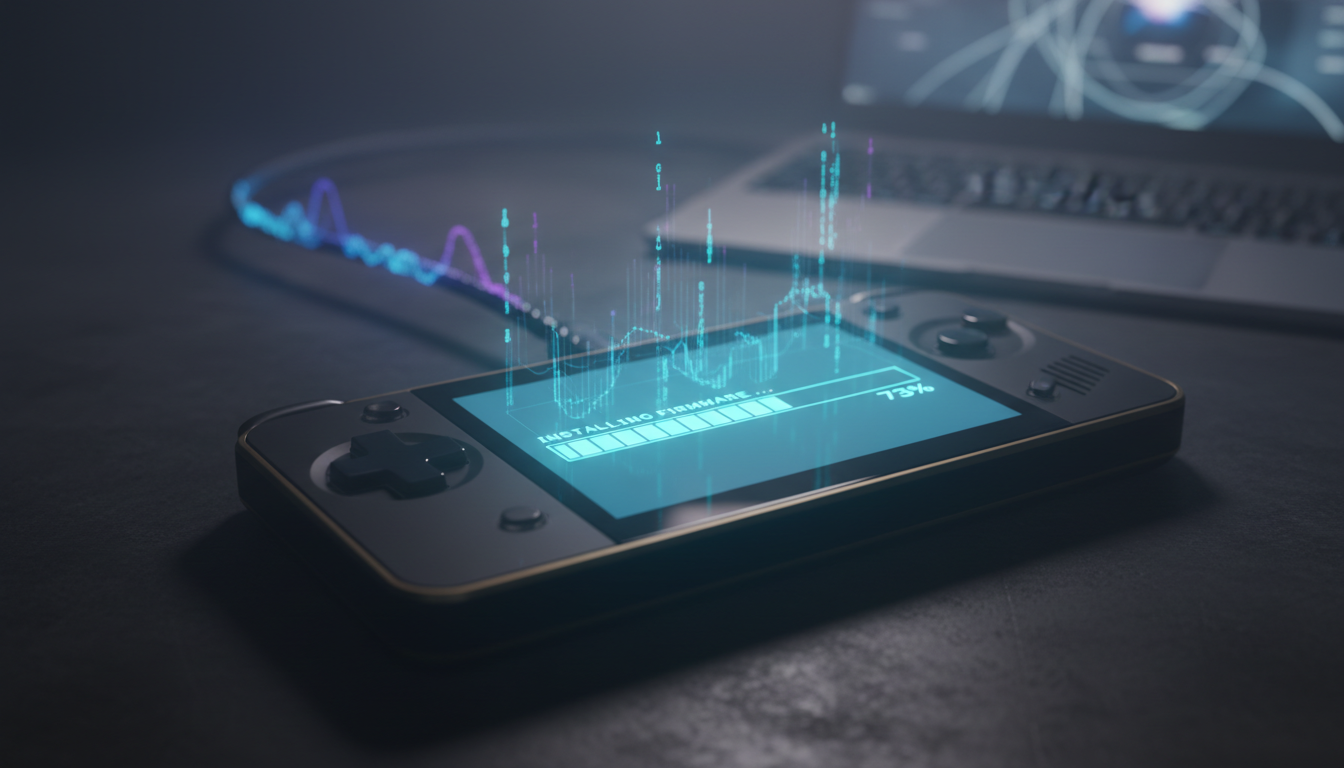
Buying a shiny new retro handheld in 2025 is an exercise in cognitive dissonance, because the hardware is almost always betrayed by the software it ships with. These manufacturers will pack in a gorgeous high-resolution screen and enough power to run Dreamcast games, only to saddle it with an operating system that looks and feels like a knock-off MP3 player from 2004. You’ll be greeted by hilariously mismatched box art, menus that lag for no reason, and pre-installed emulators that are somehow three versions out of date on launch day. It’s the digital equivalent of being handed the keys to a sports car that has a flat tire and no radio. The entire experience screams that the company ran out of money, or patience, the second the device was assembled.
This is where community-made custom firmware saves the day, and installing it is a non-negotiable first step. Talented developers create free operating systems like ArkOS, JELOS, and OnionOS that are meticulously optimized for specific devices. Suddenly, your menus are clean and snappy, your battery life improves, and games run better thanks to properly configured emulators. It transforms your gadget from a frustrating tech demo into the polished, all-in-one retro machine promised in the marketing materials. These firmware projects are less of a nerdy hobby and more of an essential public service for abandoned hardware.
The phrase “installing custom firmware” might sound like you need a degree in computer science, but the reality is far less dramatic. For most popular devices, the process involves little more than downloading a file and using a simple tool to flash it onto a new SD card. The community has created countless step-by-step video guides that hold your hand through the entire thirty-minute ritual. Seriously, you will spend more time agonizing over which games to load up than you will on the installation itself. Enduring the dumpster-fire stock OS is a choice, and it’s the wrong one.
Compatibility Is More Than a Power Number
Before picking a device, match its actual controls and software support to the consoles you want to play. A spec sheet can brag about a fast chip, but it cannot promise that every emulator, game, or feature will behave perfectly. Check for reliable sleep and resume, save-state support, and whether the operating system makes it easy to find the games you have got installed. Those small quality-of-life details matter when you have only ten minutes to play and do not want to navigate six menus to reach a save file.
Also consider how you plan to use the handheld. Bluetooth can link wireless headphones or a controller, while some models support video output for a television. A Switch Pro Controller may be useful for a couch session, but it does not fix an awkward handheld layout. If you want to share screenshots or move save files between devices, check that the software makes those tasks straightforward. The best retro handheld is not the one with the biggest number on its box; it is the one that gets out of the way and lets you play.
Setup still takes a little attention. Confirm that the operating system supports your exact model and hardware revision, then follow its instructions in order. You may need to connect to Wi-Fi to download updates, scrape game artwork, or pair a controller. Android-based handhelds add another layer: users may need to configure emulators individually, map controls, and adjust permissions. That flexibility is useful, but it is not the same as turning the device on and finding everything magically perfect. A polished setup is possible; it just rarely arrives by wishful thinking.
The Only People Who Should Actually Buy One
Let’s be brutally honest about who actually needs one of these things in 2025. If the idea of strapping a flimsy plastic claw to your thousand-dollar phone just to play Chrono Trigger makes your soul wither, then yes, you are the target audience. A dedicated handheld is for the player who craves the deliberate, tactile experience of a device built for one purpose: gaming. It’s for the person who wants proper buttons, a real D-pad, and an escape from the endless notifications and compromises that come with phone emulation. This isn’t just about playing old games; it’s about recreating the focused joy of a Game Boy, but with the power to run a Dreamcast library in your backpack.
On the other hand, if you’re a casual tourist in the land of retro gaming, for the love of god, just use your phone. You do not need to spend $350 on an AYANEO Pocket ACE to play Pokémon Emerald for ten minutes on the toilet. Your phone is already in your pocket, the emulators are mostly free, and it’s perfectly capable of handling anything up to the 16-bit era without breaking a sweat. Buying a dedicated handheld when you only have a passing interest is like buying a professional chef’s knife to slice a single tomato once a year; it’s an expensive, impressive paperweight that will just collect dust in a drawer.
Before choosing, decide what you actually want to play and how you want to play it. If your library is mostly 2D classics, the affordable options have got the job done for years, and paying more for power you will never use is a very expensive flex. If you want newer systems, weigh the extra performance against cost, battery life, setup time, and comfort. There is no universal pro pick that makes sense for everyone. The best handheld is the one that runs your games well, feels good in your hands, and does not turn every gaming session into a troubleshooting seminar. Buy for the games, not the spec-sheet numbers. The marketing team will survive.
Frequently Asked Questions
1. Where do the games for a retro handheld come from?
Retro handhelds usually rely on game files that you provide, though some sellers bundle microSD cards with games. Those preloaded collections can include copyrighted titles, so check your local laws and use games you’re legally entitled to play rather than treating a suspiciously generous SD card as a free arcade.
2. Can I connect a retro handheld to a TV?
Some retro handhelds support TV output, but the feature is not universal. Check the exact model’s specs for HDMI or supported USB-C video output, and confirm Bluetooth audio support separately if wireless headphones matter to you.
3. How much storage does a retro handheld need?
A 64GB card is a reasonable starting point for a large 8-bit and 16-bit collection, while CD-based systems need more room. PS1, Dreamcast, and especially PS2 game files can be much larger, so consider 128GB or more for a mixed library and check the handheld’s supported card capacity.
4. Will every game run perfectly just because a handheld supports its console?
No, console support does not guarantee perfect performance in every game. Compatibility varies by title, emulator, and settings, so check reports for demanding games before buying a handheld specifically to play them.