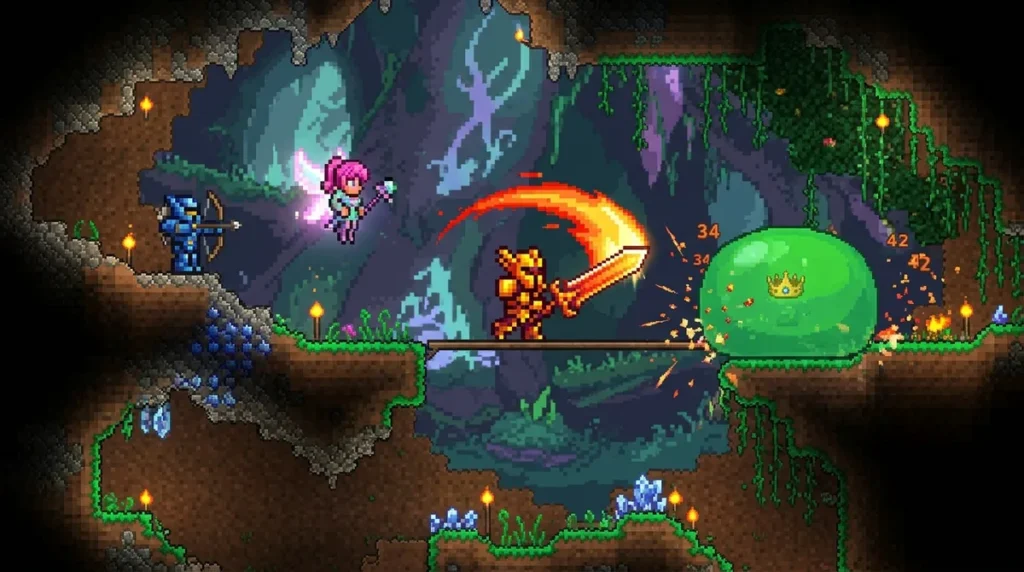
The Terraria crossplay rollout went live on November 24, 2026, when Re-Logic released Terraria 1.4.6 with the first phase. Players on PC, Mac, Xbox, PlayStation, Nintendo Switch, Android and Apple devices can now play together over the same Wi-Fi or wired network. Local play doesn’t require a multiplayer subscription.
Don’t expect every session to show up, though. The Steam announcement warns that local games can sometimes fail to appear in the multiplayer menu, even when every device is on the same network. Cross-platform play meets the oldest problem in online gaming: the game list that refuses to cooperate.
TL;DR: Terraria’s crossplay Phase One went live November 24, 2026 with version 1.4.6, letting players on PC, console, and mobile join each other over the same Wi-Fi or wired network without a subscription. Local sessions can still fail to appear in the multiplayer menu, Nintendo Switch can’t join private dedicated servers, and PlayStation and Xbox players need an online subscription to reach online PC servers. Internet-wide joining is promised in Phase Two, but Re-Logic has not announced a release date.
Phase One Lands With Local Play Across Platforms
Before anything else, check your version number. Terraria 1.4.6 is the current release and the build that introduced Crossplay Phase One. If an older guide or forum thread points you to an earlier build, it’s out of date, and your game won’t line up with your friends’ copies. SteamDB’s patch notes page reproduces Re-Logic’s November 2026 Steam announcement, so you can confirm the build there.
Phase One is a first step, not the finished product. Re-Logic built it around local play and dedicated servers, so your experience depends on where your friends are and how they connect. Some devices slide right in. Others need a bit of setup, and one platform has a rule of its own.
The short version: if everyone is on the same Wi-Fi or wired network, you’re in business. Anything beyond that takes more homework.
Local Sessions Can Still Vanish From the Menu
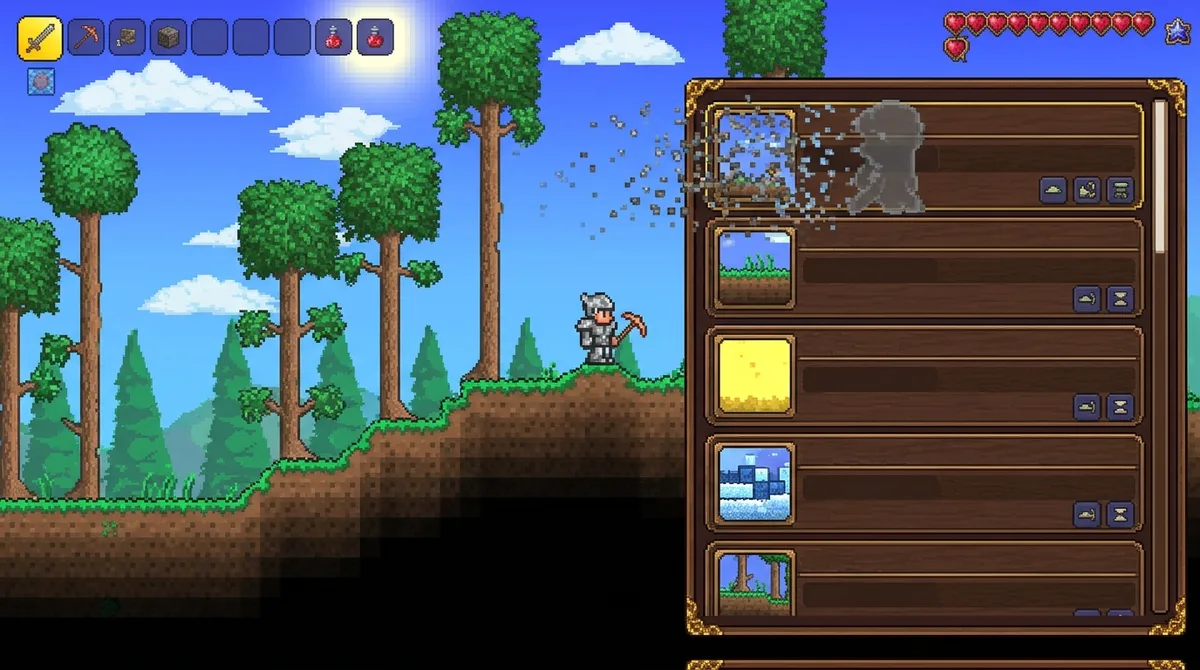
Re-Logic’s own wording matters here. The company says local play works “in most circumstances,” which means it isn’t guaranteed. The feature is real, but it isn’t yet reliable everywhere.
Treat this as a launch-week limitation, not a dealbreaker. Everyone can sit on the same router and still find nothing in the list. That’s annoying, but it’s a rough edge, not a reason to skip Phase One.
Before a planned session, build in a few minutes of slack. Have everyone open the multiplayer menu before the boss fight you’ve been saving for. If the world doesn’t show up, you’ll find out while the kettle is still boiling, not after everyone has logged in and is waiting on you.
Dedicated Servers and the Subscription Problem
Dedicated servers are where Phase One gets more interesting, and where the fine print starts to bite. Terraria’s crossplay covers them, so you can reach a server by opening the multiplayer menu, choosing Add Server, and typing in its IP address or web address. No matchmaking magic, just a text box and some patience.
Consoles are the catch. A PlayStation or Xbox player who wants to join an online PC dedicated server needs that console’s online subscription, because the connection runs through Sony’s or Microsoft’s online services. The server is already reachable. The gatekeeper is the platform.
That’s a bad rule, and it’s a bad console practice. The people who pay the price are the ones crossplay was supposed to help: the friend on the couch with a controller who just wants into the world everyone else is building. Charging a toll to reach a door that’s already open turns a feature into a paywall with a welcome mat.
Switch Players Get the Short End of Phase One
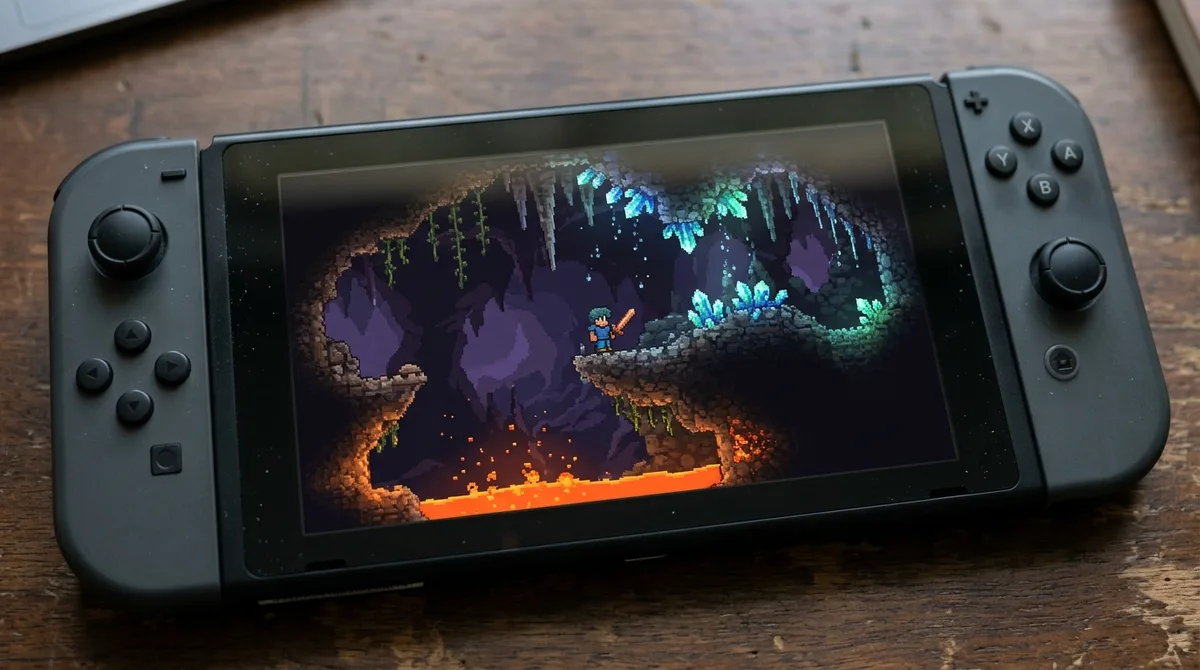
Nintendo Switch is the odd one out. It can’t join privately hosted dedicated servers, whether it’s connecting over the same network or across the internet. If your group’s world sits on a private server, your Switch player is stuck in the parking lot.
There is a workaround. A Switch can join a world that another player hosts, and that host can be on Switch or on a different platform. The host does the heavy lifting, and everyone else just shows up.
Xbox has its own speed bumps. The Crossplay button may be off by default, so you’ll need to switch it on in the multiplayer menu before anything shows up. Skip that step and you’ll spend far too long blaming your router for a problem it didn’t cause.
Subscriptions matter on the console side too. Console players without an online subscription will find the Online option disabled. Mobile is the exception: its Online and Crossplay settings stay on, and you can’t turn them off.
- Nintendo Switch: joins player-hosted worlds, not private dedicated servers
- Xbox: enable Crossplay in the multiplayer menu, since it may be off by default
- PlayStation and Xbox without online subscriptions: Online option disabled
- Mobile: Online and Crossplay always on
Phase Two Promises Easy Internet Friends, Eventually
Phase Two is the part most players actually want. Re-Logic describes it as making it easier to join friends online across the internet, regardless of platform. Right now, most of the friction lives in remote joining: typing in server addresses, checking subscriptions, and hoping the other person’s console cooperates. Phase Two targets exactly that. The announcement gives no launch date, so don’t plan a group night around it. Hope is not a release schedule. Until it ships, Phase One is what you’ve got, and it works best on the same network you already share.
Whether You Need to Change Your Setup
Most groups can get Phase One running by working through a short checklist before the next session.
- Update every device to Terraria 1.4.6, since an older build won’t line up with the rest of your group.
- On Xbox, open the multiplayer menu and switch Crossplay on, because the button may be off by default.
- If remote dedicated-server play matters, confirm that your PlayStation or Xbox online subscription is active. Local play doesn’t need it.
- Plan sessions on the same Wi-Fi or wired network, since that’s the dependable route until Phase Two arrives.
Planning Your First Session
Start with one question: where does your group’s world live? If it’s a player-hosted world on a shared network, you’re close to done. Pick the friend with the steadiest connection to host, and have them open the multiplayer menu to confirm their world appears before anyone else logs in. If a Switch player is in the group, the host should be whoever is running the world, not a private server, since Switch can join those worlds but not private dedicated servers. Then run one test session on a weeknight, not the night you planned to take on the big boss. Any missing sessions will show up while nobody is annoyed yet.