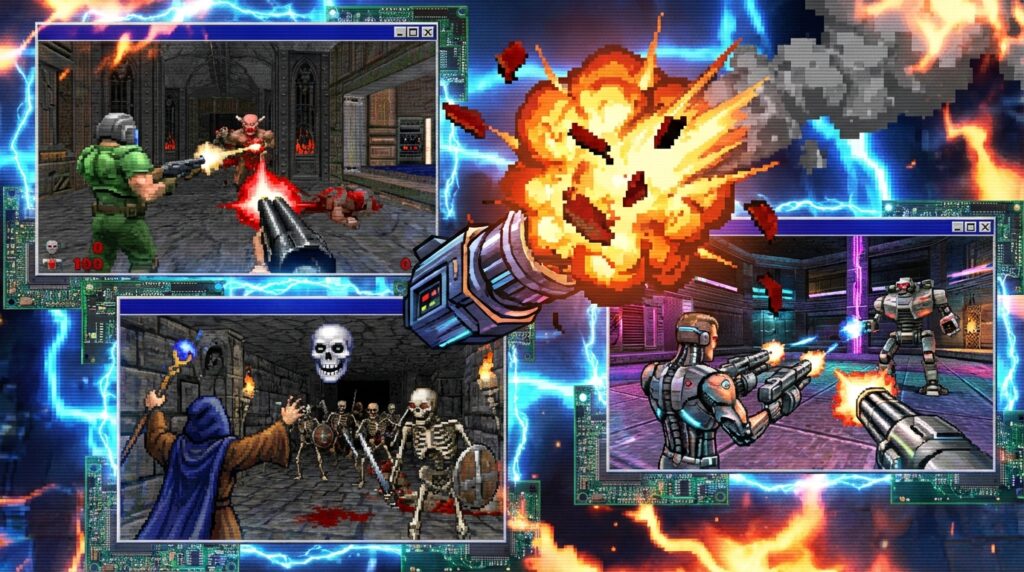

Modern gaming feels less like a hobby and more like being mugged in a digital alleyway by a corporate executive in a suit. While today’s AAA studios are busy figuring out how to sell you the color blue for five dollars, the classics are sitting there waiting for you to remember what fun actually looks like. We used to get complete games on day one, not a fifty-gigabyte patch and a roadmap of broken promises. Abandonware represents a time when developers had to rely on solid gameplay because they could not just patch the bugs later or hide bad design behind fancy lighting effects. If you are tired of grinding battle passes for a shooter that will be offline in a year, look backward.
Most people assume getting these ancient artifacts to run on Windows 11 requires a master’s degree in computer engineering or a complex blood sacrifice. The reality is that the community has done all the heavy lifting so you do not have to type obscure commands into a black screen unless you really want to. Tools like DOSBox and user-friendly frontends have turned what used to be a compatibility nightmare into a simple drag-and-drop affair. You really do not need to understand how memory management worked in 1993 to shoot demons or conquer civilizations today. Here are the basics of reviving these dead pixels without making your brain hurt.
The Legal Grey Area of Abandonware
Let’s be honest and admit that downloading abandonware is technically copyright infringement under the strict letter of the law. The legal system does not care that the studio went bankrupt or that the physical discs have all rotted away in a landfill somewhere. However, treating this like actual high-stakes piracy is like arresting someone for stealing trash from a restaurant that closed in the nineties. You are technically taking property that does not belong to you, but the owner has moved on and likely forgot they ever owned it in the first place. Unless you are burning copies to sell for profit in a back alley, nobody is coming for your hard drive.
Corporate lawyers usually love a good lawsuit, yet they operate entirely on the promise of recovering lost profits. There is zero financial incentive for a massive conglomerate to sue you for playing a pixelated platformer that has not been on a store shelf since the invention of the internet. Most of these rights holders have actually lost the source code or the legal paperwork needed to prove they even own the game. They rely on the abandonware community to archive their history because they are too lazy or cheap to do it themselves. You are essentially doing unpaid janitorial work for the gaming industry, so do not lose sleep over the legality.
Conquering the DOSBox Command Line Nightmare
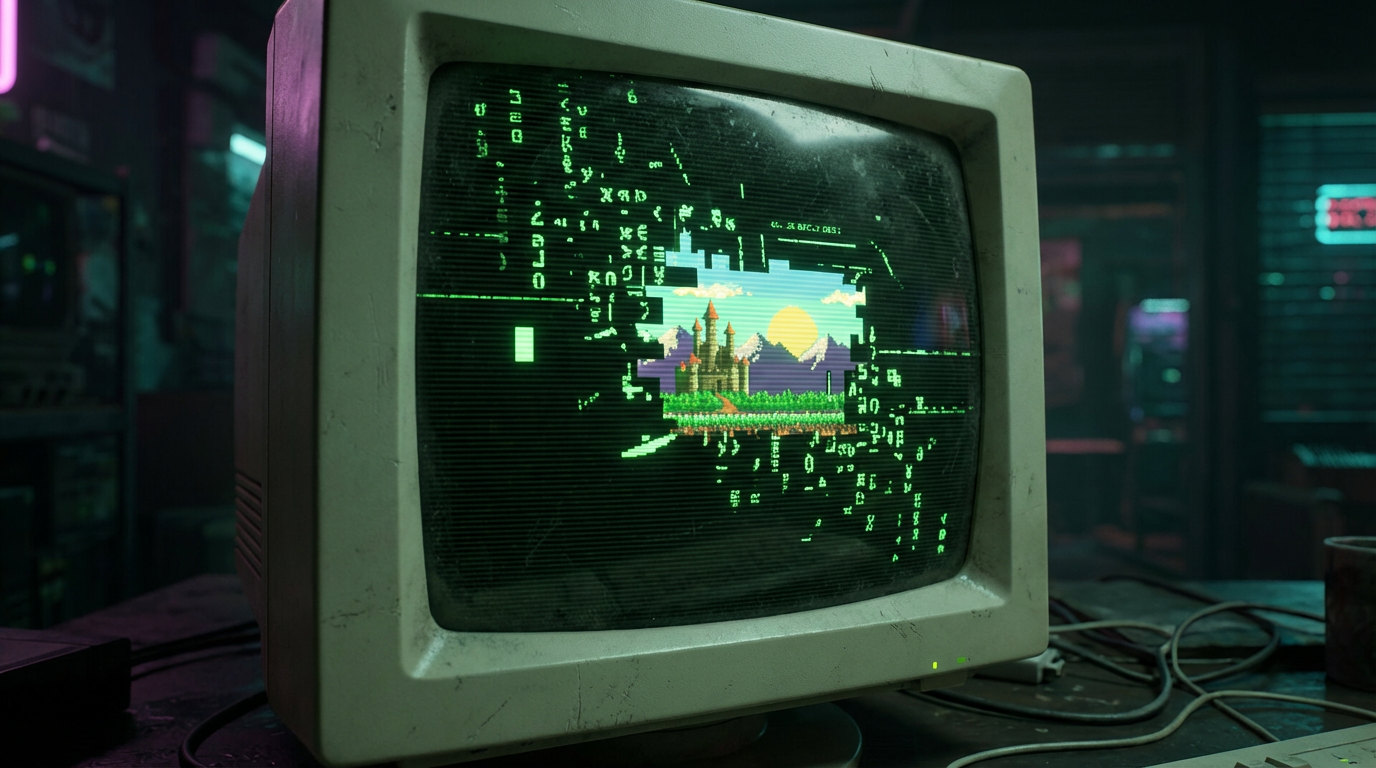
Looking at a blinking cursor on a black screen is the ultimate vibe check for modern gamers who have never touched a floppy disk. You are about to learn that back in the 90s, we did not just click a desktop icon to start a revolution. You actually have to type out commands like a hacker in a bad movie just to get Commander Keen running properly. The core command you need to memorize is mount c, which tells the emulator exactly where your games live on your hard drive. It feels archaic because it is, but there is a strange satisfaction in typing C: and hitting enter to seize control of the machine.
Once you have mounted your directory, you have to navigate the file structure manually with the cd command to change folders. If you forgot what you named the folder, typing dir /w will splash your file list across the screen so you can hunt for the executable. You are usually looking for a file ending in EXE or BAT, though sometimes the developers hid the launch file behind a weird acronym just to mess with you. It is a game of trial and error that usually ends with you furiously typing install or setup in hopes of configuring the sound card correctly. When that glorious pixelated title screen finally pops up, you will feel like you genuinely earned it.
If typing manual commands sounds like homework, you can always cheat by grabbing a frontend like D-Fend Reloaded or Boxer. These programs wrap the ugly command line in a nice graphical interface that lets you drag and drop your game files without touching a keyboard. They handle all the nasty cycle settings and memory configurations that used to make grown men cry in 1993. Purists might say you are missing out on the authentic DOS experience, but those people probably enjoy doing their taxes by hand too. Save yourself the headache and just get to the part where you shoot demons.
Using D-Fend Reloaded to Skip the Typing
Look, nobody actually enjoys typing out obscure drive mounting commands every single time they want to play Commander Keen. Unless you have a specific love for blinking cursors and syntax errors, messing around with raw DOSBox configuration files is a massive waste of your limited lifespan. This is where D-Fend Reloaded steps in to save you from your own lack of patience. It acts as a graphical frontend that wraps around DOSBox so you never have to look at a command prompt again. Think of it as a translator that speaks ancient computer nerd so you do not have to learn the language yourself.
Using this software is suspiciously easy compared to the digital torture of manual setup. You literally just drag your game archive onto the D-Fend window and let the program figure out the rest. It automatically sets up the sound cards, memory limits, and CPU cycles that usually require a degree in computer archaeology to understand. If the game needs a specific environment to run without crashing, the software usually guesses right on the first try. You can finally stop pretending you know what an IRQ conflict is and actually start playing the game.
If you happen to be on a Mac, you should probably grab Boxer instead since D-Fend is strictly for the Windows crowd. The principle remains the same because absolutely no one wants to type distinct load commands today just to shoot pixels. These frontends organize your entire library into a nice visual shelf that looks better than a cluttered folder full of executables. Stop making things harder for yourself by clinging to the authentic command line experience. We invented graphical user interfaces for a reason, so you might as well use them to blast through some nostalgia.
ScummVM for Point-and-Click Masochists
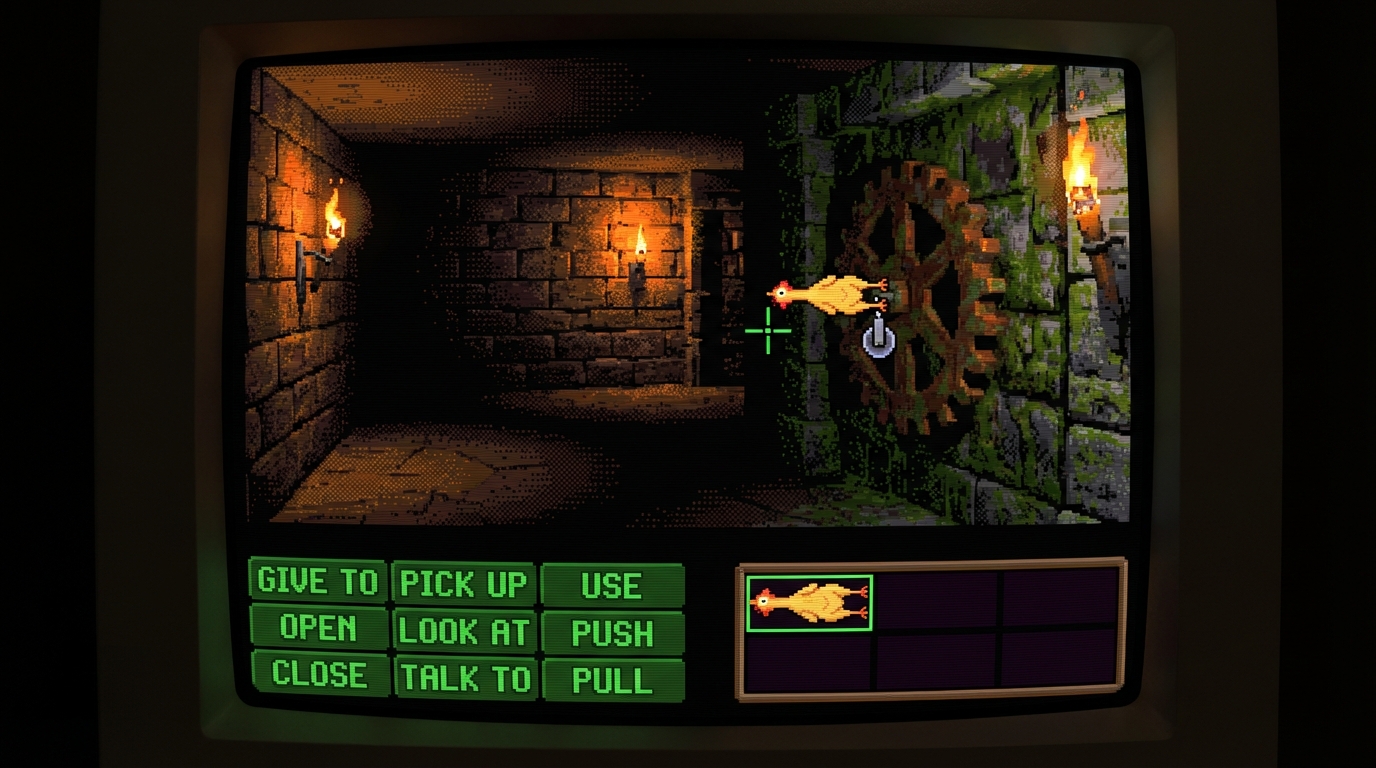
If you enjoy typing obscure commands into a black screen just to hear a digital screech, stick with DOSBox and enjoy your suffering. For the rest of us who actually want to play Monkey Island without a computer science degree, there is ScummVM. This program completely bypasses the original executable and replaces it with a modern engine that plays nice with your sleek new hardware. It was literally built to run LucasArts classics, meaning you won’t have to fiddle with CPU cycles or worry about the audio sounding like a garbage disposal. Stop trying to emulate an entire operating system when you just want to combine a rubber chicken with a pulley.
The real magic happens when you start digging into the graphical settings that purists hate but your eyes will love. ScummVM offers high-quality scalers that smooth out those jagged pixels so your nostalgia trip doesn’t look like a blurry mess on a 4K monitor. It also fixes game-breaking bugs that the original developers left in because they figured nobody would notice in 1993. You get save states, cloud syncing, and an interface that doesn’t require memorizing a manual the size of a phone book. It basically takes the headache out of retro gaming and leaves you with just the fun parts.
Setting this up is embarrassingly easy compared to the nightmare of configuring sound cards in a DOS environment. You just point the software at the folder where your game files are rotting and it instantly recognizes them. There is absolutely no reason to suffer through speed issues or crashing audio drivers when a dedicated interpreter exists. Save DOSBox for the flight sims and RPGs that actually need it to function properly. For everything else involving pointing and clicking, ScummVM is the only way to play without losing your mind.
Mounting ISOs Like a Digital Necromancer
If you are trying to play anything from the late nineties, you are inevitably going to encounter the dreaded disk image file. Your modern rig has no idea what to do with a fake CD, so you have to lie to it using virtual drive software to simulate a physical drive. While Windows 10 and 11 can technically mount ISO files natively, they often choke on the weird proprietary formats game developers used to stop piracy back in the day. You will likely need a dedicated tool like WinCDEmu to mount that image and convince your operating system that a physical disc is spinning in a non-existent tray. It feels like dark magic, but it is really just convincing your computer to stop asking for a CD key check that has not worked since the Bush administration.
Once you get everything running, you are free to return to your childhood favorites and realize your memory is a terrible liar. We all remember these classics as flawless masterpieces, but the reality is usually tank controls and difficulty spikes that would make a hardcore modern gamer cry. You should absolutely play them anyway to appreciate how far we have come, or at least to justify the three hours you just spent configuring DOSBox. Just do not be surprised when you rage quit level one because the game design philosophy from twenty years ago was basically just hatred for the player. Go forth and conquer those pixelated wastelands before you remember why you stopped playing them in the first place.
Resurrecting Digital Fossils Without A CS Degree
Getting these digital fossils running on a modern rig doesn’t require a computer science degree, just a willingness to wrestle with DOSBox until it submits. You basically have two choices. You can spend three hours tweaking configuration files like a hacker from a 90s movie, or you can grab a pre-packaged frontend that does the heavy lifting for you. Tools like D-Fend Reloaded or Boxer are absolute lifesavers for anyone who values their sanity over manual command line entry. It really comes down to how much you enjoy typing commands into a black screen versus actually playing the game you downloaded. If you are on a Mac, Boxer is the only way to go unless you genuinely enjoy suffering. Just remember that emulation is the necessary bridge between your shiny 4K monitor and the pixelated glory of the past.
Now that you know the technical wizardry behind reviving dead software, take a moment to lower your expectations before finally launching that executable. Nostalgia is a powerful drug that often masks the terrible UI design and clunky controls plaguing many of these so-called classics. You might find that your childhood favorite plays like a shopping cart with a missing wheel, but that is arguably part of the charm. At least you didn’t pay seventy dollars for a microtransaction-filled mess released by a soulless corporation this morning. Even if the game turns out to be hot garbage, the process of hunting it down and making it run is a victory in itself. Go ahead and fire up that emulator to see if your memories actually hold up to reality.