In an era where most AAA PC launches feel like paying $70 to be an unpaid beta tester, dragon age veilguard performance is a shocking breath of fresh air. I have grown accustomed to the “Day One Patch” ritual where we spend three hours troubleshooting stuttering messes that melt our GPUs for no reason. This time, BioWare actually did the unthinkable: they finished the game before they sold it to us.
The Frostbite engine finally stopped acting like a rebellious teenager, delivering a rock-solid experience that scales beautifully from high-end rigs down to more modest setups. You will have to sit through a mandatory shader pre-compilation on your first boot, but that short wait is a small price to pay for a stutter-free experience that does not fall apart the moment you enter a combat encounter. It is polished, it is stable, and it is a rare win for those of us who just want to play a game without keeping a task manager window open on our second monitor.
Key Takeaways
- Dragon Age: The Veilguard eliminates traversal stutter and performance hitches by requiring a mandatory shader pre-compilation on first boot.
- The Frostbite engine delivers exceptional optimization and stability, scaling effectively from handheld devices like the Steam Deck to high-end RTX rigs.
- Ray tracing features provide significant visual depth but act as heavy resource hogs; most players should prioritize texture and terrain quality over ray-traced reflections to maintain a smooth frame rate.
- The game features a transparent settings menu with real-time VRAM and performance impact feedback, allowing for precise hardware optimization without guesswork.
Shader Compilation And The Death Of Stutter
I have been there, staring at a progress bar while my CPU fans scream like a jet engine taking off, but for once, that mandatory wait is actually doing something useful. Dragon Age: The Veilguard demands a solid chunk of your time for shader pre-compilation on the first boot, and I am here to tell you it is the best four to ten minutes you will spend in the menu. Usually, modern PC ports try to be clever by compiling in the background, which inevitably leads to those micro-stutters every time you turn a corner or cast a fireball. By forcing the work upfront, BioWare has effectively killed the traversal stutter that has plagued almost every other major release this year. It is a rare moment of technical discipline that makes me wonder why every other developer is still pretending this is not a solved problem.
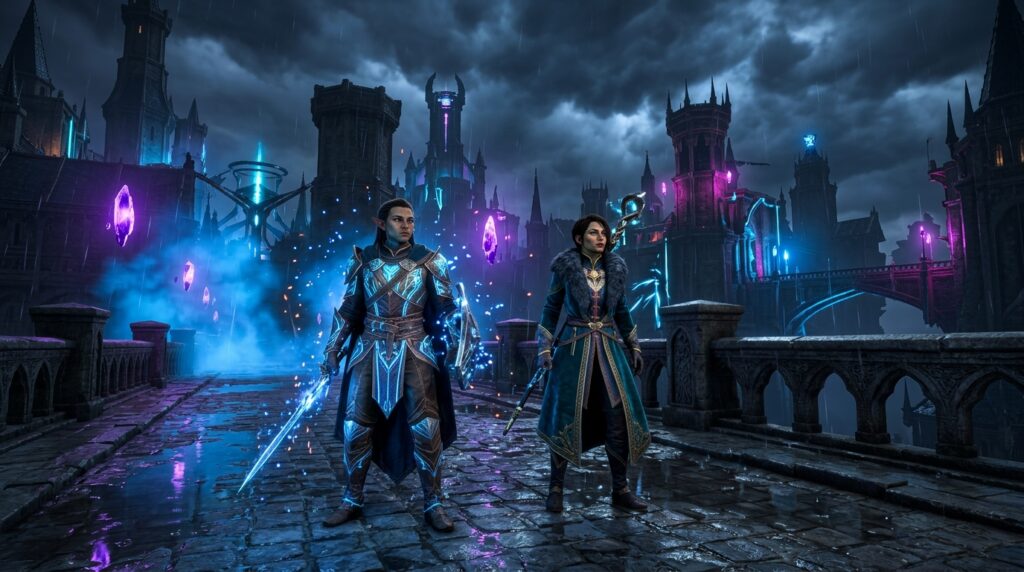
The Frostbite engine finally feels like it has been tamed, delivering a level of fluidity that honestly caught me off guard given the industry’s recent track record of broken launches. In previous titles, moving between dense environments felt like your frame rate was tripping over invisible hurdles, but here, the experience is buttery smooth from start to finish. This is especially impressive when you realize the game is juggling heavy ray tracing features and complex particle effects during high intensity combat. I spent hours trying to find a spot where the performance would buckle under the weight of the flashy spells, but the engine held its ground without those jagged frame time spikes that usually ruin my immersion. It turns out that when you actually optimize a game instead of just throwing it at a storefront, the results are actually playable.
The real beauty of this setup is how it respects your hardware, scaling from high end rigs down to more modest setups without losing its mind. The settings menu is actually helpful for once, showing you exactly how each tweak impacts your VRAM and visual fidelity in real time. You do not need a degree in computer science to figure out why your frames are dropping, though you likely will not even have to worry about that if you have a semi-recent GPU. It is refreshing to see a developer prioritize a stable frame pace over just hitting a high average number that fluctuates wildly. If this is the new standard for how Frostbite handles PC optimization, then the era of the stutter struggle might finally be coming to an end.
Scaling From Steam Deck To RTX Behemoths
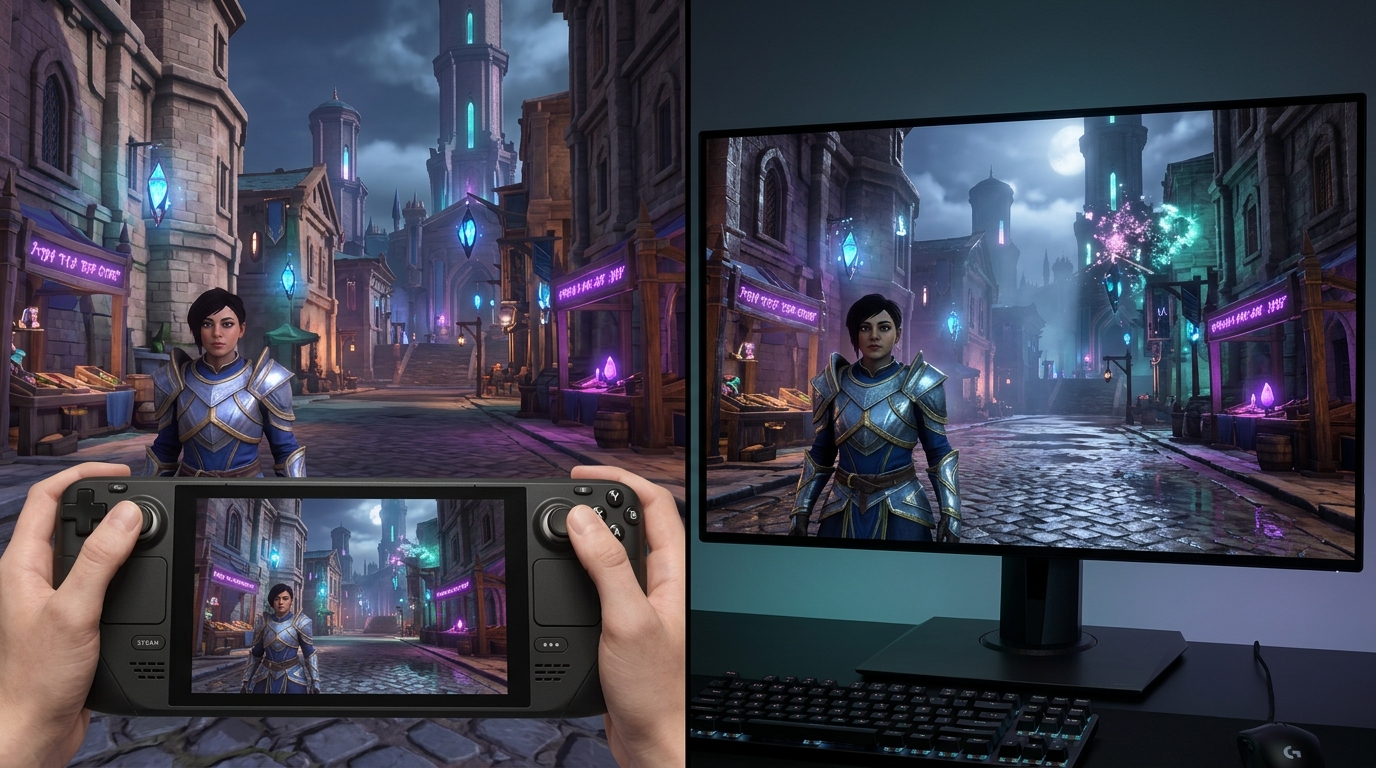
It is a rare miracle when a modern AAA release does not turn my PC into a very expensive space heater, but BioWare actually put in the work this time. Unlike the stuttering messes I have seen lately, this game forces a shader pre-compilation step that actually works, meaning you will not freeze in place every time a new particle effect hits the screen. I tested it on everything from a beefy rig to a handheld, and the scaling is surprisingly honest. If you have an RTX card, the DLSS 3 and Frame Generation implementation is crisp enough to make you forget you are technically faking those extra frames. It is refreshing to see a game that respects your hardware instead of just throwing unoptimized assets at your VRAM and hoping for the best.
The Steam Deck experience is where the real wizardry happens, provided you keep your expectations grounded in reality. You are not going to get buttery smooth ray tracing on a handheld, but the fact that this game maintains a playable framerate without looking like a smeared oil painting is a massive win. Lowering the settings does not immediately turn the world into a pixelated soup, which is a testament to the Frostbite engine’s flexibility when it is not being forced to do things it hates. I did notice some minor dips in heavily populated hub areas, but it is nothing that makes me want to chuck the device across the room. It is a solid, stable port that actually feels finished, which is a sad thing to have to celebrate in the current state of the industry.
If you are rocking a high-end behemoth, the ray-traced reflections and ambient occlusion actually add enough visual depth to justify the performance tax. The settings menu is surprisingly transparent, showing you exactly how much memory you are eating in real time so you do not have to guess why your framerate just tanked. Even when things get chaotic with flashy spells and massive boss encounters, the engine holds its ground without those micro-stutters that usually plague DX12 titles. It is a polished technical achievement that proves you can have a pretty game without requiring a literal supercomputer to run it. BioWare managed to deliver a game that scales from portable to overkill without losing its soul or its stability along the way.
Ray Tracing Costs And Optimal Visual Settings
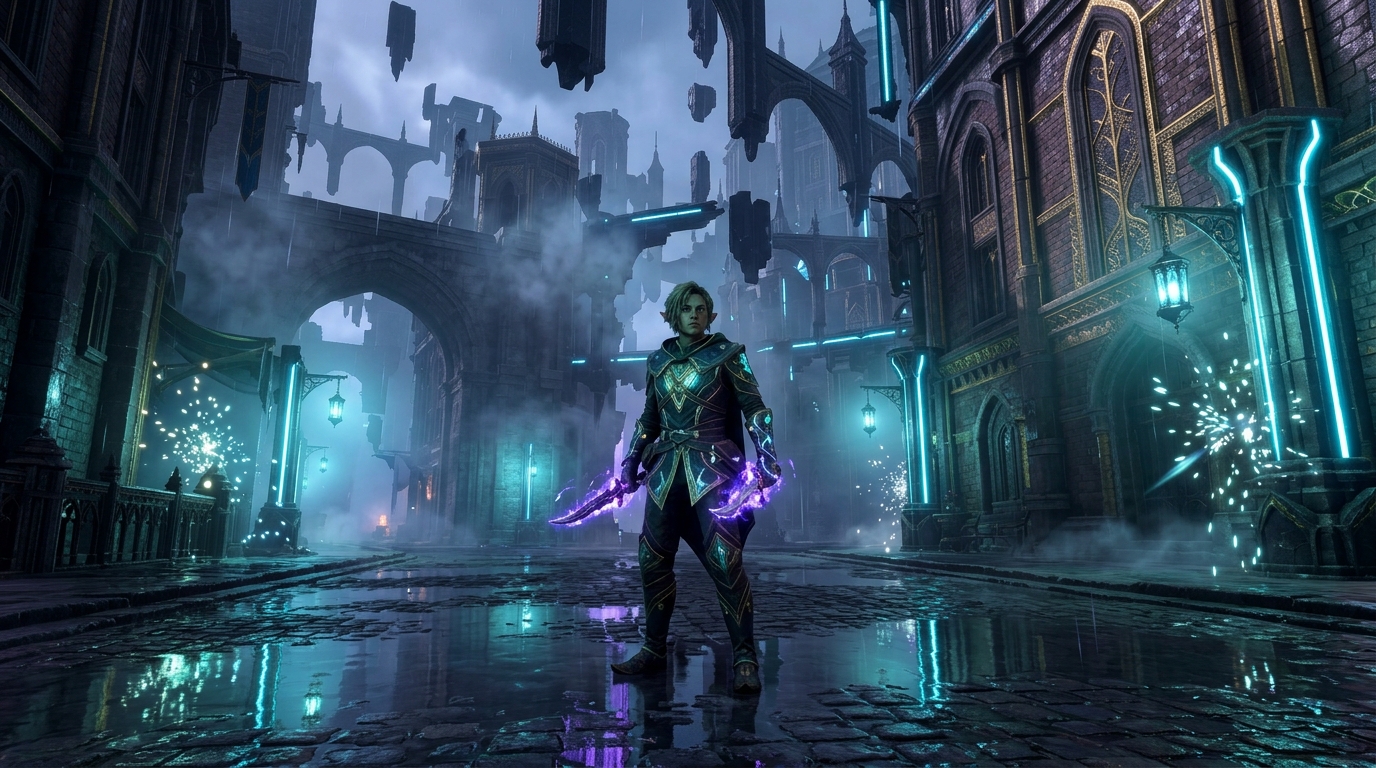
Ray tracing in The Veilguard is a bit of a double edged sword that looks fantastic until you realize your frame rate has plummeted into the basement. While the Frostbite engine handles reflections and ambient occlusion with more grace than most modern titles, these features are still massive resource hogs that will punish anything but the newest hardware. If you are running a mid range card, turning on ray traced reflections might make the puddles look pretty, but you will likely notice a sluggishness that ruins the snappy combat. I recommend starting with ray tracing completely disabled to see your baseline performance before you decide if a shiny floor is worth losing twenty frames per second. Most players will find that the standard lighting model is already high quality enough that the ray tracing tax feels more like a vanity project than a visual necessity.
When it comes to the settings that actually matter, you should prioritize textures and terrain quality while being ruthless with the fluff. Ultra textures are surprisingly manageable if you have the VRAM, but settings like Ultra Ray Traced Ambient Occlusion are essentially just “Lag Mode” in disguise. You can safely drop fog and shadow quality to medium without the game looking like a pixelated mess, which frees up enough overhead to keep your action smooth during intense magic encounters. The game includes a handy real time preview in the menu, so stop guessing and actually look at how little the Ultra shadows differ from High before you waste your GPU power. Stick to a mix of High settings and keep the ray tracing off unless you have a top tier rig and a weird obsession with looking at your own reflection in every shiny surface.
Final Verdict On PC Optimization Quality
After a year of playing PC ports that felt like they were held together by duct tape and prayers, BioWare actually decided to respect our hardware for once. The Veilguard is a rare beast in the modern AAA space because it actually works on day one without needing six emergency stability patches to stop it from melting your GPU. They forced us to sit through a shader pre-compilation step at the start, which is a small price to pay to avoid the stuttering nightmares that usually plague Frostbite engine titles. It is genuinely refreshing to see a developer prioritize a smooth frame rate over some marketing executive’s desire to hit a release date at any cost.
The level of technical polish here makes most other recent big budget releases look like unfinished school projects. I pushed the settings to the limit with ray traced reflections and ambient occlusion, and the game handled it with a level of grace I honestly did not think BioWare still had in them. Even if you are not rocking a top tier rig, the scaling options are robust enough that you will not feel like you are playing a slideshow from 2005. The real time feedback in the settings menu is a stroke of genius that every single developer should be copying immediately if they want to stay in my good graces.
Let us be blunt about the fact that “it just works” should not be a revolutionary statement, but in the current state of the industry, it feels like a miracle. You can tell they actually spent time optimizing the way the game communicates with DirectX 12 instead of just slapping a wrapper on it and hoping for the best. There are no egregious memory leaks or random crashes to desktop that make you want to throw your mouse across the room in a fit of rage. If you have been waiting to see if this was another unoptimized disaster before opening your wallet, you can officially breathe a sigh of relief.
A Rare AAA Game That Actually Works
Dragon Age: The Veilguard is a rare beast because it actually works the way it is supposed to on day one. While we have grown used to AAA releases arriving as stuttering, unoptimized messes that require six months of stability patches to be playable, BioWare clearly put in the work here. The mandatory shader pre-compilation might test your patience for a few minutes at the start, but it pays off by killing those annoying traversal hitches that plague almost every other Frostbite engine game. It is refreshing to see a developer prioritize a smooth frame rate over just pushing out a broken product and hoping for the best.
Even when you crank up the ray tracing for those shiny reflections and ambient occlusion, the performance remains surprisingly consistent across varying hardware setups. The settings menu is actually helpful for once, giving you real-time feedback so you can see exactly how much your GPU is sweating before you commit to a change. I did not run into any of the typical launch day glitches or game breaking bugs that usually make me want to throw my controller across the room. If you have been waiting for a big RPG that does not turn your PC into a space heater or drop to ten frames per second during a boss fight, this is the one.
Ultimately, the optimization in this game sets a standard that I wish every other major studio would actually bother to follow. It scales beautifully from high end rigs down to more modest setups without losing its visual identity or turning into a slide show. You can tell they actually playtested this thing on something other than a NASA supercomputer, which is a win for everyone involved. While the industry expects us to just accept mediocre performance as the new normal, The Veilguard proves that you can launch a polished, stable, and visually stunning game if you stop making excuses.
Frequently Asked Questions
1. Is the performance actually good or is this just another broken PC port?
It is a shocking breath of fresh air because the game actually works on day one. BioWare finally tamed the Frostbite engine to deliver a rock-solid experience that does not require a task manager open on your second monitor.
2. Do I really have to wait for the shader pre-compilation?
Yes, and you should be happy about it. That four to ten minute wait at the start is the only reason you are not dealing with the stuttering messes that plague every other AAA release this year.
3. Will this game melt my modest PC setup?
Not this time. The performance scales beautifully from high-end enthusiast rigs down to more humble setups without falling apart during heavy combat. If you’re playing on a handheld, remember that optimization tips can help you squeeze every bit of life out of your hardware.
4. Is there any of that annoying traversal stutter?
BioWare effectively killed traversal stutter by forcing the shader work upfront. You can turn corners or cast fireballs without the game hitching like a rebellious teenager.
5. How does the Frostbite engine hold up in this entry?
The engine finally feels polished and disciplined instead of acting like a technical disaster. It delivers a level of fluidity and stability that makes you wonder why other developers are still struggling with basic optimization.
6. Is a Day One Patch required to make the game playable?
No, because BioWare did the unthinkable and actually finished the game before selling it to us. You can just play the game without spending three hours troubleshooting or realizing day one patches are ruining the experience for everyone else.