Game sharing on consoles is a license tied to a device or account, not a transfer of ownership. The purchasing account keeps the entitlement, and everyone else is borrowing access on an eligible machine. On Xbox, that machine is one Home console per account, and you can switch it up to five times in a rolling year. On PlayStation, Console Sharing and Offline Play can be enabled on only one PS5 at a time, and remote deactivation of every console is allowed only once every six months. Nintendo’s virtual game cards arrived with system version 20.0.0 on April 29, 2025, and they can be loaded on up to two linked Switch systems.
Key Takeaways
- Game sharing on consoles is a license tied to a device or account, not a transfer of ownership, so the purchasing account keeps the entitlement.
- On Xbox, you can set one Home console per account and change it up to five times in a rolling one-year period, and other accounts can use your digital games and Game Pass content on that console without you being signed in, but consumable items stay tied to the account that bought them.
- PlayStation allows Console Sharing and Offline Play on only one PS5 at a time, and remote deactivation of all consoles is available only once every six months, so plan ahead before you sell or move a machine.
- Nintendo virtual game cards can be loaded on up to two linked Switch or Switch 2 systems, but lending works only within the same Nintendo Account family group, requires the consoles to be nearby, and ends automatically after 14 days.
- Anyone who signs into your account can change your settings, deactivate your consoles, or lock you out of your library, so Nintendo, PlayStation, and Xbox account holders should turn on two-step verification and check activated consoles before handing over a machine.
What Game Sharing on Consoles Actually Means
Think of sharing as borrowing access, not lending a copy. A purchase stays locked to the account that made it and can’t be moved to a different one. Nintendo’s Switch FAQ is blunt about it: digital purchases cannot be transferred to a different Nintendo Account.
The rules are set per platform, and they keep changing. PlayStation Plus sharing covers selected benefits on one PS5 and one PS4, but online storage and redeeming Plus games on another account are off the table. Meanwhile, Nintendo’s April 2025 system update renamed “Primary Console” to “Pass-enabled console,” so an older guide may describe settings that no longer exist.
Xbox adds its own twist. Other accounts can use digital games and Game Pass content on a Home console without the purchaser being signed in, but consumable items stay tied to the purchasing account. The question isn’t just who owns what. It’s who is signed in, where, and what kind of item they’re using.
How Does Game Sharing Work on Xbox?
On Xbox, game sharing runs through one Home console per account, and you can change that machine up to five times in a rolling one-year period. Microsoft’s digital-goods usage rules set that limit, so you can’t swap your Home console every time you get bored of the living room.
Once a console is your Home, other accounts can use it without you being signed in. They can play your digital games, durable add-ons, and Xbox Game Pass content. That’s the part that surprises people. Your roommate can fire up your library while you’re asleep, and you don’t have to hand over a controller.
Consumable items are the exception. Anything that gets used up, like in-game currency or a boost that disappears after one match, stays tied to the account that bought it. The Xbox product sharing model draws that line clearly. Your friend can use your Game Pass access on your Home console, but they can’t spend your consumables.
Then there’s Xbox Live Gold, the source of most of the confusion. Gold was the paid membership for online play, and it has since been folded into Microsoft’s newer subscription lineup. If an old forum thread explains Gold sharing in detail, treat it as history. The rules that matter now are the ones tied to Game Pass and your Home console.
Do PS4 and PS5 Primary Console Settings Limit Sharing?
Yes, and the limits are tighter than most people expect. PlayStation ties sharing to specific consoles, not to households, so the real question is which machine your account is allowed to act through.
A single PlayStation account can have one PS5 and one PS4 activated at the same time. Those two slots are the foundation of the whole system.
- One PS5 with Console Sharing and Offline Play enabled at a time
- One PS4 activated alongside it
- Remote deactivation of every console, allowed once every six months
On the PS5 where Console Sharing and Offline Play is enabled, other users can play the purchaser’s downloaded games and media while that console is offline. Your sibling gets your library on the couch, and the purchasing account keeps the entitlement.
Share Play is a separate feature. It’s session-based, so a friend joins a game you’re playing for that session, and it doesn’t change which console holds your library. If you want someone to play with you tonight, use Share Play. If you want them to keep playing your games on their own schedule, that’s what the offline setting is for.
Sold a console or lost track of one? PlayStation’s deactivation rules let you deactivate every console linked to your account remotely, but only once every six months. If you clear your activations today, you won’t get another reset for half a year, so plan the move before you need it.
Can You Share Games on a Nintendo Switch?
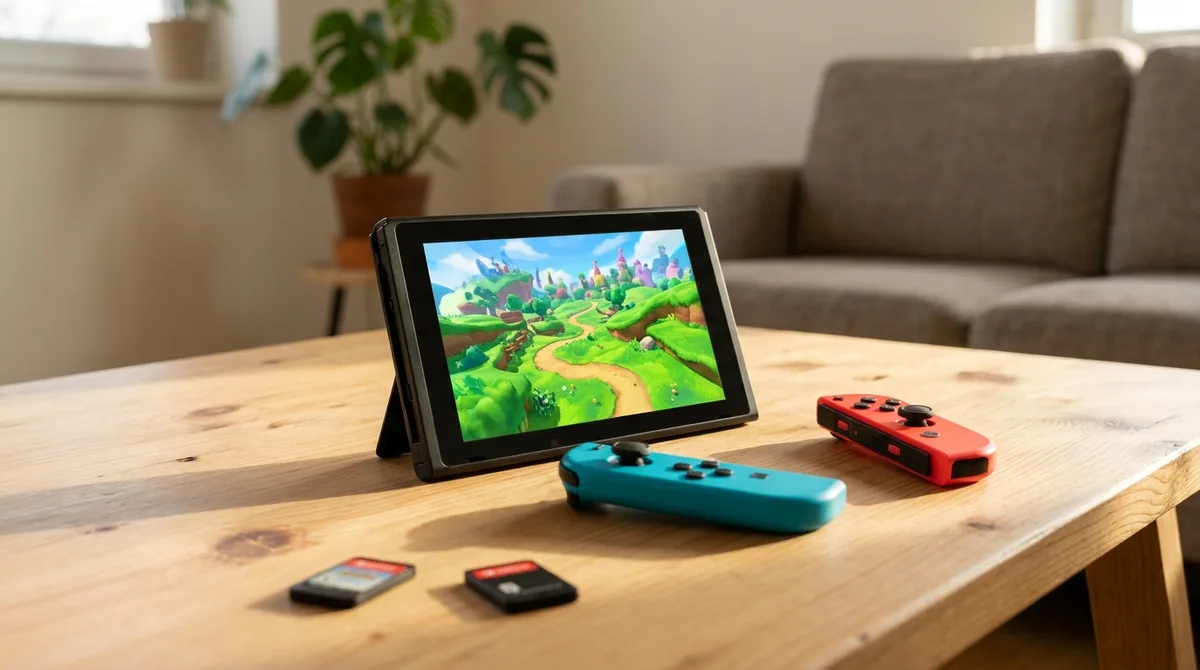
Yes, but Nintendo’s rules changed recently. System version 20.0.0, released April 29, 2025, introduced virtual game cards and replaced the “Primary Console” label with “Pass-enabled console.” If a guide still talks about primary consoles, it’s describing the old setup.
A virtual game card can be loaded on up to two linked Switch or Switch 2 systems. Other users on a console where the card is loaded can play the game and its DLC offline, so the people on the couch don’t need their own copy.
Lending is stricter. You can lend a virtual game card only within the same Nintendo Account family group, the two consoles must be nearby, and the loan ends automatically after 14 days. The full details are in Nintendo’s virtual game card support page.
Playing digital purchases on a non-primary console also requires an active internet connection. Sharing at a friend’s place on bad Wi-Fi will be a long afternoon.
The April update also lets you restrict the Virtual Game Card menu with a PIN or a Nintendo Account sign-in. If your console gets passed around a house full of kids, set that PIN on day one. An unlocked card menu is basically an open invitation.
Why Offline Access and Account Security Matter More Than You Think
Offline access is the real reason sharing matters. On a PS5 with Console Sharing and Offline Play enabled, people in your house can play your downloaded games and media without an internet connection. On an Xbox Home console, your digital games, durable add-ons, and Game Pass content work for other accounts without you being signed in. That’s the good news. The trouble starts when someone tries the same trick on a console that isn’t their Home machine or the enabled PS5.
Share Play is a separate beast, and it catches people off guard. Session length isn’t a fixed number you can plan around. It depends on which console is hosting, whether the guest’s controller is signed in to the right account, and how the game handles guests. Pass your controller to a friend on the wrong machine and the session ends before the snacks come out.
Here’s the part nobody reads until it bites: your login is the license. Anyone who signs into your account can change your settings, deactivate your consoles, or lock you out of a library you paid for. Turn on two-step verification, change your password when a roommate moves out, and check your activated consoles before you hand over a machine.
Privacy rules add another layer. The Children’s Online Privacy Protection Act covers how online services handle personal information from children under 13. It applies to that data, not to who owns a game.
Still, the enforcement history shows how much account data matters. Microsoft agreed to pay $20 million in 2023 to settle FTC charges over COPPA violations involving Xbox child accounts, including collecting children’s personal information without prior parental notice and consent.
Which Console Handles Game Sharing Best?
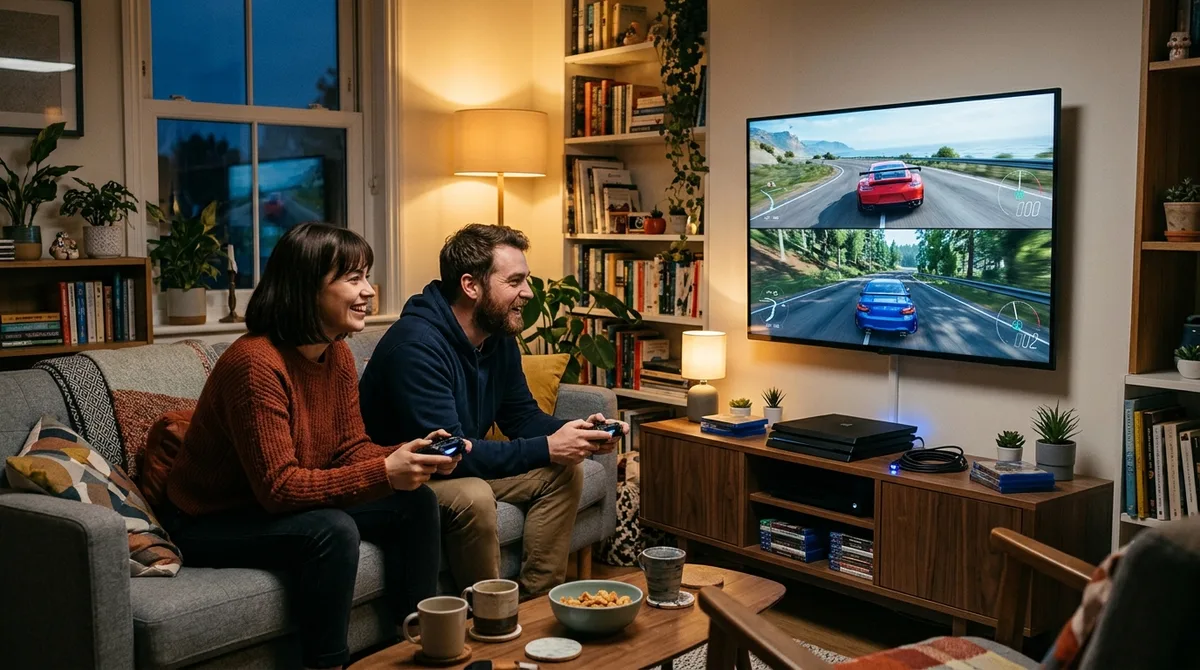
Xbox handles game sharing best, because its rules are short, specific, and easy to predict. You get one Home console, five changes in a rolling year, and Game Pass content that other accounts can use without the purchaser signed in.
| Xbox | PlayStation | Nintendo Switch | |
|---|---|---|---|
| Sharing machine | One Home console per account | One PS5 with Console Sharing and Offline Play, plus one PS4 activated | Virtual game card loaded on up to two linked systems |
| Changes or resets | Up to five Home console changes in a rolling year | Remote deactivation of all consoles once every six months | Lending limited to the same Nintendo Account family group |
| Other limits | Consumables stay with the purchasing account | Share Play is session-based and separate from offline sharing | Consoles must be nearby to lend, and a loan ends after 14 days |
PlayStation is the one that bites. Two activation slots sound generous until you sell a console and find out the remote reset only comes around every six months. If you’ve just used it, you wait.
Nintendo looks generous on paper, with two linked systems per card. Lending is the tightest of the three, though. Your cousin has to be in your family group, the consoles have to be nearby, and the loan expires on its own after 14 days.
Our verdict: Xbox has the clearest model, and it’s the one we’d tell a friend to learn first. Nintendo is the most restrictive if you want to lend a game. PlayStation is the most annoying, and it’s the one that most needs fixing, because it punishes people who sell or move.
Setting Up Sharing Without Regrets
Start with your own setup today. Open your console’s settings, find the sharing or activation screen, and write down which machine your account is linked to. That takes a minute and saves you from a surprise later.
If you’re on Nintendo, check the membership before you buy anything. A family membership for Nintendo Switch Online runs $34.99 a year for up to eight accounts, and an individual membership is $19.99. Subscription access and game lending have separate limits and costs, so don’t assume one unlocks the other.
Then match the rules to your household. If your friends are on the same couch most weekends, Xbox’s single Home console model is the easiest to live with. If you own a PS5, leave your activations alone until you know when your next remote reset arrives, and put that date on your calendar. Solo players with one console can skip most of this, but anyone sharing with a full house should run a guest session before the first game night.