GOG Galaxy Linux support is planned, but it isn’t here yet. On November 5, 2026, GOG announced that a redesigned GOG GALAXY will support Linux in 2027. There’s no exact release date and no list of supported distributions. The company says the new launcher will be faster, customizable, and modernized, and that Galaxy will stay optional.
GamingOnLinux reported that the redesigned client will also be simpler and faster on Windows and Mac. Offline installers will remain available, which gives Linux players a route to their GOG games without the client.
TL;DR: GOG GALAXY won’t run natively on Linux yet, but GOG has announced a redesigned launcher with Linux support planned for 2027, with no exact date, no supported distributions, and no word on Steam Deck. Until then, you can play your GOG games today by downloading standalone offline installers and running them through Wine, Proton, Lutris, or Heroic, though online features like achievements and multiplayer may still require the client.
What GOG Announced for Linux Users
GOG’s first Showcase landed alongside the news, and GOG’s pressroom dated the GOG GALAXY and Showcase announcement to November 5, 2026.
GOG’s anniversary page describes the next generation of GOG GALAXY as coming in 2027. It calls the launcher faster, fully customizable, modernized, and coming to Linux. The page also links to a GOG GALAXY waitlist for anyone who wants updates on the planned launcher.
The current client doesn’t support Linux. Its listed system requirements are Windows 10 64-bit or newer, or macOS Sonoma 14 or newer on ARM, and Linux isn’t on the list. So the Linux promise belongs to the rebuilt launcher, not the app on your machine today.
GOG also hasn’t said which Linux distributions it will support, and it hasn’t addressed Steam Deck compatibility. Until it does, that’s a gap worth watching.
Why Steam Deck Players Should Pay Attention
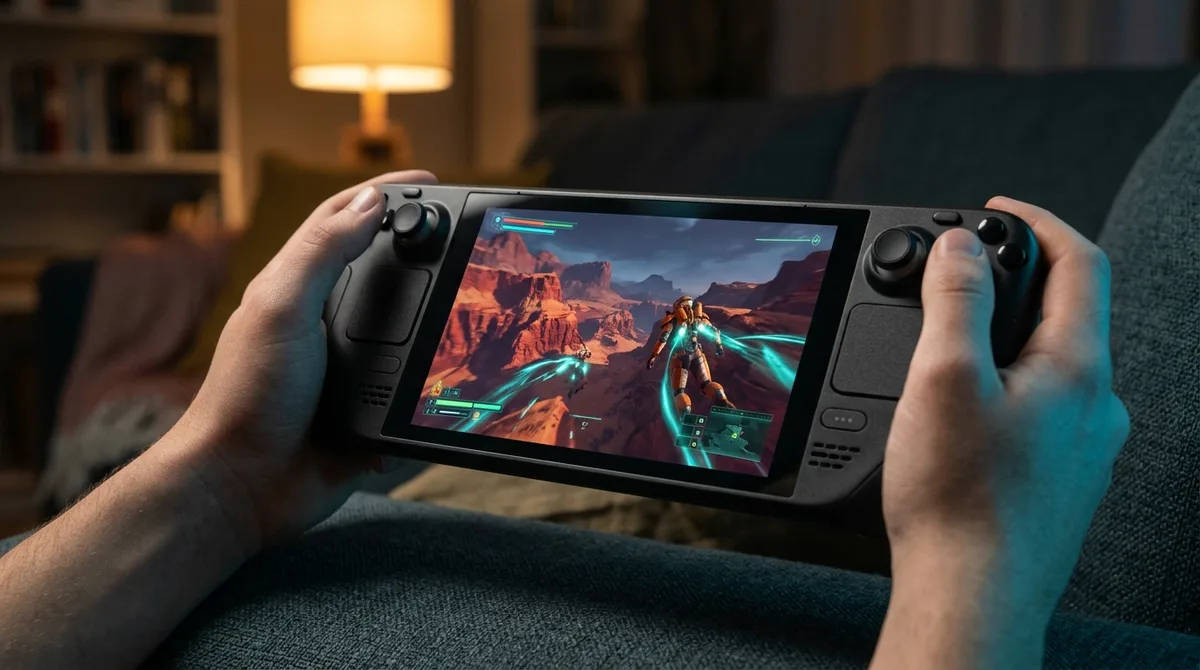
Steam Deck owners have a good reason to pay attention. Valve describes SteamOS as a Linux-based operating system that lets you install other software, so the Deck sits squarely in the territory the new launcher is meant to cover.
The catch is that GOG hasn’t specified Steam Deck compatibility for the redesigned client. The announcement names Linux as a target but says nothing about Valve’s handheld. For now, a Deck owner can’t tell whether Galaxy will run out of the box or need a workaround.
The audience is small, but it isn’t a rounding error. Valve’s September 2026 Steam Hardware & Software Survey put Linux at 3.05% of Steam users. It’s a minority, sure, but it’s a real group of players who want one launcher that doesn’t ignore their operating system.
Offline Installers Are the Working Option Right Now
Linux players don’t have to wait until 2027 to play their GOG games. GOG Support says you can download purchased games through Galaxy or use standalone offline installers from your account. GOG’s developer documentation goes further, calling Galaxy optional and saying games can be downloaded, updated, and played without it.
The catch is that some online features, such as achievements or multiplayer, may still require the client. An offline install gets you the game, but not necessarily every extra that comes with it.
Here’s the working route, with community tools doing the heavy lifting:
- Sign in to your GOG account in a browser and open the game’s page in your library.
- Download the standalone offline installer instead of using Galaxy.
- Run the installer through a compatibility layer such as Wine, Proton, Lutris, or Heroic.
- Keep the installer file somewhere safe so you can reinstall later without the client.
Wine, Proton, Lutris, and Heroic are community routes, not official GOG support, so results vary from game to game. Unofficial Galaxy packages also exist, but GOG didn’t make them. Treat them as third-party software and check where they came from before installing anything.
Why the Linux Client Took This Long

Linux players have wanted a native GOG GALAXY client for a long time. The redesign, though, covers Windows and Mac too. The rebuilt launcher is also meant to be simpler and faster on those platforms, so Linux is riding along with a broader overhaul rather than getting a dedicated push of its own.
Still, Linux users care less about the launcher than about what GOG has always sold: DRM-free ownership. Offline installers are the core of that promise. You buy the game, download the installer, and keep a copy you can run without anyone’s permission. A launcher is a convenience. The installer is the product.
Year-based targets in this industry have a habit of slipping, so treat “2027” as a promise rather than a date. Announcing platform support is cheap. Keeping a launcher working across Linux distributions, driver updates, and Windows and Mac releases for years is the real test, and that’s where GOG will be judged.
What Happens Next for GOG Galaxy on Linux
Before the launcher ships, GOG has to answer a few questions. The first is a specific release date, since “2027” is only a year. The second is which Linux distributions get official support. Watch for an explicit Steam Deck statement too, because a Deck owner needs to know whether the client will install on SteamOS or require a workaround. The biggest test is parity. Achievements and multiplayer are the features most likely to depend on the client, so check whether they work on Linux at launch, not months later.
- A specific release date, not just a year
- A named list of supported Linux distributions
- An explicit Steam Deck compatibility statement
- Achievements and multiplayer working on Linux at launch
The waitlist is where GOG should deliver those details. Until it does, the Linux client is a plan, not a shipped product.
What To Do Until the Client Lands
Start by sorting your GOG library into two piles. The first holds games that play well from a standalone installer. The second holds games that depend on achievements or multiplayer, since those may still need the client.
Then test one game from the first pile. Download its offline installer and run it through Heroic or Lutris before you touch the rest of your library. One game that launches tells you more than a stack of forum threads.
Save every installer you own to an external drive, in folders labeled by game. If GOG changes how its client handles downloads, you’ll still have the files.
Steam Deck owners should run that test on the handheld itself. Controls and screen size change how a game plays, and a menu that works on a desktop may not work on the Deck.
Finally, join the GOG GALAXY waitlist on GOG’s anniversary page, and check back once GOG names a release date and supported distributions.