
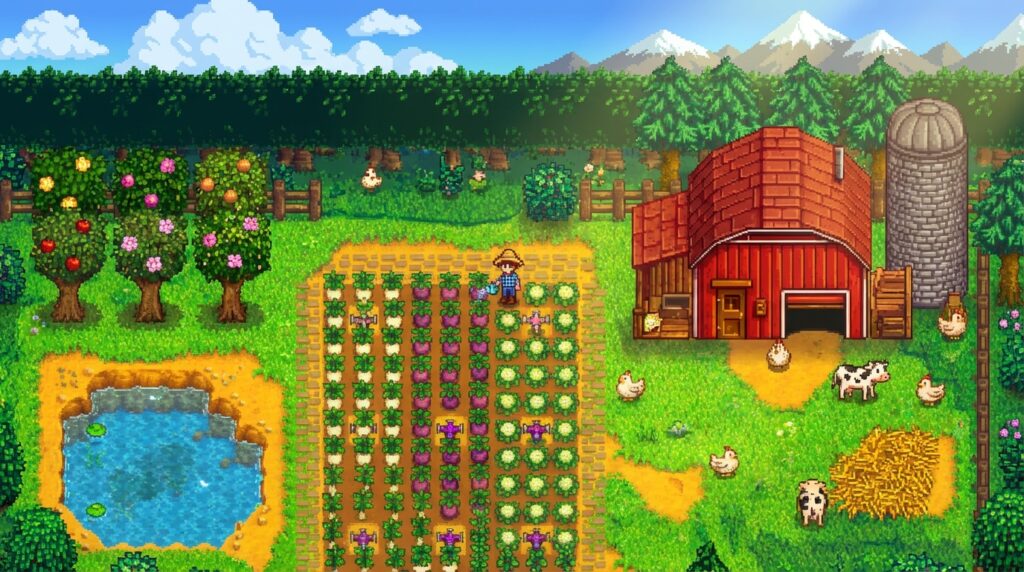
I’ve poured over a thousand hours into Stardew Valley, but only the modded version keeps me coming back like a caffeinated raccoon. Vanilla was a cozy dream in 2016, sure, but by 2025, it’s stale as week-old bread. Same crops, same festivals, same Joja drama looping forever. Without mods, you’re just tending digital weeds in a game that’s outlived its novelty. The modding scene on Nexus Mods uses SMAPI as its backbone to turn that snooze-fest into a replay beast. If you’re still playing pure, you’re missing the real farm life upgrade.
Stardew Valley Expanded slaps 28 new NPCs, 58 locations, and 278 events into your lap. It reimagines the whole map like a fanfic fever dream that actually works. It’s no half-baked add-on. This mega-mod fixes vanilla’s thin spots with three new farm maps and 43 fish to chase. Pair it with quality-of-life tweaks, and fishing stops being a pixelated patience test. These essentials streamline the grind, making every season feel fresh. The community’s still pumping out gold in 2025, proving ConcernedApe’s world was built for this chaos.
Forget endless vanilla reruns. These mods make Stardew an infinite playground worth every install. They expose the base game’s lazy edges while praising its bones with smart expansions. Install them or stay basic. Your parsnips will judge you either way.
SMAPI Installation Survival Guide
If you’re jumping into Stardew mods like Expanded, SMAPI is non-negotiable. It’s the modding engine that keeps everything from crashing your pixel-perfect farm into oblivion. First, set up Nexus Mods. Create a free account at nexusmods.com/stardewvalley, verify your email, and download their Vortex app if you hate manual file shuffling like I do. Skip that step and you’re stuck downloading mods one by one like a caveman. Without Nexus, you’re blind to endorsements, updates, and the thousands of mods waiting to pimp your valley. I’ve seen players rage-quit over vanilla boredom. SMAPI unlocks the real game.
Grab the latest SMAPI installer from smapi.io. Match it exactly to your Stardew version, or watch your world implode. Run the exe, point it to your Stardew install folder (Steam users: right-click game, manage, browse local files), and let it do its magic without touching antivirus settings first. It’ll create a Mods folder. That’s your playground. Launch Stardew through SMAPI.exe from now on, not the vanilla launcher, unless you enjoy segfaults. Boom, you’re mod-ready in under five minutes if you don’t screw it up.
Common screw-ups? Installing the wrong SMAPI version tanks everything. Double-check that 1.6 compatibility label. Antivirus nuking the installer is rookie hour. Whitelist smapi.io domains. Forgetting to back up saves before modding? Congrats on corrupted relationships with your pixel waifus. And don’t dump mods outside the Mods folder, or SMAPI ghosts you harder than a prairie spirit. Keep an eye on SMAPI’s own release notes too, since a fresh Stardew patch can leave the loader broken until the update lands. Nail this, and modded Stardew becomes your personal utopia. Botch it, and you’re yelling at your monitor till dawn.
Stardew Valley Expanded Mega-Mod Glory
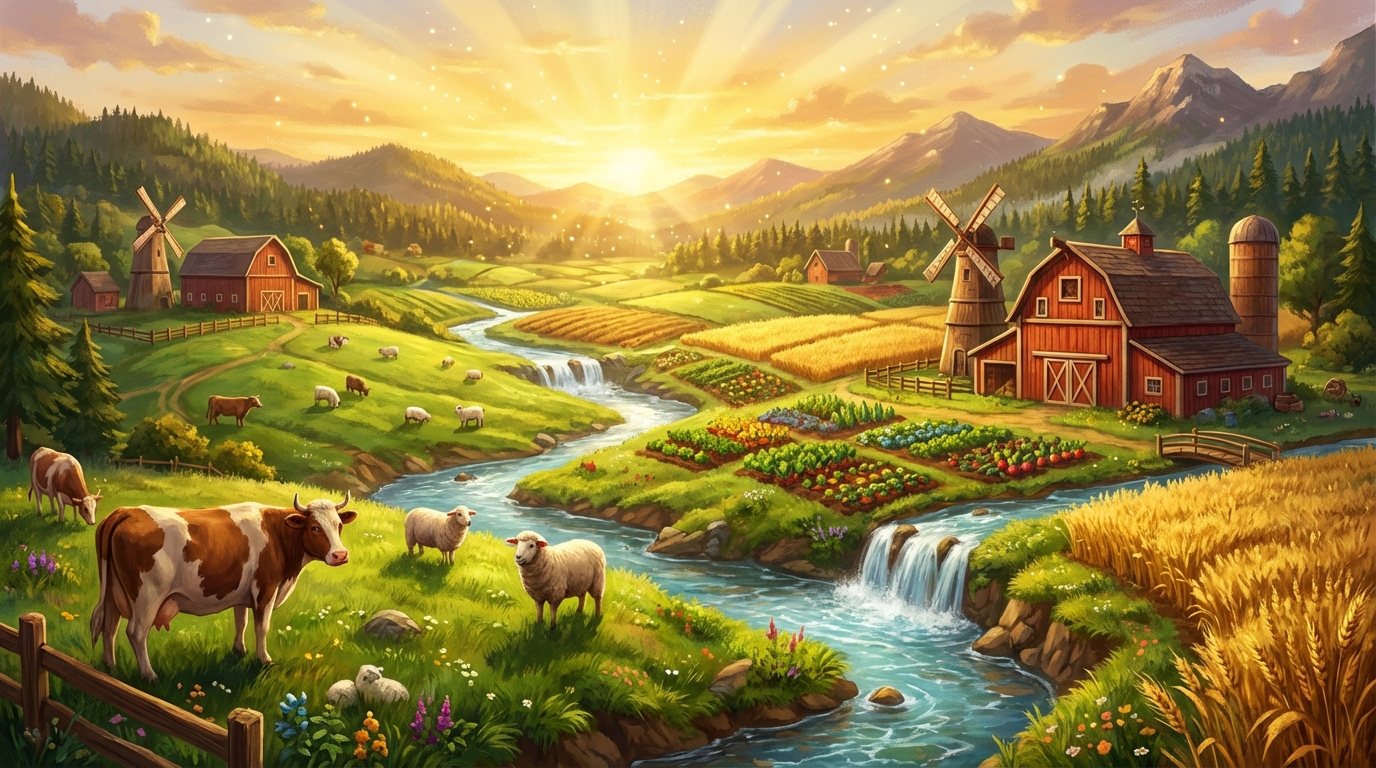
Stardew Valley Expanded isn’t just a mod. It’s the glow-up ConcernedApe dreams about in his sleep. This mega-beast crams in 28 new NPCs with full heart events, 58 fresh locations to explore, and a whopping 278 events that make the valley feel alive and massive. You’ve got 43 new fish to catch, reimagined vanilla spots that fix the original’s bland bits, plus three new farm maps and a revamped world map. Fire it up and suddenly your save file feels like a sequel, not a lazy afternoon farm sim. Download it from Nexus Mods where it’s racked up over 10 million grabs. Proof the fans outdid the dev. Before you commit, flip through the image gallery on its Nexus page to see the new maps and NPC portraits in action. Screenshots tell you more than a wall of feature bullets ever will, and they help you judge whether the art style fits your taste.
Sure, it’s a content explosion, but it slots in smoother than your average mod Frankenstein. Run SMAPI first, obviously, and pair it with UI tweaks like Lookup Anything for sanity. Skip anything that touches core maps unless it’s explicitly compatible. The team nailed balance, so your Joja runs or Perfection chases don’t break. Hell, it even enhances them. I’ve sunk 200 hours into vanilla, then doubled that here without regret. It’s that good. ConcernedApe should send these guys a fruit basket.
If you’re still playing stock Stardew in 2025, uninstall your shame and grab this now. It’s the essential mod that turns good into god-tier. No bloat, just pure expansion that respects the source while kicking it into overdrive. Compatibility hiccups? Rare, and the forums fix ’em fast. Your valley’s been begging for this upgrade.
Farm Type Manager Framework Domination
Farm Type Manager Framework owns the custom farm scene like a boss with over 160k downloads proving it’s no fluke. This bad boy lets modders spawn objects, monsters, and chaos wherever they want on your farm, turning empty grass patches into monster-infested nightmares or treasure troves. I installed it and watched my meadow farm sprout demon hives overnight. Vanilla layouts can’t compete with that wizardry. It’s the backbone for dozens of farm overhaul mods, making SMAPI setups a breeze without breaking your save. Forget hand-placing every tree. FTM does the heavy lifting so you can focus on slaying.
One killer example is the Immersive Farm 2 pack, where FTM crams in dynamic weather effects, roaming wildlife, and hidden caves that vanilla’s cookie-cutter maps never dreamed of. Or try the Dark Forest farm: monsters spawn at night, forcing you to build defenses or get wrecked. Pure genius that exposes how pathetic the standard farm feels after. These aren’t gimmicks. They’re total overhauls that replay the early game a hundred times over. I’ve sunk hours defending my turf from slimes while harvesting, laughing at my old boring runs.
Bottom line, FTM turns Stardew into a modder’s playground, leaving vanilla farms in the dust like relics from 2016. With the community pumping out fresh layouts weekly, ignoring it means settling for mediocrity. Download it, grab a few farm packs, and watch your pixel world explode with life you actually care about. It’s essential, period. No excuses.
Seasonal Outfits Cuter Sprite Overhaul

Vanilla Stardew Valley sprites make every character look like they got dressed in the dark by a committee of depressed accountants. Seasonal Outfits Cuter Sprite Overhaul swoops in like a fashion fairy godmother, giving every single villager a sprite and portrait glow-up that’s equal parts adorable and stylish. Seasonal wardrobe swaps match the vibes. Cozy scarves in winter, breezy sundresses in summer. No cartoon caricatures. The tweaks sharpen those bland edges, add depth to expressions, and make portraits pop with personality that ConcernedApe’s originals desperately lack. I fired this up and immediately regretted my 500 unmodded hours.
What kills me is how the mod fixes vanilla’s lazy color palette, swapping muddy browns for vibrant hues that scream “I’m alive and fabulous.” Portraits get that extra sparkle in the eyes, making flirty dialogues hit different when Abigail’s goth glow is on point. It even overhauls animals and kids, because why stop at humans when your farm’s a bland beige nightmare? No bloat, just pure aesthetic surgery built to run on SMAPI. Unmodded Pelican Town? A visual snoozefest that belongs in a museum of missed opportunities. Texture swaps are a bigger deal than most people think. A sprite overhaul only works if it meshes with the other texture packs you run, so check the compatibility notes before you stack them.
Grab this mod yesterday if you care about eye candy, because staring at potato-people sprites is self-torture no one needs. It’s racked up thousands of endorsements on Nexus for good reason. It’s the glow-up Stardew begged for since day one. Roast complete: vanilla visuals are the mullet of pixel art, business in front and tragedy everywhere else. Your valley deserves better, and this delivers without a single crash.
Essential QoL Mods Sanity Savers
Number one on my QoL hit list is Automate, the auto-grabber that turns your lazy ass into a passive income machine by handling machines without you lifting a finger. Skip the grind of constant chest-juggling. This bad boy pipes products straight where they need to go, saving hours on big farms. UI Info Suite ranks second because staring at vague tooltips is for masochists. It slaps every stat, price, and recipe right on your HUD like a helpful but snarky sidekick. TimeSpeed clocks in third, letting you crank the day’s pace without breaking immersion, perfect for when real life won’t wait for your virtual carrots. I rank these higher than flashy expansions because vanilla grind is self-inflicted torture, and ignoring them is farm-sim sabotage.
Lookup Anything deserves an honorary mention for instant-granting every obscure fact on hover, turning “what the hell does this do?” into obsolete whining. Combine these with SMAPI’s rock-solid stability, and you’ve got a 2025 mod ecosystem that’s still buzzing on Nexus Mods with thousands of downloads proving their dominance. Without them, you’re voluntarily chaining yourself to repetitive chores while the community laughs. These aren’t gimmicks. They’re sanity savers that respect your time, unlike ConcernedApe’s occasionally pokey defaults. Skipping feels like playing with one hand tied. The best QoL tools also leave the gameplay alone. They trim the friction and keep the rules intact, so you still feel the satisfaction of a good harvest.
These QoL beasts transform Stardew from cozy grindfest to efficient paradise, proving mods are the real 1.6 update we deserved. Install them now, or forever hold your peace while your friends zoom past on turbo farms. Your unmodded suffering is a choice, dummy. With the modding scene thriving into 2026 and beyond, expect even slicker tweaks keeping Pelican Town eternally fresh. Don’t be the holdout sobbing over hand-milked cows. Grab SMAPI, hit Nexus, and level up your life today.
More Essential Mods Beyond Expanded
Expanded gets the headlines, but a few smaller tools do the quiet heavy lifting. Content Patcher is the framework behind a huge chunk of the scene. Plenty of mods won’t run without it, so when a mod page lists it as a requirement, install it first. Generic Mod Config Menu is the other one you’ll want early. It gives you a settings menu inside the game, so you can tweak options without digging through config files like a raccoon in a dumpster. Save Anywhere is another favorite for players who hate waiting until bedtime to save. It lets you save at any point, which is handy when your monster-infested farm decides to ambush you mid-harvest.
Texture mods are where the visual upgrades go deep. Packs that replace tiles, crops, and furniture can make the valley look like a different game, but they need to match the rest of your setup. A texture pack built for vanilla maps may look wrong on a custom farm, so check which sprites it touches before you install it. The same logic applies to gameplay mods. A mod that changes combat or farming rules can clash with another that does something similar. Read the description, skim the comments, and you’ll dodge most of the headaches.
Credit matters too. These mods are built by volunteers who spend nights on sprites, code, and translations, so endorse what you love and donate when you can. Screenshots and thumbnails belong to their creators, so check the credits before reusing any image in your own posts. Our rule is simple: if a mod earns its place in your save, give its author the shout-out they earned.
Checking 2025 Game Version and Mod Compatibility
Stardew Valley’s current version is 1.6, and the mods that matter are built around it. Each Nexus Mods page lists the game version it supports, and a mod labeled for an older release may still run but could behave strangely. Treat version tags like a bouncer checking IDs. If the page hasn’t been touched since 1.5, expect bugs with new events or NPC schedules. Keep SMAPI updated too, because a mod built for the latest release won’t load on an outdated loader. Before you jump into a big pack, keep a note of which version each mod was built for. Before you commit to a big install, scroll through the mod’s posts and bug reports. A few minutes of reading can save you an evening of crashes.
Our advice is simple: prioritize mods updated for 1.6 and avoid anything that hasn’t been maintained in a long time. Expanded and the big framework mods get regular patches, which is part of why they remain safe bets in 2025. Compatibility problems tend to show up where mods overlap, like two mods editing the same town map or both replacing the same portraits. When something breaks after an update, check what changed on the mod page before blaming the game.
Backing Up Saves and Uninstalling Safely
Before you install anything, back up your saves. On Windows, the save folder lives under your user AppData folder in a StardewValley directory, and copying the whole thing to a separate location takes seconds. Future you will be grateful. A mod that corrupts a save can take dozens of hours of farming with it, and nobody wants to explain that to their pixel spouse. Keep at least two dated copies, so you can roll back to a version from before the install. Cloud sync tools can also overwrite a good save with a broken one, so keep a manual copy somewhere they can’t reach.
Uninstalling deserves the same care. Don’t just delete a mod’s folder and call it a day, because some mods leave data behind in your save. Check the mod page for uninstall notes, remove the mod, and load your save once to see if anything complains. Some content mods add custom NPCs, locations, or items that won’t exist without the mod. If you remove them without a plan, you can end up with missing characters or stuck events. Keep your backup until the save loads cleanly, and only then delete it.
Installation Troubleshooting and Load Order
When the game won’t launch, don’t panic and reinstall everything. SMAPI writes a log that points at the culprit, and the console window that appears when you start through SMAPI is your first clue. Look for lines that name a mod alongside an error. If the log is a wall of text, remove mods in halves: move half the Mods folder somewhere safe, test, and repeat until you find the troublemaker. It’s slower than yelling at your monitor, but it works.
Load order is less of a mystery than in some other moddable games. You rarely need to hand-sort folders to get things running. What matters is dependencies. If a mod asks for Content Patcher or another framework, that framework needs to be in the Mods folder, and it has to be a version the mod accepts. When two mods change the same thing, the one that loads last usually wins, so if your farm looks wrong, check which mods touch that area. Keep each mod in its own folder, don’t nest mods inside each other, and don’t leave zip files sitting in the Mods folder.
Multiplayer and Performance Considerations
Multiplayer changes the rules. Most content mods expect every player to have the same mods installed, or the host’s world can break for guests. Before you invite friends, agree on a mod list and make sure everyone is on the same Stardew version and SMAPI build. Some mods are explicitly marked as multiplayer-safe on their pages, while others only work for solo play. If you’re hosting a friend group, the host’s mod list matters most, so read the mod notes before everyone gets excited. If your friends run different mods, the save may load for the host and fail for guests, so a quick group chat check beats a corrupted farm.
Performance is the other headache. Big maps, HD textures, and dozens of event mods add load. Stardew is a light game in vanilla, but a stack of overhauls can make older PCs chug, especially when a farm has hundreds of spawned objects. Close background apps, lower your resolution if needed, and remove mods you don’t use. Lowering texture quality is an easy win on older hardware. If frame drops show up only when you enter one area, that mod’s map is the likely suspect.
Essential Mods That Crush Vanilla
If you’re still slogging through vanilla Stardew Valley in 2025 without mods, you’re missing the real magic. It’s like eating plain toast when there’s a bakery next door. The essentials boil down to SMAPI for running the show and Nexus Mods for the goods, where thousands of gems wait to fix ConcernedApe’s oversights. Stardew Valley Expanded crushes it with 28 new NPCs, 58 locations, and enough events to make Pelican Town feel alive instead of sleepy. These aren’t gimmicks. They pack new farms, fish, and maps that vanilla wishes it had. Installing them turned my burnout farm into a thriving empire overnight.
You could skip mods and pretend the base game holds up, but let’s be real. It’s 2025, and the community has lapped the original twice over. Top picks like Expanded don’t just add fluff. They reimagine the world map and streamline clunky mechanics that make you want to rage-quit. Quality-of-life heroes cut the grind, letting you focus on romancing villagers instead of micromanaging inventory. I’ve sunk hundreds of hours modded versus vanilla, and the difference is night and day. Mods make it addictive, not repetitive. Don’t sleep on this. Your save file deserves better.
Bottom line: these essentials evolve Stardew Valley from cozy sim to unbeatable masterpiece. The modding scene’s too vibrant to ignore, with updates keeping pace better than most sequels. Grab SMAPI, hit Nexus, and thank me later when you’re knee-deep in new quests instead of the same old mines. Vanilla’s fine for noobs, but pros know mods are the secret sauce. Play smarter, not harder. Ready to jump in? Your valley’s waiting.
Frequently Asked Questions
1. Is SMAPI free to use?
Yes, SMAPI is free, and so is the Nexus Mods account you need to download most of the mods covered here. You still have to own Stardew Valley itself, but the mod loader and the mod hub cost nothing. Grab SMAPI only from smapi.io so you aren’t handing your PC to a copycat installer.
2. Can I run SMAPI on a Mac or Linux PC?
Yes, SMAPI supports Windows, macOS, and Linux, though the setup steps differ from the Windows instructions above. On Mac or Linux, you launch the game through the SMAPI launcher for your system instead of SMAPI.exe, and the save folder sits in a different location. Check the installation notes on smapi.io for your platform before you start.
3. Can I use mods on the console or mobile versions of Stardew Valley?
No, mods aren’t supported on the console or mobile versions of Stardew Valley. SMAPI and the mods that depend on it only run on PC, so Switch, PlayStation, Xbox, and phone players are stuck with the vanilla game. If modding is the reason you want to play, you’ll need a PC.
4. Can I add mods to a save I already started?
Yes, most mods work on an existing save, as long as you back it up first. Content mods that add NPCs or locations can leave gaps if you install them far into a playthrough, so check the mod page for notes about existing saves. If a mod’s description says it’s for new games only, start a fresh save instead of risking your current farm.