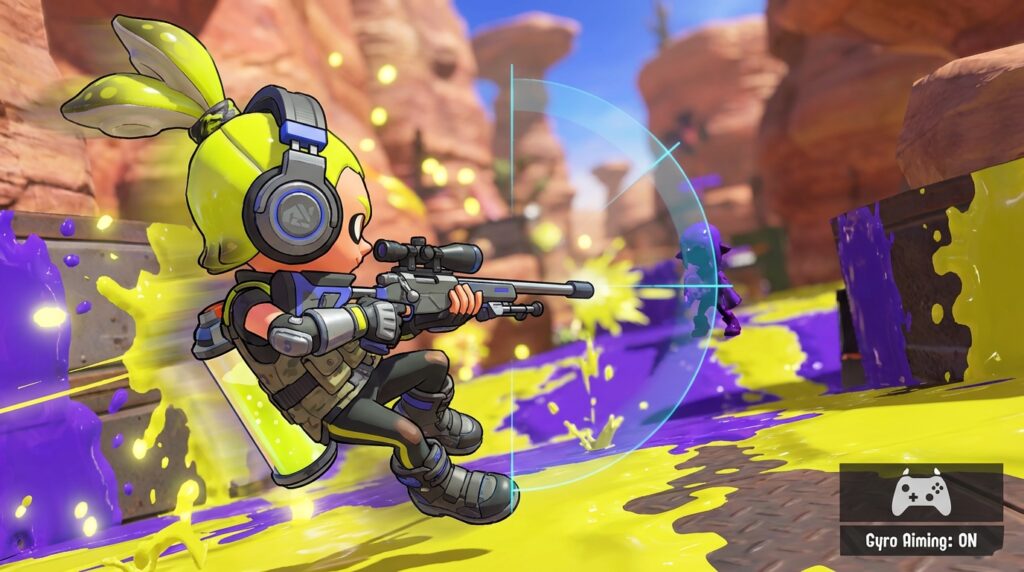
For decades, we’ve accepted the thumbstick as the gold standard for console shooters, despite it having the precision of a drunk toddler wearing oven mitts. It’s time to stop fighting against clunky acceleration curves and start talking about gyro aiming benefits, because your controller is essentially a high-tech paperweight without it. By translating your physical movements directly into in-game motion, gyro turns your gamepad into a frictionless air mouse that actually goes where you point it.
If you’re tired of the “spray and pray” method or relying on aim assist to do the heavy lifting for you, this is the hardware evolution you’ve been waiting for. It’s infinitely more intuitive to tilt your wrists for a headshot than it is to fiddle with a plastic nub until the stars align. Once you experience the speed of a flick shot combined with the micro-adjustment precision of a surgeon, going back to traditional sticks feels like trying to paint a masterpiece with a broomstick.
Key Takeaways
- Gyro aiming transforms the controller from a velocity-based lever into a frictionless air mouse, providing 1:1 movement that allows for pixel-perfect precision and snappy flick shots.
- By offering raw, unfiltered input, gyro aiming eliminates the need for aim assist ‘training wheels’ and allows console players to compete effectively against PC users.
- Distributing the workload between the thumbs for broad movements and the wrists for fine-tuning significantly reduces joint strain and repetitive micro-movements that lead to hand fatigue.
- While gyro aiming has a brief initial learning curve, it utilizes natural spatial awareness to raise the skill ceiling and provide a more intuitive gaming experience than traditional thumbsticks.
Turning Your Controller Into A Frictionless Air Mouse
Traditional thumbsticks are essentially glorified remote control levers that rely on velocity, meaning your aim speed is dictated by how long you hold a piece of plastic to the side. It is a clumsy, indirect way to interact with a 3D space that often requires the “training wheels” of aim assist just to feel functional. Gyro aiming throws that legacy junk out the window by turning your controller into a frictionless air mouse through direct displacement. Instead of fighting clunky acceleration curves, your physical movements translate 1:1 to the screen. If you move the controller two inches to the left, your reticle moves exactly that distance, giving you a level of agency that sticks alone can never replicate.
This technical shift is the difference between steering a boat and pointing a finger. Because gyro allows for pixel-perfect precision, you can finally pull off those snappy flick shots that usually require a five hundred dollar mouse and a massive mousepad. It handles the micro-adjustments that thumbsticks usually overshoot, letting you track a moving target without constantly overcorrecting like a student driver. You still use the right stick for big camera rotations, but the gyro handles the actual business of putting lead on target. It is intuitive, it is fast, and frankly, it makes the old “hold the stick and pray” method look like trying to perform surgery with a pair of boxing gloves.
The learning curve is surprisingly shallow because your brain already knows how to point at things in the real world. New players often struggle with the abstract concept of stick tension and deadzones, but tilting a controller to look up at a dragon feels completely natural. It is one of those rare innovations that actually lowers the barrier to entry while simultaneously raising the skill ceiling for the hardcore crowd. Once you bridge the gap and stop treating your controller like a stationary brick, you will realize that playing without motion controls feels like playing with one hand tied behind your back. It is not a gimmick, it is just a better way to play, and it is about time the rest of the industry caught up.
Killing The Aim Assist Crutch For Good
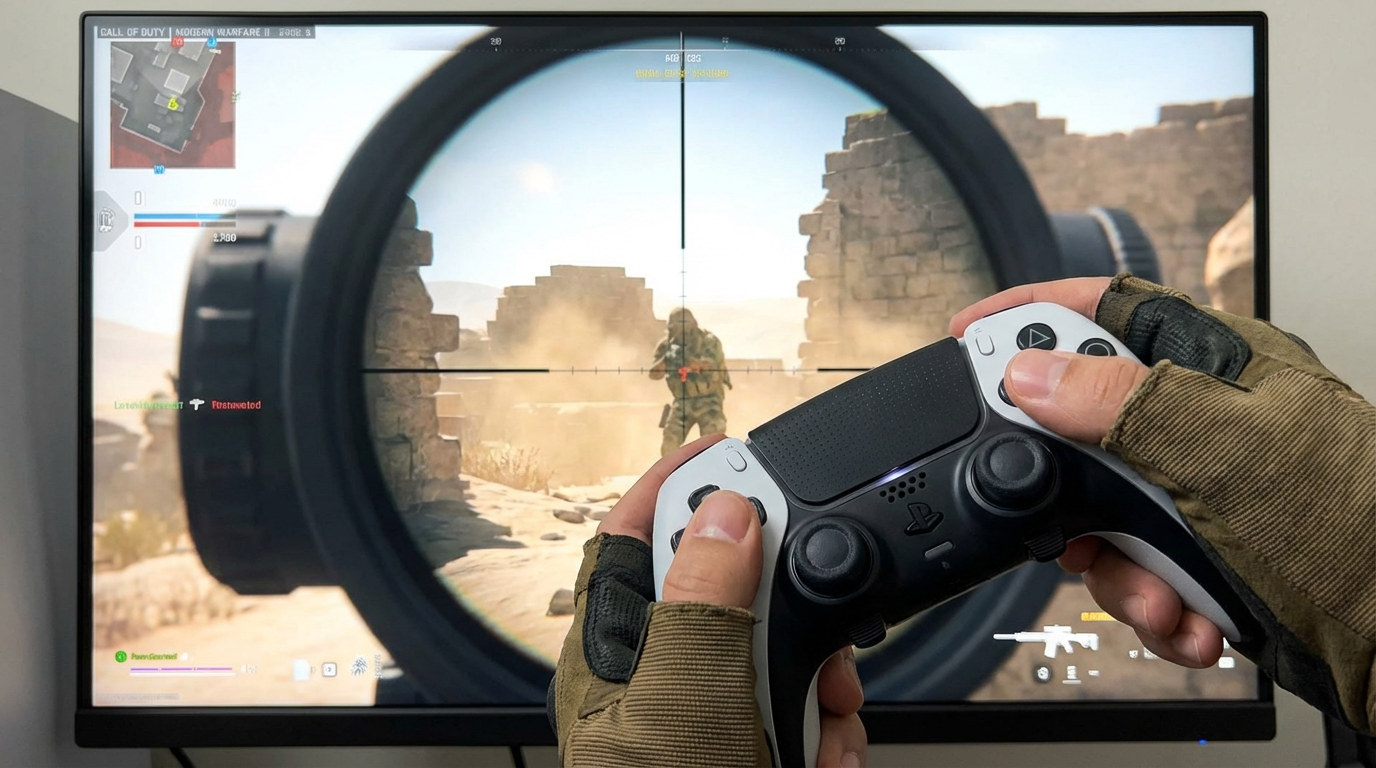
Let’s be honest with ourselves for a second, because thumbstick aiming is a mechanical disaster that we have spent three decades trying to fix with digital training wheels. Standard controller aiming relies on velocity, meaning you are just holding a stick and hoping the acceleration curve doesn’t betray you while the game’s “soft aimbot” does the heavy lifting. Gyro aiming finally kills that crutch by turning your controller into a literal velocity-based lever, translating your physical movements directly into 1:1 in-game motion. You aren’t fighting against a sluggish joystick or relying on a developer’s generous magnetism to land a shot anymore. It is unfiltered FPS mayhem that puts the responsibility of hitting a target exactly where it belongs, which is squarely on your own shaky hands.
The beauty of this system is that it scales perfectly into the sweaty world of cross-play where PC players usually treat console users like target practice. When you switch to motion controls, you gain the ability to make micro-adjustments and flick shots that are physically impossible with a traditional thumbstick alone. You can keep the stick for broad camera sweeps and use the gyro for the surgical precision required to actually win a duel. It turns the controller from a clunky legacy device into a high-performance tool that doesn’t need a computer to help it find the enemy’s head. If you want to actually improve instead of letting the software play half the game for you, it is time to turn off the aim assist and start tilting the pad.
Saving Your Thumbs From Ergonomic Destruction
If you have ever spent a weekend grinding ranked matches only to wake up with thumbs that feel like they have been through a tectonic shift, you are a victim of the traditional controller struggle. Relying solely on thumbsticks for every single camera movement is an ergonomic disaster waiting to happen, primarily because those tiny sticks force your joints into repetitive, high tension micro-movements. Thumbsticks are great for broad strokes, but using them for pixel-perfect adjustments is like trying to perform surgery with a pair of oven mitts. Gyro aiming fixes this by letting your wrists handle the fine-tuning, spreading the workload across a much more capable set of muscles and joints. It is the difference between straining a single digit for hours and using a natural, fluid motion that feels more like moving a mouse than wrestling with a plastic nub.
The beauty of this setup lies in the division of labor between your thumbs and your wrists, which is a massive win for your long-term hand health. You still use the sticks for the big, sweeping turns, but the heavy lifting of aiming is offloaded to the gyroscope, allowing your thumb to rest or focus on face buttons. This reduces the constant, jittery tension required to “flick” a thumbstick accurately, which is usually where the worst repetitive strain injuries begin to fester. By turning your controller into a frictionless air mouse, you are essentially giving your thumbs a much-needed retirement from the front lines of precision gaming. It might feel a bit strange for the first twenty minutes, but your carpal tunnel will thank you when you can actually finish a marathon session without reaching for an ice pack.
Beyond just saving you a trip to the doctor, gyro aiming actually makes the act of playing feel significantly less mechanical and more intuitive. Most players do not realize how much they are fighting against their own hardware until they stop forcing their thumbs to do things they were never designed for. When you tilt the controller to lead a shot, you are using spatial awareness that your brain already understands, rather than memorizing abstract acceleration curves and deadzones. This shift toward displacement-based movement means you stop overcompensating with the stick, which is the primary cause of hand fatigue and frustration. It is a smarter, more efficient way to play that prioritizes your physical comfort without sacrificing the competitive edge you need to actually win.
Mastering the Art of Tilting Success
Look, I am not going to lie to you and pretend that your first hour with gyro aiming won’t feel like trying to write your name while riding a unicycle. You have spent years training your right thumb to do all the heavy lifting, so your brain is naturally going to throw a tantrum when you ask it to tilt a controller instead. The initial awkwardness is a small price to pay for graduating from the clunky, restrictive world of joystick acceleration. Once that muscle memory clicks, you will realize that you have been playing with a handicap this entire time. It is the difference between steering a boat with a rudder and just pointing at what you want to die.
Leaving gyro turned off in 2025 is essentially choosing to fight with one hand tied behind your back because you are too stubborn to learn a better way. We are talking about mouse-level precision on a device you can use while slumped on your couch like a human sack of potatoes. The massive performance payoff means hitting flick shots that were previously impossible and making micro-adjustments that aim assist usually has to do for you. Stop settling for the digital equivalent of training wheels and give your hardware a chance to actually perform. If you are still refusing to use the best tool in your arsenal, you really have nobody to blame but yourself when you keep losing those 1v1s.
Frequently Asked Questions
1. What exactly is gyro aiming and why should I care?
Think of gyro as turning your controller into a high-tech air mouse that translates your physical movements directly onto the screen. It replaces the clunky, indirect velocity of a thumbstick with 1:1 precision, meaning your reticle actually goes where you point. It is the end of fighting your hardware just to land a shot.
2. Does this mean I have to stop using the thumbsticks entirely?
Not at all, because you still use the sticks for large camera rotations and general movement. The gyro handles the micro-adjustments and snappy flick shots that thumbsticks usually fail at miserably. It is a hybrid system that gives you the best of both worlds without the awkwardness.
3. Is gyro aiming basically just motion controls like the old days?
Comparing modern gyro to a legacy motion controller is like comparing a surgical scalpel to a pool noodle. This is not about wagging your arms around like a maniac, but using subtle wrist tilts for pixel-perfect accuracy. It is a sophisticated hardware evolution, not a gimmick designed to make you look like a fool in your living room.
4. Will I still need aim assist if I switch to gyro?
You can finally take the training wheels off because gyro is precise enough to function without the game holding your hand. Aim assist exists because thumbsticks are fundamentally bad at aiming, while gyro gives you enough agency to earn your own headshots. It is a pure test of skill rather than a battle against an algorithm.
5. How long does it take to stop feeling like a total amateur?
Expect a few hours of feeling like your hands are made of ham before the muscle memory starts to click. Once you get past the initial learning curve, you will realize that tilting your wrists is infinitely more intuitive than fiddling with a plastic nub. It is a small price to pay for escaping the ‘spray and pray’ lifestyle.
6. Is gyro aiming actually better than a mouse and keyboard?
It is the closest a controller will ever get to matching the raw speed and precision of a mouse. While a desk-sized mousepad still has the edge, gyro turns a standard gamepad from a ‘drunk toddler’ into a legitimate competitive tool. It is the only way to play shooters on a couch without feeling like latency still kills your K/D ratio or you are handicapped by your hardware.