Shader compilation stutter is a brief hitch that happens when a game needs a graphics pipeline your GPU and driver haven’t compiled yet, so drawing freezes until the driver finishes. Epic’s own engineering breakdown puts the scale in perspective: Fortnite Battle Royale compiles about 30,000 pipeline state objects for a match but uses only around 10,000. If the hitch lands on your first explosion or first new area, you’re looking at the classic pattern.
The good news is that the cost is usually a first-run tax, not a permanent one. Driver caches keep compiled work for later sessions, and Steam, NVIDIA and Intel offer opt-in features that can move some of it into loading screens. Microsoft’s Advanced Shader Delivery is the big new option, but it isn’t on Steam or Epic yet. Some shader categories fall outside precaching coverage, so no single toggle will fix everything.
Key Takeaways
- Shader compilation stutter is a first-run tax, so a game that hitches on its first explosion or new area but runs smoother on replays is almost certainly building pipelines its GPU hasn’t seen before.
- Uninstalling a game that stutters only on first encounters throws away compiled work, because the driver cache keeps that work for later sessions until a new driver wipes it.
- A game that runs poorly everywhere, from the main menu to quiet corridors to firefights, has a bad port that no vendor toggle will fix.
- Steam Shader Pre-Caching only covers supported OpenGL and Vulkan games, NVIDIA’s Auto Shader Compilation is a beta that’s off by default, and Intel’s Precompiled Shaders need a supported Arc system and a game installed through Steam.
- Frame caps, variable refresh rate and frame generation only make a shader hitch look smoother on screen, while Microsoft’s Advanced Shader Delivery needs Windows 11 version 24H2 or higher and isn’t on Steam or Epic Games Store yet.
What Is Shader Compilation Stutter, Exactly?
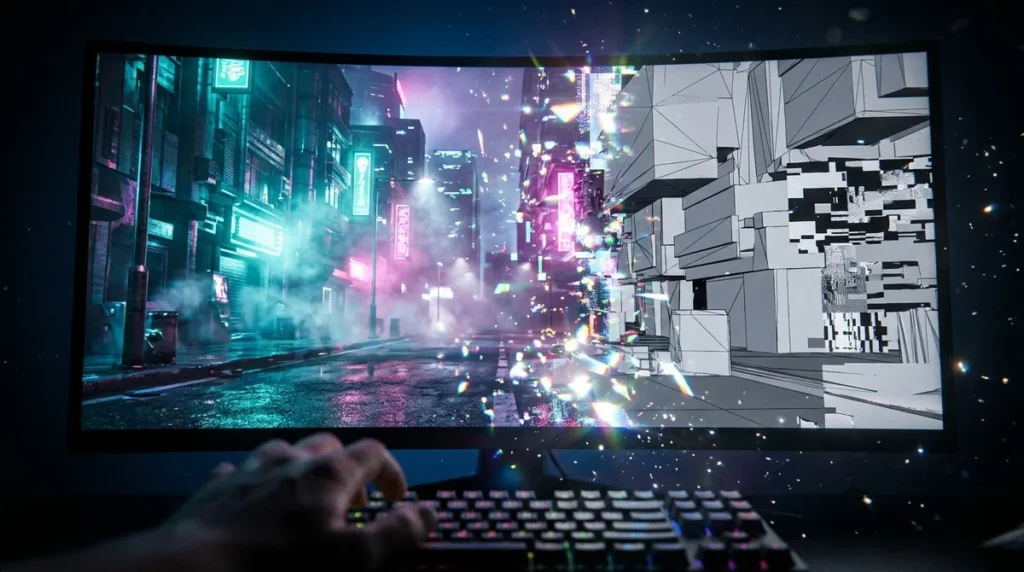
Shader compilation stutter is a short freeze that happens when a game asks your GPU to draw with a graphics pipeline that hasn’t been compiled on your machine yet. Rendering stops until the driver finishes building that pipeline, and then the frame goes out.
The simple version: the render engine needs a new shader right before it draws with it, so rendering has to wait on the driver. Nothing is broken. Your system just hasn’t seen this particular combination of effects before.
That’s why the hitch lands at a specific moment instead of showing up as random lag. An explosion brings a particle effect nobody has rendered yet. A new material appears on a wall. You step into an area you’ve never visited, and the lighting is different. The stutter lines up with first use, and once that exact pipeline exists, it usually goes quiet.
Direct3D 11 keeps a disk shader cache, documented by Microsoft’s own developer documentation, that stores compiled shaders to speed up later runs. The catch is that the cache depends on your driver. Fortnite’s engineers reported that a Battle Royale match takes about 20 to 30 seconds longer to load when the driver cache is empty, and that installing a new driver clears it. So the first session pays the tax, and later sessions stay cheaper only as long as nothing in the driver changes.
Some games move that cost out of gameplay entirely. Precompilation builds pipelines ahead of time, so the delay shifts to a loading screen, where waiting is at least expected. Valve’s Steam Shader Pre-Caching, introduced in a December 2017 client update, works this way for supported OpenGL and Vulkan games and says it can reduce stutter during the first few launches.
Why Does Shader Compilation Stutter Hit PC Harder Than Consoles?
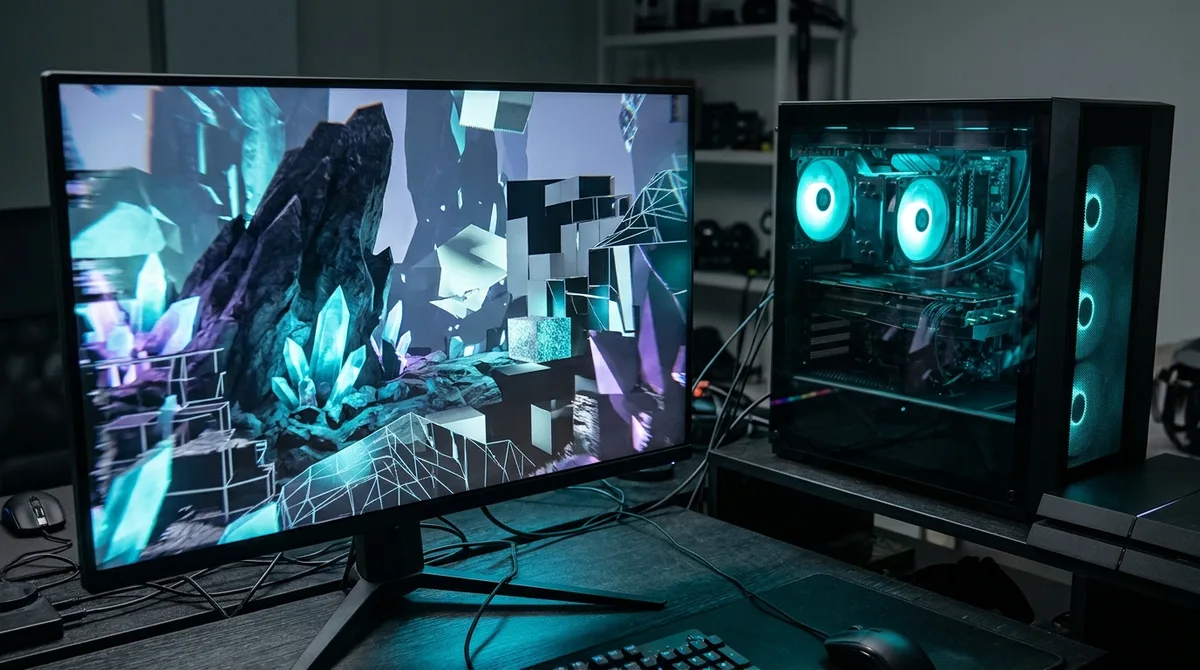
PC is harder because the same game has to run on thousands of GPU, driver and API combinations, and each one can need its own set of compiled pipelines. A console is one fixed box with one GPU and one driver stack, so developers can build the full shader set in advance and ship it with the game.
The PC scale is hard to picture until you look at Fortnite. A single Battle Royale match needs roughly 10,000 of its 30,000 compiled pipeline state objects, and the total number of possible combinations runs into the millions. Every extra variable in your setup, from the graphics card to the driver version, opens another branch the engine has to plan for.
Direct3D 11 handles much of that work automatically. It keeps an in-process cache while the game runs and writes compiled shaders to disk, so a pipeline you’ve already seen loads faster next time. Games on this API often feel smoother on repeat play, even when the first session is rough.
Direct3D 12 hands more of that responsibility to the developer. Studios create pipeline state objects explicitly, which means they decide when compilation happens and have to get the timing right for every hardware setup they ship on. Miss one pipeline, and you find it in the middle of an explosion. That’s why DX12 shows up so often as a stutter source, and why a game can run smoothly on DX11 and stumble on DX12 without a single change to its art.
Consoles avoid most of this. One GPU architecture and one known driver mean the shader work can be finished before anyone plugs in a controller. PC players get the freedom to run whatever hardware they want, and the bill for that freedom arrives as hitches.
Is Your Stutter Really Shader Compilation?
Yes, if the hitch lands on first encounters and fades on replays, it’s almost certainly shader compilation. Three signs point that way:
- Hitches cluster on first use, like the first explosion, the first new material on a wall, or the first time you step into an unfamiliar area.
- The opening match or area is rough, while the same content runs noticeably smoother on the second or third try.
- Stutter comes back right after a graphics driver update, because the update wipes the cache the game was relying on.
The driver test is the most useful one. Epic’s engineers reported that an empty driver cache adds about 20 to 30 seconds to loading a Fortnite Battle Royale match, and that installing a new driver clears the cache. So if your loads and first encounters got slow right after an update, the game didn’t change. Your cache did.
A bad port looks different. It’s weak performance everywhere, with no pattern to the dips. A low frame rate in the menu, in a quiet corridor and in a firefight is an optimization problem, and visiting the same room twice won’t fix it. Shader stutter is a spike at a specific moment. A bad port is a slideshow with extra steps.
Copy-protection slowdowns are a separate case. They show up as delays at startup or during launch, tied to the protection layer rather than anything the game draws. They happen whether you’ve seen the content before or not, so a long launch that repeats every time you start the game points to protection or the launcher, not shaders.
Keep a simple log for a session or two. Note where each hitch happens, whether it repeats in the same spot, and whether it followed a driver change. If the spikes stick to first encounters and go quiet on replays, you’ve found the pattern. If the game chugs everywhere, stop blaming the cache.
Which Vendor Shader Features Actually Help?

Some of them do, but only in narrow cases. Steam, NVIDIA, Intel and AMD each offer something that helps certain games, on certain hardware, with certain drivers, and most of it takes a deliberate switch to turn on.
Start with Steam. Steam Shader Pre-Caching arrived with a client update on December 13, 2017, and it covers supported OpenGL and Vulkan games only. If your game runs on Direct3D, it isn’t in the club, and Steam won’t pretend otherwise.
NVIDIA’s Auto Shader Compilation is still a beta, and it’s off by default. It rebuilds DirectX 12 shaders while your PC sits idle after a driver update, which is exactly when the old cache has gone stale. It requires GeForce Game Ready Driver 595.97 WHQL or newer. The catch: first-time shader generation for a game still happens in-game, so a brand-new game can still stutter on its first explosion.
Intel’s Precompiled Shaders feature is disabled by default, and it’s more selective than most. To use it, you need:
- A supported Intel Arc system
- A game that is supported and installed through Steam
- An active internet connection for the downloads
- At least 1 GB of free storage
Intel refreshes those precompiled downloads when a new driver brings updated files. Unsupported games don’t get left in the dark, though. They fall back to standard shader compilation, which means the same hitch you were already fighting.
AMD Shader Cache works differently. It’s a driver-level cache that reuses compiled work from earlier runs, so it’s a memory system rather than a precompilation feature. It helps on the second visit, not the first. Your first encounter with a new effect still costs you.
So before you blame your rig, check whether your game, your API and your GPU are actually on the feature list. If they aren’t, the vendor toggle you’re hunting for doesn’t exist.
Do Frame Caps, VRR and Frame Generation Help at All?
Frame caps and variable refresh rate (VRR) can make a hitch feel less jarring, but neither one stops the compile. A frame cap limits how fast the game sends frames, and VRR matches your monitor to whatever the GPU delivers. Both smooth the presentation. Neither touches the moment the driver halts rendering to build a pipeline it has never seen.
The most reliable step is also the least exciting one: let the first compile finish. If the game shows a progress indicator or a shader count, leave it alone until it’s done. Every half-finished compile leaves gaps that show up later as hitches in the middle of a fight.
The forum favorite is to park the game on the main menu and let it build shaders while you wait. Sometimes that helps, because the game can compile some of what it will need before you reach gameplay. It doesn’t guarantee much, though. A menu can’t trigger the explosion you haven’t seen yet, so the pipeline behind it may still be missing when the moment arrives.
Shader compilation is CPU work, so the number of free cores matters. A processor with spare threads usually chews through the backlog faster than one that is also running a launcher update, a browser full of tabs and a Discord call. Close the extras before the first launch if you want the compile to finish sooner.
Your SSD mostly affects load times. A faster drive gets assets into memory more quickly, which shortens the wait on a loading screen. It won’t speed up the driver’s work when a new effect appears mid-firefight, so don’t expect a new drive to cure stutter.
Frame generation is the newest trick people reach for. It inserts extra frames so the counter looks healthy, which can hide the symptom on screen. But the driver still has to wait on a new shader before it can draw the frame it’s generating from. The wait is still there. The counter just looks prettier while it happens, which makes frame generation makeup, not surgery.
Will Advanced Shader Delivery Finally Fix This?

Not for most PC players yet, but it’s the most promising fix this problem has seen in years. Microsoft announced on October 21, 2026 that Advanced Shader Delivery is broadly available across supported AMD, Intel, NVIDIA and Qualcomm hardware, with one hard requirement: Windows 11 version 24H2 or higher. If you’re still on an older build, the feature doesn’t matter to you, no matter how nice your graphics card is.
The mechanism is more interesting than the name. Developers prepare a State Object Database, then test it by compiling a Precompiled Shader Database, and the storefront deploys that database to your machine. In plain terms, the heavy compiling happens on a known set of pipelines before you ever launch the game, instead of in the middle of your first explosion. Microsoft’s technical documentation spells out the pipeline, and it’s a lot less magical than the marketing suggests.
Microsoft’s headline example is Call of Duty: Modern Warfare 4. With delivery, shaders compile in seconds at first launch. On a typical PC without it, Microsoft says the same job takes several minutes. That’s Microsoft’s own claim, and it stays a promise until independent players with Windows 11 machines and stopwatches confirm it across real hardware.
The catch is distribution. Microsoft says expansion to Steam and Epic Games Store is coming, but that’s still future tense. If most of your library lives on Steam or Epic, you’re waiting for the good version of this feature.
Even when it reaches your storefront, it won’t cover everything. Epic notes that some shader categories may stay outside an engine’s precaching coverage. A database can only be built from pipelines someone anticipated, so a shader nobody planned for can still freeze your frame mid-fight.
Your Shader Stutter Checklist Before You Uninstall
Work through this list in order. Each step rules out one possibility before you blame the game.
- Confirm the hitch only happens on first encounters. Fight through the same explosion or revisit the same area twice, and note whether the spike disappears on the second pass.
- Let the first compile finish before judging the game. If a progress indicator or shader count is visible, leave the game alone until it reaches the end, and don’t alt-tab or start a download during the build.
- Enable only the vendor features your hardware supports. Check whether your game and GPU appear on the Steam, NVIDIA or Intel lists, and leave every other toggle off.
- Think twice before deleting caches or updating drivers. Either one can bring back the compile work, so schedule driver updates for a session when you have time to sit through a rebuild.
- Report recurring spikes to the developer. Send a support ticket or forum report with your GPU, driver version and the exact spot where the hitch happens, because that detail is what gets a fix into a patch.
A game shouldn’t make you wait on every new explosion forever. If the stutter survives the first compile, the cache and the driver checks, the problem belongs to the developer, and they should hear about it.
Sorting Your Stutter Problem Into the Right Bucket
Start with the one game that’s driving you up the wall, not your whole library. Then sort its problem into one of three buckets before you touch another setting.
If the spikes cluster on first encounters and fade on replays, the cache is doing its job. Play one more full session and see whether the explosion that wrecked your last match runs smoothly the second time. If it does, uninstalling would throw away the compiled work that fixes the problem.
If the game chugs everywhere, you’re probably looking at a bad port, and no vendor switch will rescue it. Note the frame rate on the main menu, in a quiet corridor and in a firefight. If it’s low in all three, you have your answer, and you can decide whether that game deserves another evening of your time.
If the long wait happens every launch before the title screen appears, the problem sits with the protection layer or the launcher, not the shaders. Watch which process is doing the waiting before you blame the GPU.
Whatever you find, write it down. A dated note with your driver version and the exact moment of each hitch is what turns a grudge into a bug report, and it’s the difference between a developer ignoring you and a developer fixing it.