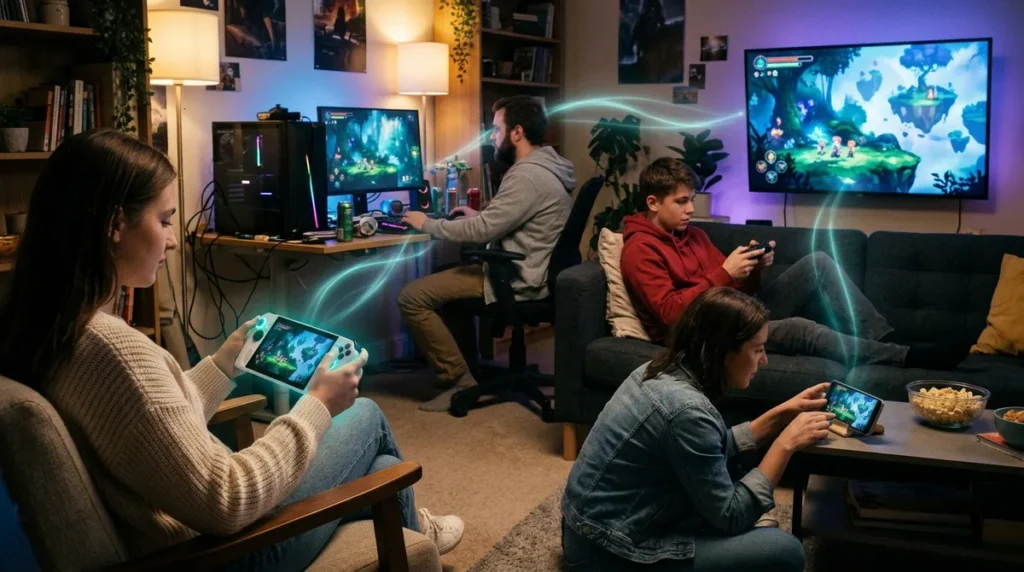
Games with crossplay let friends on different systems end up in the same match, and Rocket League is the cleanest example. The base game is free on the Epic Games Store, and it lets players on Epic Games Store, PlayStation, Xbox, Nintendo Switch, and Steam matchmake together, so nobody needs a second console to join the chaos. Crossplay means multiplayer across major consoles, mobile devices, and PCs on the same server, as Epic’s own definition puts it. The catch is that it’s decided game by game. Fortnite lets PlayStation players turn crossplay off, but Switch, PC, and mobile players can’t. Destiny 2 keeps competitive matchmaking split into console and PC pools.
The bill is the other headache. Joining friends can cost more than the game itself. In the US, most PlayStation online multiplayer requires PlayStation Plus, though Fortnite, Apex Legends, and Call of Duty: Warzone are free-to-play exceptions. Many Switch games want a Nintendo Switch Online membership for online play, and Fortnite is the notable freebie there. Then there’s the progress question. Playing together doesn’t mean your save follows you, so check that before your friend spends hours grinding a character that only exists on one console.
Key Takeaways
- Crossplay decides who can join your match, but cross-progression decides whether your character and saves follow you to another machine, so check both before your squad commits.
- In the US, most PS4 and PS5 online multiplayer games require PlayStation Plus, though Fortnite, Apex Legends, and Call of Duty: Warzone are free-to-play exceptions that don’t.
- Many Nintendo Switch games need a Nintendo Switch Online membership for online co-op and competitive play, and Fortnite is the notable exception that can be played online on Switch without one.
- Before buying anything for a game night, ask which friends already pay for a membership, because if nobody does, Rocket League, Fortnite, or Apex Legends will save your wallet from a monthly charge.
Crossplay Means Multiplayer Across Systems, Not Shared Saves
Crossplay is the word publishers love putting on the box because it sounds like a promise. Usually it’s a promise with an asterisk the size of a parking ticket.
Keep two ideas apart. Crossplay decides who can be in your match. Cross-progression decides whether your character, unlocks, and saves follow you to another machine. Bungie spells out the difference in Destiny 2, where Cross Play lets fireteams form across platforms, while Cross Save is a separate system for reaching a set of characters across connected accounts. Plenty of games offer one without the other, and few put it in big letters.
Rocket League is the clean example, but even it has a seam. Typed in-match messages only reach players on your own platform, while Party Chat text works across platforms. So the game lets you team up, then keeps the trash talk in its lane.
Destiny 2 has a trap too. A console player who joins a fireteam with PC players gets matched into the PC pool for that activity. The pool you thought you were in can change the moment your PC friend hits invite.
Fortnite’s PlayStation switch sounds like a courtesy until you read Epic’s warning that turning it off can leave some modes playable only in Solo. That’s a fun way to discover your squad had a PlayStation player in it all along.
Minecraft is the reminder that “cross-platform” has limits. Java and Bedrock players cannot normally join each other. Same franchise, same blocky world, same friend asking why they can’t find the server, and still no shared lobby.
Epic said in July 2025 that Fortnite, Fall Guys, and Rocket League support cross-platform play. That’s a useful list, and a short one. Platform support changes, so treat any list as a snapshot, not a guarantee.
The Subscription Tax on Playing With Friends

Before you buy anything, add up the whole bill. The game is only the first line on the receipt.
On PlayStation, the second charge often comes from the subscription. In the US, most PS4 and PS5 online multiplayer games need PlayStation Plus, so your friend can own the game and still sit in the lobby staring at a locked menu. The exceptions are free-to-play, and PlayStation names Fortnite, Apex Legends, and Call of Duty: Warzone as examples that don’t require the membership. Free still comes with an account, a download, and a cosmetics shop that will test your friend’s willpower at 2 a.m.
Exemptions are title-specific, so don’t assume a free-to-play label means free access everywhere. Some free-to-play games skip certain console subscription rules and others don’t. Check the specific game before anyone types in a card number.
Nintendo’s version of the trap is quieter. Many Switch games need a Nintendo Switch Online membership for online co-op and competitive play. Fortnite is the notable freebie, since it can be played online on Switch without the membership. Your group chat will not warn you about this. You’ll find out when the invite button greys out.
PC players get a friendlier deal in some cases. Fortnite and Rocket League are free-to-play on PC, with optional in-game purchases. Free to join doesn’t mean free to finish, though. Your friend may want the skins, the battle pass, or the car that looks like a cheese wheel, and that’s their decision to make.
The cheapest move is also the most boring one. Ask what your friends already own before you buy a subscription for a single game night. If two people already pay for a membership, the squad is set. If nobody does, pick a free-to-play game and skip the extra monthly charge.
Rocket League: The Car Soccer Crossplay Benchmark
Rocket League is the crossplay poster child. Players on Epic Games Store, PlayStation, Xbox, Nintendo Switch, and Steam can matchmake together in every online match type and team up in private matches, according to Epic’s Player Support page. Nobody needs a second console to join the chaos, which is rarer than it should be.
The idea is simple: drive a rocket-powered car, jump, flip, and smack a ball into the other team’s net. It’s soccer played by stunt drivers who hate gravity. Online, you can pick 1v1, 2v2, or 3v3, or switch to Extra Modes like Rumble, Snow Day, and Hoops when standard matches get too serious.
What sets it apart is the physics and the car customization. The cars feel like cars, not sports players bolted onto wheels. Casual matches are a laugh, and competitive ones reward the practice you put in.
It suits groups who want a sports game that’s easy to start and hard to master. The Epic Games Store lists the base game as free. The only planning is internet access and a free evening.
At a glance
- Best for: Friends who want a sports game with casual and competitive modes
- Cost: Free to play, with optional in-app purchases
- Booking: None needed, since it’s a video game rather than a physical attraction
- Location: Play on PC, PlayStation, Xbox, or Nintendo; see the official site for details
Destiny 2: Crossplay With Competitive Walls
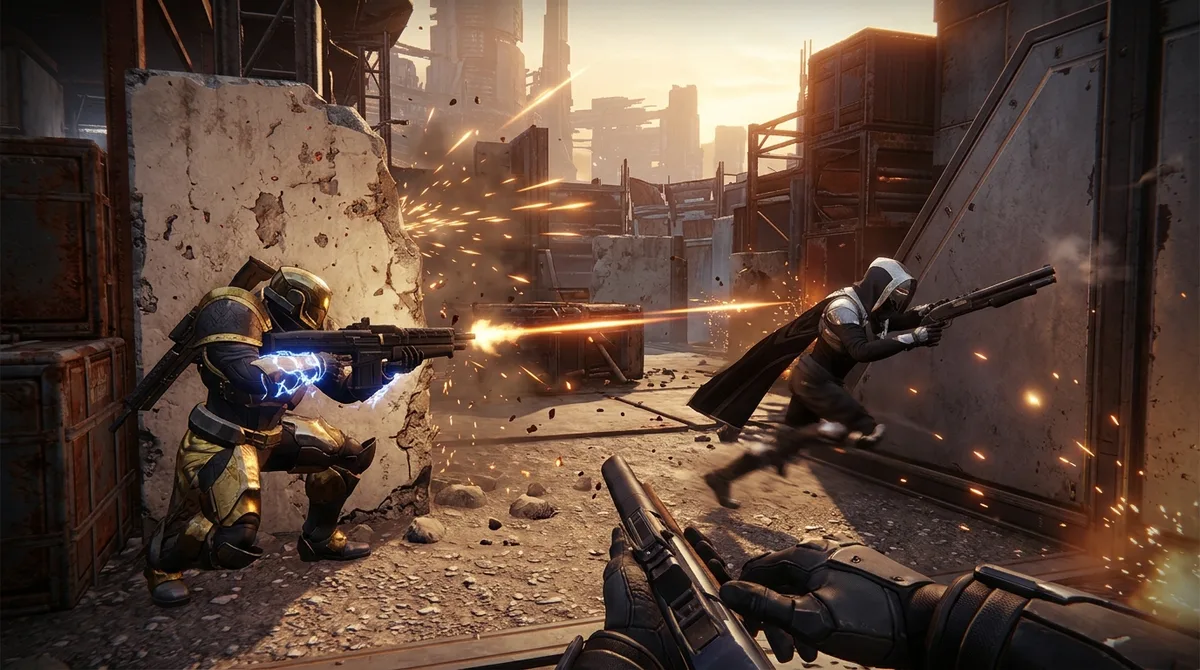
Destiny 2 is an online first-person shooter where you play a Guardian protecting Earth’s last city from alien enemies. You explore destinations, follow story missions, chase quests, and clear Lost Sectors. When you want company, Strikes are the cooperative hook, forming fireteams of up to three players. Crossplay is enabled automatically, so a console squad and a PC friend can share a fireteam without anyone rewiring the living room.
Expect crowds. Destinations include public events and social spaces, so strangers will wander past while you’re trying to look heroic. Physically, you need a controller or mouse and a screen, nothing more. Play time varies by activity, so a Strike and a long quest chain are very different commitments.
The platform split shows up in Crucible PvP. Competitive matchmaking uses separate console and PC pools, so the co-op side feels seamless while the versus side reminds you that the walls still exist. It’s a game that does shared-world chaos well, even if the rules get fussier once you start shooting each other.
It suits friend groups who like grinding loot together and don’t mind a few random teammates. Just know the ESRB rates it T for Teen for Blood, Language, and Violence, and flags Users Interact and In-Game Purchases. Those strangers in the social spaces are not always well-behaved.
At a glance
- Best for: Friend groups who want cooperative Strikes and a shared online world
- Time needed: Varies by activity
- Ages: Rated T for Teen by the ESRB
- Location: Online, on supported platforms
- Booking: Not needed
Apex Legends: Squad Teamwork Without the Phone Call
Apex Legends is a free-to-play online team shooter from EA. You pick a Legend, each with distinct abilities, and team up in a squad of three. Then you drop into a map, scavenge weapons and supplies, and fight other teams until one squad is left standing.
There’s nothing physical about it. No venue, no parking, no booking. Your couch is the venue. Match length depends on the mode, and the options run from competitive matches to faster or more relaxed playlists, so your squad can pick its own pace.
What sets it apart from a plain battle royale is the abilities. Your Legend can cover a retreat, open a path, or pin down a squad that’s getting too comfortable, so who does what matters. Crossplay lets friends on supported platforms join you, and Nintendo Switch 2 appears in the game’s current platform guide, a reminder that support changes over time.
It suits friends who want a shooter with roles rather than pure chaos. The ESRB rates it T for Teen, ages 13 and up, with blood, violence, online interaction, and in-game purchases flagged.
At a glance
- Best for: Squads that want team-based abilities in a battle royale
- Time needed: Depends on the mode you choose
- Cost: Free to play, with optional in-game purchases
- Ages: Teen, 13 and up (ESRB)
Call of Duty: Warzone: Free Battle Royale, Paid Friction
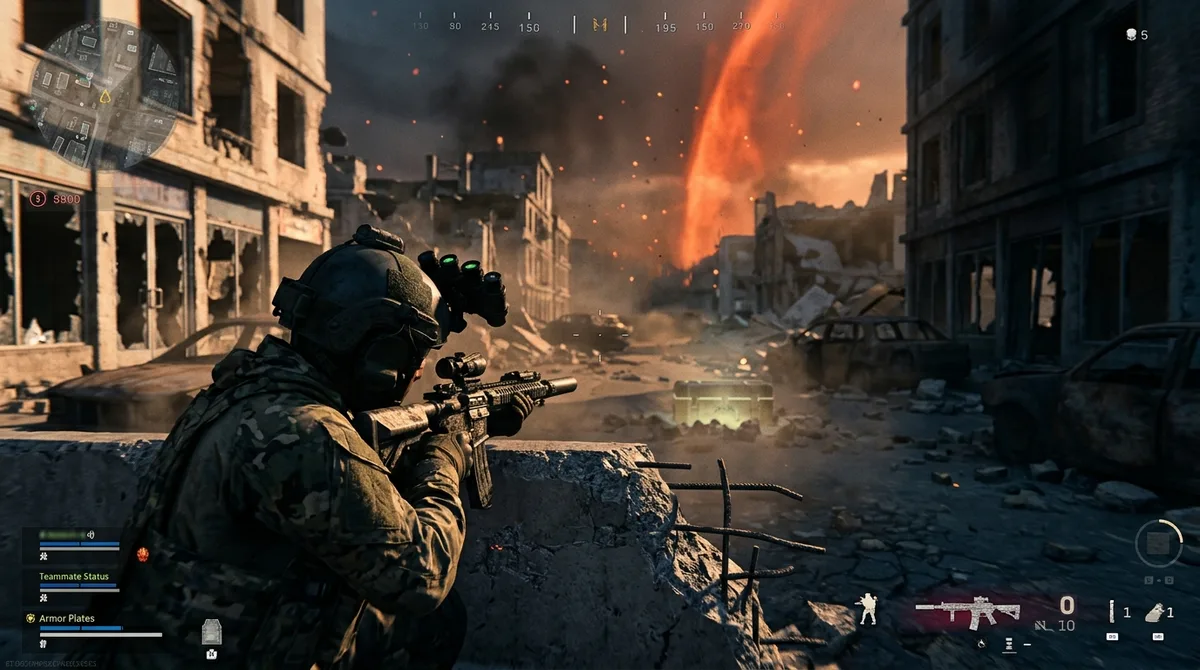
Call of Duty: Warzone is a free-to-play online first-person shooter. You drop into rotating virtual battlegrounds, loot weapons and equipment, and fight as individuals or squads in modes including Battle Royale and Resurgence. Resurgence is the kinder option for friends who keep dying. A fallen squadmate can redeploy while a teammate survives, so you get more chances to rejoin the fight than in standard Battle Royale, according to a Warzone guide.
Call of Duty: Warzone is a free-to-play online first-person shooter. You drop into rotating virtual battlegrounds, loot weapons and equipment, and fight as individuals or squads in modes including Battle Royale and Resurgence. Resurgence is the kinder option for friends who keep dying. A fallen squadmate can redeploy while a teammate survives, so you get more chances to rejoin the fight than in standard Battle Royale, according to a Warzone guide. The physical cost is zero. You’re sitting down, shooting at online opponents, and playing for as long as you like. The mental cost is the lobby’s skill spread. Matches can drop you in with players who have clearly been practicing since the last reboot, and then your patience gets the workout. The ESRB rates Warzone 2.0 Mature 17+ for blood and gore, intense violence, strong language, and use of drugs.
Crossplay is where Warzone gets interesting. Activision says players on supported platforms can play together with an Activision account. On Xbox, it’s listed for cross-platform play. On PlayStation, you don’t need PlayStation Plus to join in, which puts it in the rare category of online shooters where the friend with the cheapest setup doesn’t get locked out.
It suits squads who want quick, free matches and don’t mind the chaos. If your group is split across consoles and nobody wants another monthly bill, it’s the easiest yes on this list. If you hate losing to strangers with better aim, it’s not your game.
At a glance
- Best for: Squads who want free, match-based shooting with friends on mixed consoles
- Time needed: As long as you choose to play, match by match
- Cost: Free to play; PlayStation does not require PlayStation Plus for it
- Ages: Rated Mature 17+ (Warzone 2.0 rating)
Halo Infinite: Xbox and PC Under One Roof
Halo Infinite is a science-fiction first-person shooter where you either fight online or work through the campaign as Master Chief. Multiplayer has team and solo modes, including Arena and Big Team Battle, plus player-created Forge maps for when the official arenas start to feel stale. It runs on Windows PC, Xbox One, and Xbox Series X|S.
Nothing here is physical. There are no crowds, no parking, no visitor hours, and no bookings, just a controller or mouse and whatever session length you can handle. Campaign co-op lets up to four players tackle missions together, and it supports crossplay too, with campaign progress and unlocks shared across the group.
The Forge is the real standout. Community-built maps keep the game fresh long after the default playlists have worn thin. Crossplay and cross-progression also carry Gamertag-linked Battle Pass progress and customizations across supported devices, so your Xbox friend and your PC friend don’t have to start from scratch.
It suits friends who like tinkering as much as shooting. Multiplayer costs nothing to jump into, and the campaign is the paid part, though it can also come with an eligible Game Pass membership.
At a glance
- Best for: Friends who want free multiplayer, shared campaign co-op, and player-made maps
- Time needed: Up to the player
- Cost: Multiplayer is free; the campaign is a separate purchase or included with eligible Game Pass memberships
- Parking: None
- Booking: None needed
- Location: Windows PC, Xbox One, and Xbox Series X|S
Fall Guys: Goofy Party Chaos for Mixed Groups
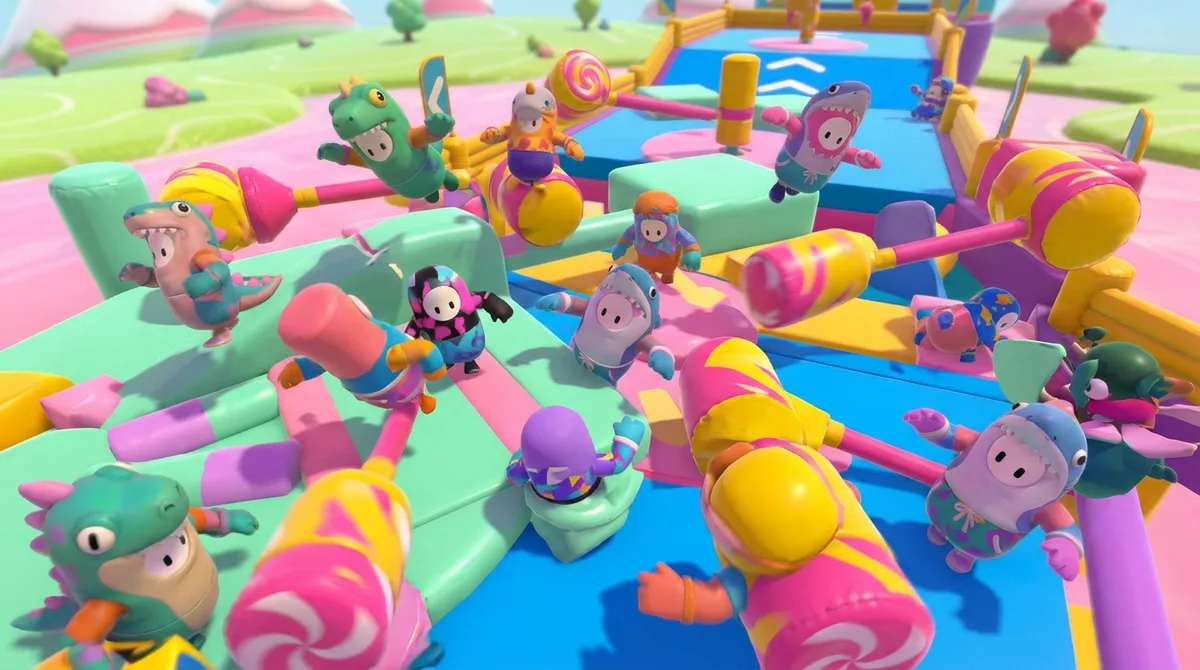
Fall Guys is a free online party game where colorful characters stumble through silly obstacle-course races. Rounds include races, survival scrambles, points contests, logic puzzles, and team games. You’re trying to qualify for each stage and ultimately win the Crown, though some rounds are cooperative, so nobody has to be the villain for five minutes.
Expect chaos, not commitment. There’s no venue, no schedule, and no ticket to plan around, because it’s a video game rather than an attraction. Play lasts as long as you want, and the only real effort is thumbs and yelling. A party can include up to three friends, and you add them by their Epic Games display name before creating the party.
Crossplay is why it belongs on a mixed-platform list. Epic said in July 2025 that Fall Guys supports cross-platform play, and cross-progression runs through an Epic Games Account. The bigger hook is Fall Guys Creative, where players build custom rounds and share them with the community. Those user-made courses keep things fresh long after you’ve memorized the built-in ones.
It suits groups who want something easy to explain and impossible to take seriously. The ESRB rates it E for Everyone, with mild cartoon violence and in-game purchases flagged, so it works for mixed-age households too.
At a glance
- Best for: Mixed-platform friend groups who want goofy races and team rounds
- Time needed: As long as you choose to play
- Cost: The base game is listed as free, with in-game purchases available
- Ages: Rated E for Everyone by the ESRB
- Booking: Not required; you join from the couch
Marvel Rivals: Hero Shooter With a Ranked Catch
Marvel Rivals is a free-to-play online superhero team shooter. You pick a Marvel hero or villain, combine team-up abilities with your teammates, and brawl across environments that can be reshaped through destruction. The wall you hid behind a minute ago may be rubble now, and so is your plan.
There’s nothing physical to plan. Play time is whatever you decide, whether that’s one match or a whole weekend. The crowd is other players online, and every one of them wants to be the hero.
Crossplay is the reason mixed groups should care. Friends on different platforms can play together in non-ranked modes. Ranked is the catch, because it separates PC players from PlayStation and Xbox players. Rank and leaderboard records also stay separate for each platform, even if you link accounts to use the same character across them. If the plan is a serious ranked night, build it around that split.
It suits friends who like hero shooters with real team-up combos and don’t mind a casual night where the squad is spread across systems. Ranked grinders with a fixed group on one platform should know what they’re signing up for.
At a glance
- Best for: Friend groups who want team-up abilities and mixed-platform casual matches
- Time needed: Up to you, since play time depends on the player
- Free to play; optional in-app purchases are the only extra
- Location: Online, on PC, PlayStation, and Xbox
Once Human: Survival With Crossplay Caveats
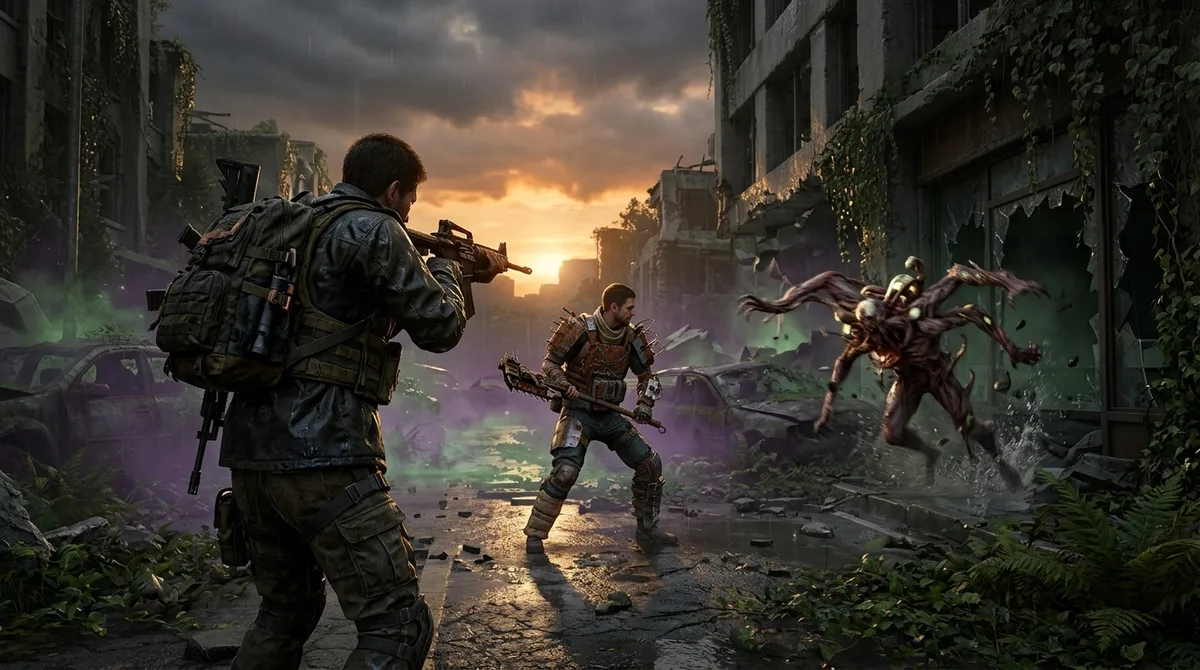
Once Human is a multiplayer open-world survival game set in a Stardust-infected wasteland, and it’s not built for lone wolves. You explore, build a shelter, collect Deviations, tackle dungeons, and pick PvE or PvP scenarios. Each scenario has its own maps, rules, and story, and its phases run from a few days to dozens of days, so your base might outlive your enthusiasm or the other way round.
Crossplay covers PC, mobile, PlayStation 5, and Xbox Series X|S, and PS and Xbox players can team up. Two limits matter before you send invites. Friends must be in the same region, and servers marked Console are restricted to console players. Nothing ruins a squad night faster than a PC player staring at a server list that won’t let them in.
Being an online game means no venue, no parking, and no booking. You sit on your couch or at your desk, and the crowds are other survivors sharing the same wasteland. It suits groups who enjoy building a base together, gathering supplies, and switching between cooperative PvE and sweaty PvP nights.
At a glance
- Best for: Survival fans who want to build, gather, and fight with friends
- Time needed: Scenario phases run from a few days to dozens of days
- Cost: Free to play on PC, mobile, PlayStation 5, and Xbox, with cosmetics and a Battle Pass as paid extras
- Location: Online, on PC, mobile, PlayStation 5, and Xbox
Disney Speedstorm: Kart Racing Across Three Screens
Disney Speedstorm is a free-to-play racer where Disney and Pixar characters battle on high-speed circuits. You drift through corners, build nitro boosts, and fire off character-specific skills, so every race is an arcade scrap with a steering wheel attached. The tracks borrow from films like Pirates of the Caribbean, The Jungle Book, and Monsters, Inc.
There’s no venue to visit, no queue, and no advance booking. You play on your own screen for as long as you like. Most modes need an internet connection, but offline split-screen mode is available as Local Freeplay. The PlayStation listing allows online play for up to eight players and local multiplayer for up to two on PS4 or four on PS5.
Gameloft says the game supports full cross-play across PC, console, and mobile, along with cross-save progression. That means a friend on a phone can line up against someone on a PS5 without anyone buying a second device. The free model includes optional purchases, including paid random items, so you can skip the shop and still race.
It suits mixed households and friend groups who want quick, chaotic races that anyone can pick up. The ESRB rates it E for Everyone, so the younger racers in the family can join in.
At a glance
- Best for: Mixed-platform friend groups and families who want fast, character-driven kart racing
- Time needed: Up to the player, one race or a full session
- Cost: Free to download, with optional in-app purchases including paid random items
- Ages: E for Everyone, per the ESRB rating
- Booking: None needed, since it’s a video game rather than a venue
- Location: Play on PC, console, and mobile
eFootball: Free Football With Mixed Platform Rules
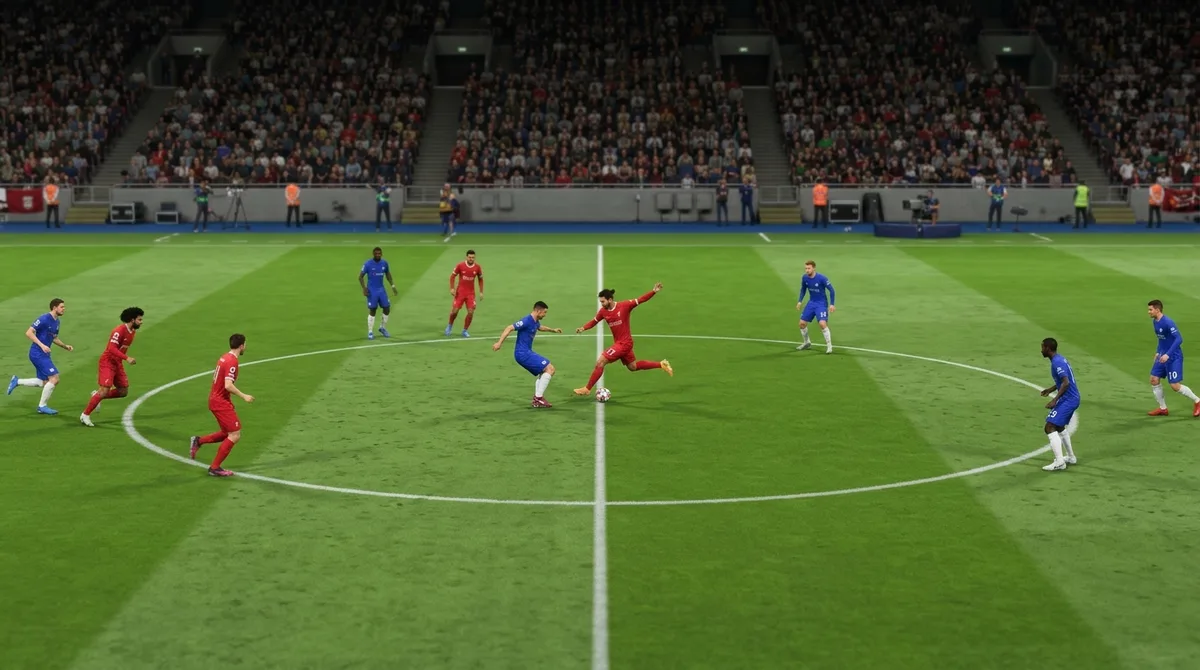
eFootball is KONAMI’s free-to-play football game, and it’s a rare freebie that doesn’t feel like a trap. You can play with Authentic Team, which uses real clubs and national teams, or build a Dream Team by signing footballers and managers from active players and legends. Then you develop that squad, which is the fun part, or the part where you realize you spent your transfer budget on a striker who can’t finish.
Dream Team is where the hours go. You can play league matches, Quick Matches, and events against AI or other users, or set up Friend Matches with your mates. It’s a video game, so the only physical demands are a controller and a chair. The crowd is whoever the matchmaking throws at you, which is usually a sweaty stranger with better timing than you.
The crossplay is the reason to bring friends from other systems. Console and PC players can play across platforms in the eFootball League, Ranking Events, Friend Matches, and Co-op. Mobile sits outside that group, since the iOS and Android versions are excluded. If you switch crossplay off, you’re only matched with people on your own platform. On PlayStation and Steam, that setting lives under Extras > Game Settings > Cross-Platform.
It suits friends on consoles and PC who want a football game without paying up front. Mobile players will need a different plan, and the in-app purchases are optional. Ignore them and you’ll still have a free game that’s fun to lose in with your friends.
At a glance
- Best for: Console and PC friend groups who want a free football game with squad building
- Cost: Free; in-game purchases are optional
- Location: PlayStation 5 and 4, Xbox Series X|S and One, Xbox on PC, Steam, iOS, and Android
EA SPORTS FC 27 Lite: Free Trial, Real Rules
EA SPORTS FC 27 Lite is EA’s free-to-download preview of its football game, so think of it as a free sample, not the full meal. It’s a no-cost way to see whether the game suits you before committing.
All you need is a controller, a screen, and an internet connection. There’s no venue, no parking, and no booking, and the only crowd is the other players online. Match length is up to you. EA released the Lite preview on September 25, 2026, for PlayStation 4 and 5, Xbox One and Series X|S, the EA app, Steam, and Epic Games Store, and the official site has the edition details.
The release list is PlayStation, Xbox, and PC, with no Nintendo platform among them, so Switch players will be watching from the stands. Mixed groups should check the platform list before planning a shared pitch.
It suits friends split across PC and consoles who want to test the waters before committing. It also suits anyone curious about whether a football sim is their thing, without paying upfront to find out.
At a glance
- Best for: Mixed-platform friend groups who want to try FC before buying
- Time needed: Your call, match by match
- Cost: Free to download
- Booking: Not required, since you play from home
- Location: Listed for PC, PlayStation, and Xbox; no Nintendo platform is listed
GOALS: Football With Players Who Retire

GOALS is a free-to-play football game built around competitive matches, and it wants your hands on the controls. You play in 1v1 and 5v5 formats, and the independent FIFPlay gameplay guide describes it as a direct-control game focused on passing, positioning, defending, and tactical squad building. Nobody is handing you the win for free.
New players don’t need to be thrown to the wolves. The official beginner guide suggests starting with Rookie Challenges, practicing in the Arena, and trying a bot match on Beginner difficulty. If your friends are asleep, the solo-versus-AI mode gives you a match anyway.
The squad is the real twist. The players you build a team around are distinctive, and they grow, peak, and eventually retire. That star you signed will one day be a story you tell about your early days. Cross-platform play covers PC and consoles. Paid in-game coin add-ons are available on top of the free base game.
GOALS suits friends who like football with a tactical streak and don’t want to pay upfront. If you enjoy watching a squad change over time, you’ll find the retirement cycle hard to ignore.
At a glance
- Best for: Friends who want direct-control football with squad building and cross-platform matches
- Time needed: Your call, one match or a full session
- Cost: Free to play, with paid in-game coin add-ons
- Booking: None needed, since it’s a digital game
- Location: PC and consoles
skate.: The Free Skateboarding Sandbox
skate. is EA’s online multiplayer skateboarding game, and it’s a shared playground with very good trucks. It’s set in the fictional city of San Vansterdam, where you explore the streets, find skate spots, practice tricks, and ride alongside friends. The official skate. site has the latest on what’s included.
Nobody expects you to leave the couch. It’s a digital game, so there’s no venue, no booking, and no parking to fight over. You need a controller, a screen, and enough time to lose track of the session. The crowd is other skaters in the same city, so you can spend the afternoon rolling around with friends or wander off alone hunting for the perfect ledge.
Crossplay is the headline. Players on PC, PlayStation, and Xbox can skate together, and it’s on by default, so your friend on a different machine doesn’t need a second system to join. To add someone, search their username or ID under Social & Spectate and send an EA Friend request, as GameSpot explains.
It suits friends who would rather cruise than compete, and anyone who spent their childhood trying to ollie off a park bench.
At a glance
- Best for: Friends who want a shared skateboarding sandbox across PC, PlayStation, and Xbox
- Booking: Not required; you skate from your own console or PC
- Location: Your PC, PlayStation, or Xbox, with friends online
Battlefield REDSEC: Battle Royale in Battlefield Clothing
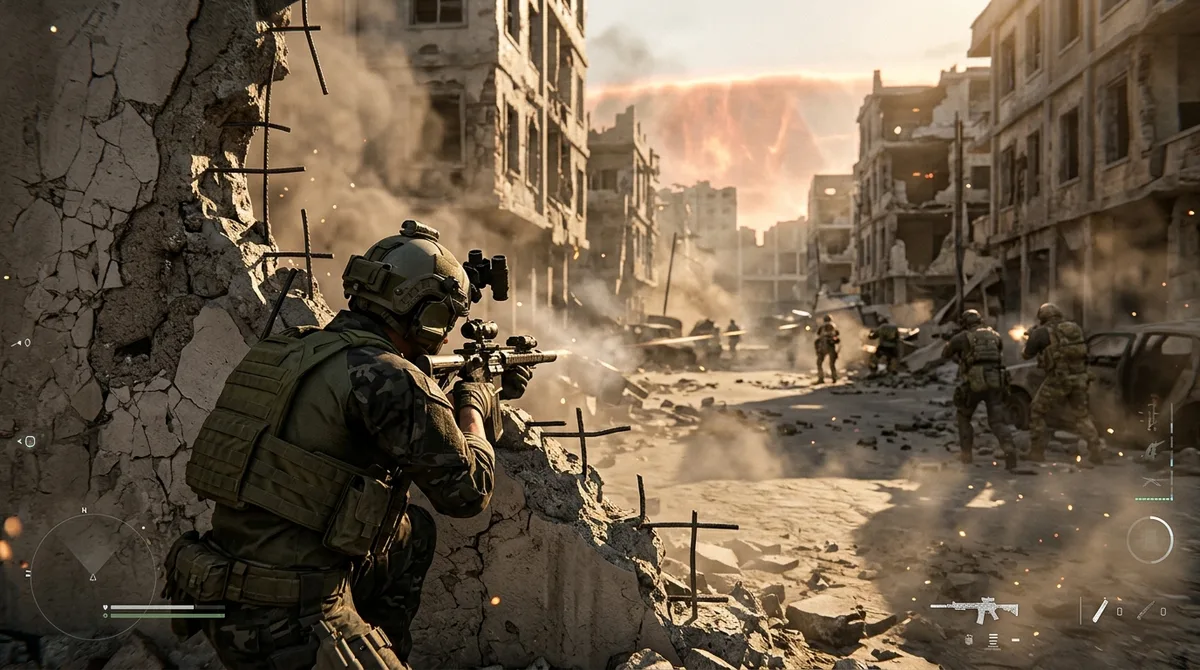
Battlefield REDSEC is a free-to-play Battlefield game built around a squad-based battle royale. You drop into Fort Lyndon with your squad, scavenge weapons and equipment, and try to outlast everyone as the safe area shrinks. If you’d rather skip the wandering, Gauntlet pits eight four-player squads against each other in round-based missions with five-minute objective windows, and Portal offers community-made experiences.
Destructible environments and large-scale combat are the Battlefield signatures here. The cover you hid behind a minute ago can turn into rubble, so your plan usually needs a backup. You need a supported platform and an internet connection, and the crowd is whoever matchmaking throws at you.
Crossplay works across PC, PlayStation 5, and Xbox Series X|S, but the details are fussy. TechRadar’s crossplay guide says console players can switch crossplay off in settings, while PC players don’t get that option. Settings and matchmaking can change with updates, so the setup you played last month may not be the one you get today.
It suits squads who want big, messy fights with some tactical thinking mixed in. If your group splits between PC and console, this is an easy free download to test together.
At a glance
- Best for: Squads who want battle royale and round-based elimination with large-scale Battlefield combat
- Time needed: Your call, from a quick round to a long session
- Cost: Free to play; you can ignore the shop
- Booking: Not required; it’s a download, not an appointment
- Location: PC, PlayStation 5, and Xbox Series X|S
THE FINALS: A Game Show Shooter That Breaks Its Own Set
THE FINALS is a free-to-play online team shooter staged as a televised game show, so you’re not just fighting, you’re performing. You build a contestant, then your team unlocks a vault, hauls its Cashbox to a Cashout Station, and defends it while the other team tries to take the money. Weapons and gadgets keep the noise levels high.
The arenas are the real star. Walls, ceilings, and whole buildings can be demolished, so the cover you hid behind a minute ago might be a pile of rubble now. Your plan changes with the architecture, and the other team’s plan changes with it.
Nothing physical is required. You play from your couch on PC, PlayStation 5, or Xbox Series X|S, and the playtime is as flexible as your schedule. There are no visitor hours, no parking, and no advance booking, so one match before dinner is as valid as a whole weekend.
Crossplay is part of the appeal across those systems. You need an Embark ID, and you have to enable crossplay in the settings before friends on other platforms can invite you. The listing says it’s included with Game Pass, which takes some of the sting out of the entry cost.
It suits friends who want a shooter where the map fights back and the matches come with a bit of theatre. If your group finds standard team shooters too static, this one will keep changing the floor plan on you.
At a glance
- Best for: Friends who want team shooting on destructible maps
- Cost: Free to play, with optional in-game purchases
- Location: Online, on PC, PlayStation 5, and Xbox Series X|S
- Parking: None
- Booking: None needed
Asphalt Legends: Arcade Racing for Mixed Devices

Asphalt Legends is a digital arcade racer where you drive supercars around stylized tracks, fire off nitro boosts at the right moment, and build a garage full of cars you’ll want to upgrade. The official Asphalt Legends site sells the same idea: race fast, collect more machines, repeat.
Nobody needs a steering wheel or a second screen. You can play with a controller, a keyboard, or a touchscreen, and you pick either Manual or TouchDrive controls depending on how much of the driving you want to do yourself. Sessions last as long as your thumbs can take it.
The real selling point is crossplay. A crossplay guide lists PC, PlayStation 4 and 5, Xbox One and Series X|S, Nintendo Switch, Mac, iOS, and Android, so a phone racer can line up against a console racer. Progress is a different story, because Gameloft’s support page says cross-save is not available on PlayStation 4, PlayStation 5, or Nintendo Switch.
It suits mixed households and friend groups who would otherwise spend the night arguing about who owns what. The ESRB rates it E for Everyone, with Mild Lyrics and Mild Violence noted. The game is free, with optional in-app purchases that include paid random items, and the listing says it’s included with Game Pass.
At a glance
- Best for: Mixed-device friend groups who want fast, arcade-style supercar racing
- Cost: Free to play, with optional in-app purchases including paid random items; included with Game Pass according to the listing
- Ages: Rated E for Everyone by the ESRB
- Booking: None needed, since it’s a video game rather than a physical attraction
- Location: PC, PlayStation, Xbox, Nintendo Switch, Mac, iOS, and Android
War Thunder: Military Vehicles Across Mixed Systems
War Thunder is an online, free-to-play military vehicle combat game where you pilot aircraft and helicopters, drive ground vehicles, or command ships in team battles. You can download it and play without buying anything or paying a subscription, but it needs a permanent internet connection, so your router is the real gatekeeper. The game lists more than 2,500 vehicles across land, air, and sea on its official site, which is a lot of metal to learn.
The three modes are where it gets interesting. Arcade is the forgiving starting point, Realistic makes the numbers matter more, and Simulator is for players who treat a cockpit like a textbook. Most matches ask you to capture points or destroy and defend targets. Maps are built for 32 players split into two teams, and some events stretch to 64. You never leave the couch, and session length is entirely up to you, though the crowd is 32 strangers, many of whom know more about aerodynamics than you do.
Combined arms is the real selling point. Most shooters give you one kind of vehicle, while War Thunder lets a tank crew, a fighter pilot, and a destroyer captain share the same battlefield. On Xbox, the game is included with Game Pass, and cross-platform play can be switched on or off, so with it disabled you only play against other Xbox players.
It suits friends who love machines and don’t mind learning slowly. Official beginner video guides cover aircraft and tanks, which helps. The ESRB rates it Teen (13+) for violence, so it’s not for the youngest gamers in the house.
At a glance
- Best for: Vehicle fans who want aircraft, tanks, and ships in the same team battles
- Time needed: Up to the player
- Cost: Free to download and play, included with Game Pass on Xbox
- Ages: Rated Teen (13+) by the ESRB
- Parking: None
- Booking: None needed
Roblox: The Platform Where Crossplay Depends on the Experience
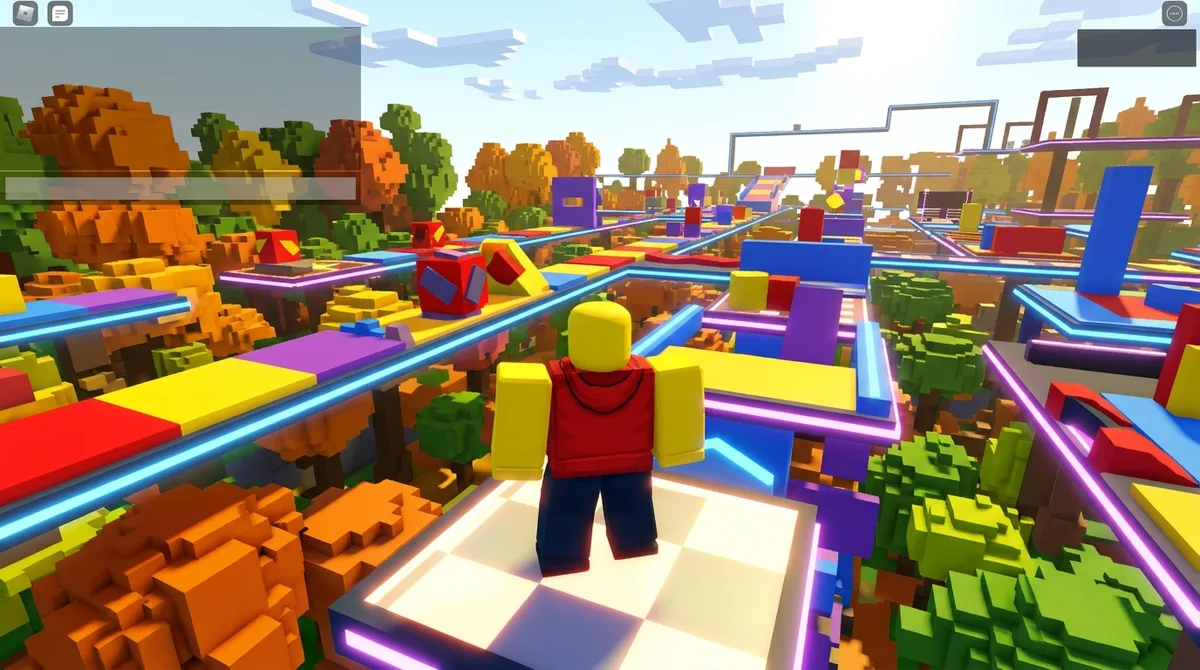
Roblox is a platform, not one game, and that’s the first thing to get straight. It’s an online gaming and creation platform packed with creator-made experiences like obstacle courses, racing games, and creative simulations. You can also use Roblox Studio to design and publish your own games, and customize your avatar while you’re at it.
Physically, you’re sitting on a couch, because there’s no venue to visit. How long you stay is up to you, and the crowd is whoever shares the experience you picked. Cross-play is where it gets interesting. On PlayStation 4 and 5 in select countries, you can play with users on Xbox, iOS, Android, desktop, and Meta Quest when cross-platform play is enabled. The PlayStation setting can be turned off, which limits you to PlayStation users, so your mixed squad needs that toggle switched on.
It’s free to join and play, and Robux is optional for avatar items and in-game upgrades, so nobody has to pay to show up. Age is the real gatekeeper. Experiences rated Content May Vary are unavailable to users under 9, and a parent can allow users aged 9 to 15 to play them through parental controls.
It suits friend groups who like building and tinkering as much as playing, and mixed households where the youngest player needs a grown-up’s approval for the rougher corners. Roblox works best when you treat it as a shelf of different games, not one product with one rulebook. Every creation sets its own device support and controls, so a friend who joins the wrong experience may find the fun locked behind a door they can’t open.
At a glance
- Best for: Mixed-device friend groups who like hopping between creator-made games
- Time needed: Up to the player
- Cost: Free to join and play, with optional Robux purchases for avatar items and upgrades
- Ages: Depends on each experience’s content rating and parental settings
- Booking: None needed, since there’s no physical venue
- Location: Online, on supported devices
NEIGHBORS: Suburban Warfare: Chaos on the Cul-de-Sac
NEIGHBORS: Suburban Warfare is a digital multiplayer party brawler where a neighborhood feud gets completely out of hand. You pick a suburban character, barricade your home, and set traps for the rivals next door. Then you grab everyday objects and go to war with them. The modes are Destruction, Brawl, Prop Hunt, and Robot Invasion, and in the last one you defend your house from waves of robots.
Nothing about it is physical. You play from your couch, and the crowd is whoever matchmaking throws at you. A September 2026 review describes fast-paced 4v4 battles that work well in short bursts, which makes it a good pick for a quick break between chores. On PC, the minimum operating system is Windows 10, and you need a broadband connection.
Most party brawlers ask everyone to own the same console. NEIGHBORS lets PC, PlayStation 5, and Xbox Series X|S players end up on the same lawn, and the crossplay arrived with the 1.0 release on September 29, 2026. The game is also
Stumble Guys is a digital party-knockout game where cartoon characters jump, dive, and dodge their way through obstacle courses. A match ideally starts with 32 players across three rounds. Each round picks a random map, and players get knocked out until one wobbly survivor is left standing.
The map types keep you guessing. You might sprint for the finish line in a race-to-finish round, then fight for survival in a solo-elimination or team-elimination round. Nobody leaves the couch, and the crowd is the other players online, so the only real cost is your dignity when a hazard flattens you at the last second.
Crossplay is where the chaos gets complicated. The official support page says iOS, Android, and Steam players can join together when they’re on the same patch version. Crossplay with consoles is currently unavailable, because console runs a different build. Your PlayStation friend can watch the fall guys from the sidelines.
It suits groups already split between phones and PCs who want a quick, silly game that doesn’t cost anything to join. Since the base game is free, nobody needs to pay before the first wipeout.
At a glance
- Best for: Phone and PC friend groups who want quick, chaotic elimination rounds
- Cost: Free, with optional in-app purchases
- Booking: None needed, since it’s a digital game
- Location: Online, on iOS, Android, and Steam
Aniimo: Creature Catching Where You Become the Creature
Aniimo is a free-to-play open-world creature-catching RPG set on the fantasy continent of Idyll. You explore, catch Aniimo, evolve them, battle, and solve puzzles. The real hook is Twining, which lets you merge with a caught creature and control it, trading your own abilities for its movement and combat tricks. Some species also unlock puzzle interactions that only they can handle.
Nothing here is physical, so your venue is the couch. Sessions last as long as you want, and the crowd is whichever friends you drag in. The Steam listing describes online co-op and a three-player team mode called Egg Heist. A mobile home base adds a building layer you can tend from your phone between sessions.
Plenty of creature catchers keep you as the trainer on the sidelines, shouting instructions. Aniimo puts you inside the fight as the creature itself, which is a more interesting way to hunt monsters. Its launch notice says progress is shared across platforms when you use the same account on the same server, so switching machines doesn’t have to mean starting over.
It suits collectors who get bored of standing still and friends who want co-op without a big commitment. It’s free to start, with in-app purchases on top.
At a glance
- Best for: Creature collectors who want to become the creature, and friends who want co-op
- Time needed: Up to the player
- Cost: Free to play, with in-app purchases; included with Game Pass according to the listing
- Location: Online, on PlayStation 5, Xbox Series X|S, PC, iOS, and Android
Where Winds Meet: Wuxia Open World for Friend Groups

Where Winds Meet is a free-to-play open-world wuxia action-adventure RPG set in tenth-century China, and the official site describes it as rooted in wuxia. You explore the world, fight with martial arts and weapons, follow story quests, and pick roles such as doctor or merchant. Play solo, team up with up to four others, or take fights into PvP.
The publisher’s investor materials from November 2025 advertise more than 150 hours of narratively driven exploration and adventure. That’s a content estimate, not a promise of how long you’ll be sitting there. Co-op opens at Level 3, which a Dot Esports guide says takes about 30 minutes after the tutorial and General Shrine quest. Nothing here is physical. No queues, no tourist crowds, just your controller and whoever you invite.
Plenty of games hand you a sword and a quest log, but few let you spend an evening as a merchant before getting dragged into a duel. Cross-play is the practical win. The official Xbox FAQ from June 2026 says cross-play and shared character data work across Xbox, PC, PlayStation, and mobile once accounts are linked, limited to players in the same server region.
It suits friends who like wandering off the main path and don’t want a checklist to finish. The publisher says the game is designed without pay-to-win mechanics, so the friend with the empty wallet can still keep up.
At a glance
- Best for: Friends who like open-world wuxia, side paths, and PvP fights
- Time needed: More than 150 hours of content, according to the publisher’s estimate
- Cost: Free to play with optional in-game purchases; included with Game Pass on Xbox
- Booking: None needed, since it’s a digital game
- Location: Online, with cross-play across Xbox, PC, PlayStation, and mobile
3on3 FreeStyle: Street Basketball Across Platforms
3on3 FreeStyle is JOYCITY’s free-to-play online street-basketball game, and it’s the one on this list where you get to dunk on your friends. You choose a character, team up, and compete in stylized basketball matches. The official 3×3 mode is a single eight-minute round, which is about right for a game built on quick bursts of trash talk.
Nothing physical is required. You won’t sweat through a shirt, and there’s no venue, no parking, and no booking. The crowd is whoever matchmaking throws at you, usually a teammate who insists on calling for the ball every possession.
The developer says cross-play works in 3v3 and 1v1 modes, and you can invite friends from other platforms once it’s enabled. Cross-platform chat isn’t supported, so you’ll lean on the macro chat system, which means your friends get canned phrases instead of full sentences. Honestly, that’s a fair trade for not having to explain your ankle-breaker over voice chat.
It suits mixed groups who want a fast game without scheduling a court. On PlayStation, the PlayStation Store lists it as free on PS4 and PS5, with online play required. On Xbox, the Xbox Store lists it as free with in-app purchases and an Everyone rating with mild language.
At a glance
- Best for: Friends who want quick, free street basketball across mixed platforms
- Time needed: One eight-minute round in the official 3×3 mode
- Cost: Free to play, with optional in-game purchases
- Ages: Rated Everyone with mild language on the Xbox Store listing
- Location: Online, on PS4, PS5, Xbox, and the Epic Games Store
- Booking: None needed, since it’s a video game
Pixel Royale 3D: Retro-Styled Shooting Across Devices
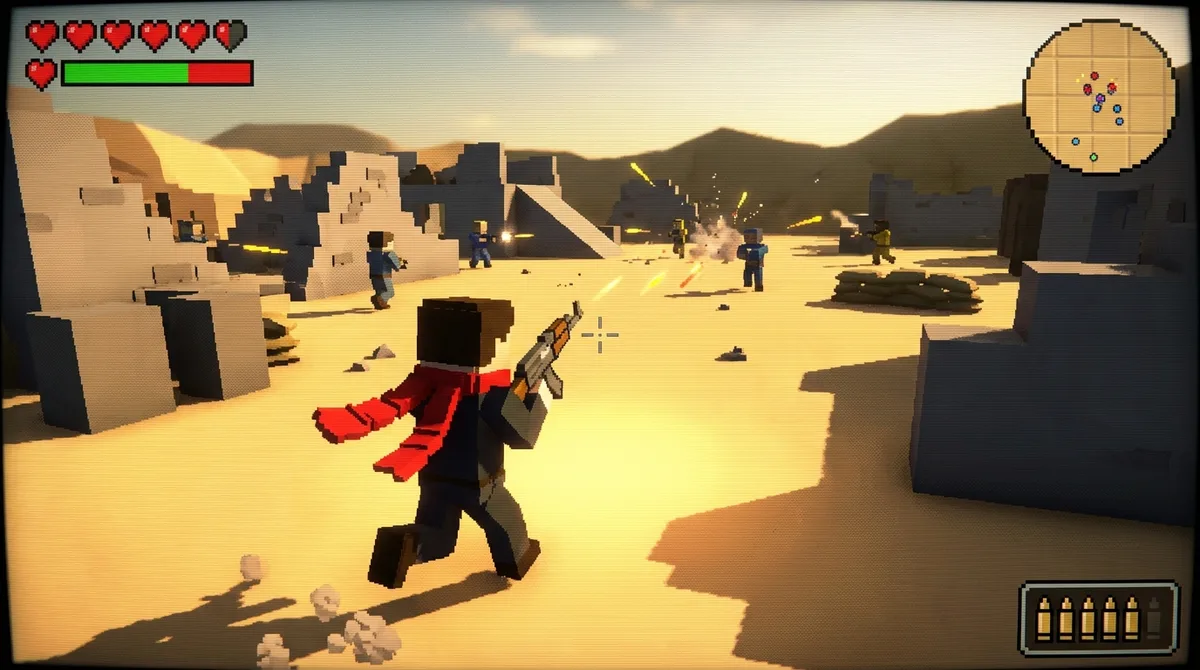
Pixel Royale 3D is a fast, pixelated first-person shooter with a free-to-play price tag. You build a weapon loadout, pick a map, and fight other players across pixel-art arenas. The official website describes 65 weapons in five categories, so expect to spend some time tinkering before you spend any time winning. The maps include a yacht, a tropical island, a prison, and a space station.
The modes are Team Deathmatch, Deathmatch, Duels, and Pixel Royale, where you loot weapons and try to be the last one standing. Movement is quick. You can slide and wall-jump, so the corner you thought was safe is often just a launch pad. You play from a chair, and the crowd is whoever matchmaking throws at you.
What sets it apart is the platform list. The official site advertises cross-platform multiplayer across PC, Mac, Linux, Xbox, and mobile, which is a wider net than most shooters cast. It’s newly listed on Xbox, and the optional in-app purchases are the only money you’ll be asked for. Google Play rates the Android version Teen, citing violence, blood, user interactions, and in-game purchases.
It suits friends split between a PC and a phone who want short, twitchy rounds without a platform argument. Duels is an easy pick for two, and Pixel Royale is there when the group wants a bigger fight.
At a glance
- Best for: Mixed-platform friends who want fast arena shooting with loadout customization
- Cost: Free to play, with optional in-app purchases
- Ages: Rated Teen for the Android version on Google Play
- Booking: None needed, since it’s a digital game
- Location: PC, Mac, Linux, Xbox, and mobile
Pool Blitz: Online Pool With Friends on Different Devices
Pool Blitz is CherryPop Games’ online pool game, and it’s the table you can reach without owning one. You can play 8-Ball and 9-Ball, or try Blitz, a fast, real-time mode where the balls you pot appear on your opponent’s table. Every ball you sink is a problem you just handed your opponent.
Cross-platform play is the headline. CherryPop’s support guide lists Android, iOS, PlayStation 4 and 5, Xbox Series X and S, Windows, and Switch as ways to play, so a friend on a phone can take on someone holding a controller. You can also link an email account to use your Pool Blitz account on another device.
The price is friendly. The Steam version is free to play with optional in-game purchases, and the US Apple App Store listing says it’s free with in-app purchases, rated 18+, and requires an internet connection. Nothing needs to be installed on a table, and nobody needs a bar tab.
It suits friends who want casual pool on any screen they own, or competitors who want to climb tournaments. The Steam listing describes one-on-one matches and tournaments, plus Blitz games with up to seven friends, so a group chat can turn into a league.
At a glance
- Best for: Casual or competitive online pool with friends on different devices
- Cost: Free to play, with optional in-app purchases
- Ages: Rated 18+ on the US Apple App Store
- Location: Online, on Android, iOS, PlayStation, Xbox, Windows, and Switch
Zenless Zone Zero: Urban Action RPG With Friends
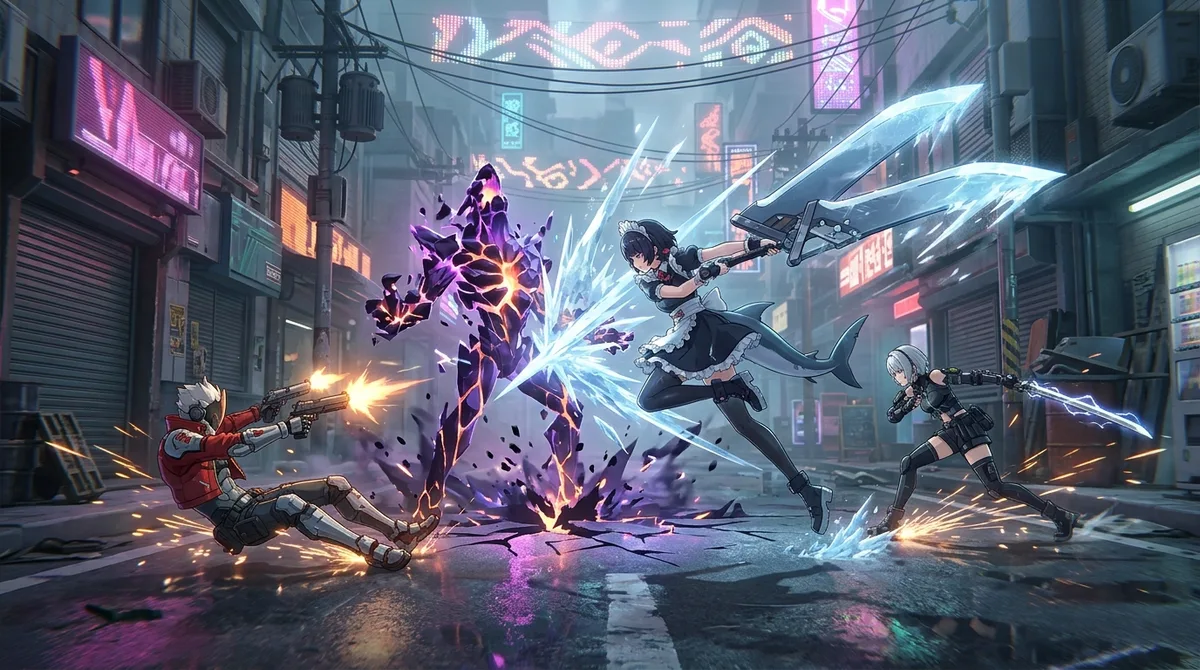
Zenless Zone Zero is a free-to-play urban-fantasy action RPG set in New Eridu, where you play a Proxy. Your job is to guide characters through dangerous Hollows, fight Ethereals, and take on commissions, which is the game’s polite name for side jobs. The combat is fast, and the dungeons are roguelike puzzles, so button mashing won’t get you far.
Between fights, you wander the city’s neighborhoods. The game mixes life-simulation activities into the action, so the streets matter as much as the monsters. Story threads run alongside the commissions, so the city never feels like a loading screen with a sword attached.
Plenty of games want you either exploring an open world or fighting in arenas. Zenless Zone Zero stitches the two together with errands and everyday life, which gives it a different rhythm. It’s a welcome change when you’re tired of the same two loops.
Crossplay is where things get messy. Microsoft’s Xbox listing advertises Xbox cross-platform multiplayer, but a crossplay guide last checked October 10, 2026 says Xbox Series players are matched separately from PC, PS5, iOS, and Android players. Progress is simpler: HoYoverse says signing in with the same linked account carries your game data across PC, iOS, Android, PlayStation, and Xbox.
It suits players who want action with a side of city life and don’t mind a split Xbox lobby. Rated Teen, 13 and up, on Xbox.
At a glance
- Best for: Players who want fast action combat mixed with story and city errands
- Cost: Free to play, with optional in-game purchases
- Ages: Rated Teen, 13 and up
- Booking: None needed, since it’s a video game rather than a venue
- Parking: None
- Location: Online, on PC, PlayStation, Xbox, iOS, and Android
Pixel Strike 3D: Short Matches for Busy Schedules
Pixel Strike 3D is a free-to-play online first-person shooter with retro pixel-style graphics. It looks like it was built on a 90s arcade cabinet, but the matches are fast and modern. You can jump into Team Deathmatch, Capture the Flag, or Bomb Defuse, then customize your character and weapons between rounds. When the serious modes get too tense, party minigames like Dodgeball and Duck Hunt are there for a laugh.
Expect short rounds, not marathon commitments. Quick matches and fast respawns mean you can squeeze in a game before dinner and still have time to lose a few more. You never leave the couch, so the crowd is whoever matchmaking throws at you. The official Pixel Strike 3D site describes more than 20 modes, so there’s plenty to try before you get bored.
Most shooters ask for a big chunk of your evening. This one asks for a coffee break and a bit of pixelated revenge. The mix of competitive modes and silly minigames in one free package is the real selling point. Xbox lists cross-platform multiplayer for 2 to 20 players, but crossplay doesn’t cover the Quick Play playlist, so your group needs to join the right queue.
Pixel Strike 3D suits friends who want a quick, cheerful shooter without a long commitment. It’s rated Teen for ages 13 and up on Xbox, so younger players should be joining a grown-up’s game night.
At a glance
- Best for: Friends who want quick, retro-styled shooting with minigames between serious matches
- Time needed: Short sessions, thanks to quick matches and fast respawns
- Cost: Free to play, with optional in-app purchases
- Ages: Teen, 13 and up (Xbox store rating)
- Booking: None needed, since it’s a downloadable game
- Location: Online, on Xbox, Android, and iOS
MY HERO ULTRA RUMBLE: Anime Battle Royale With an Off Switch
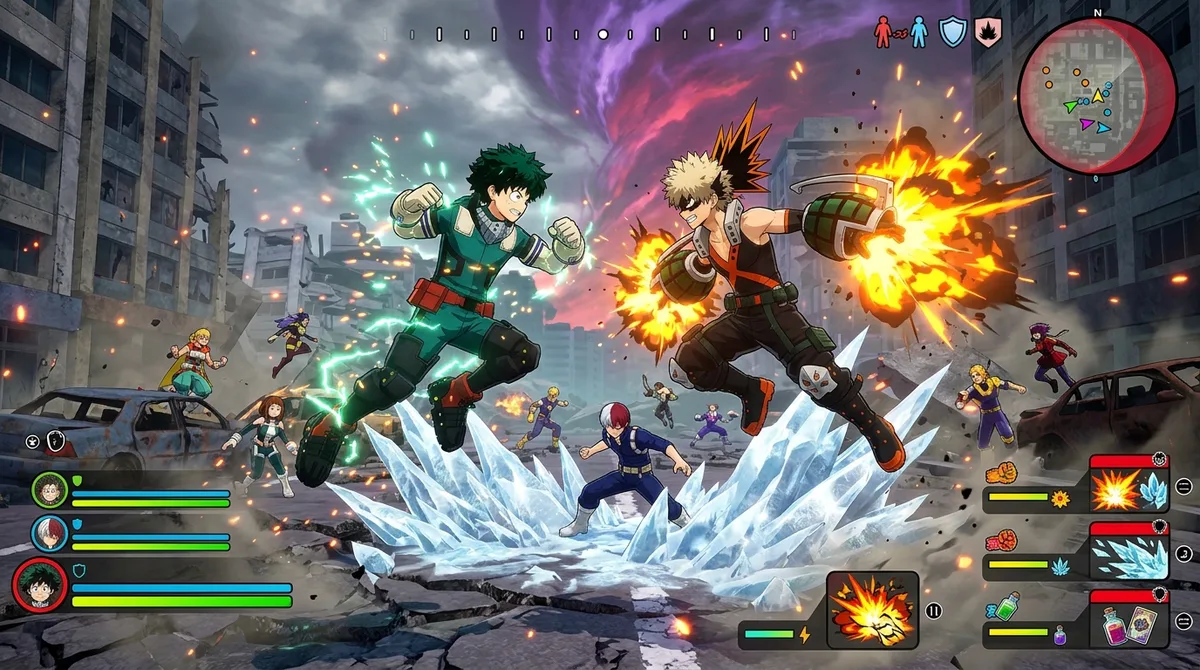
MY HERO ULTRA RUMBLE is a free-to-play battle royale based on the My Hero Academia series, and it’s the only game in this roundup where the anime is the whole pitch. You choose a hero or villain, team up in squads of three, and explore a city map, collecting items and interacting with civilians while you hunt for the last squad standing. Quirks are character-specific abilities, so your hero’s power matters as much as your aim.
Expect a fight with 24 players, and a lot of running. Each match opens with a landing choice: you get 15 seconds to pick a spot, and popular areas with accessible loot draw crowds fast. Nothing here needs a venue, a ticket, or a booking, just a controller and a free evening.
Crossplay is the practical hook. Bandai Namco switched it on March 26, 2025, and you can toggle it from the title screen by opening Menu, then Settings. With it enabled, text and voice chat still work, but you can join only Agencies created by players on your own platform, which is the fine print that matters for mixed groups.
It suits fans who want to fight as their favorite hero with friends on different consoles or PC, and who don’t mind a squad-first battle royale that’s built around the show’s powers.
At a glance
- Best for: Fans of My Hero Academia who want squad-based battle royale with their favorite heroes and villains
- Cost: Free to play, with optional in-app purchases
- Location: PlayStation, Steam, Xbox, and Nintendo Switch
- Booking: None needed, since it’s a video game rather than a physical attraction
Trackmania: Time Trials and Community Tracks
Trackmania is a digital arcade racer built around one simple idea: finish a short, challenging course as fast as you can, then do it again, slightly faster. Most of your time goes into chasing your own best lap, while leaderboards show exactly how far behind the top players you are. The official site has the details.
The creative side is the sleeper hit. The track editor gives you more than 3,000 3D blocks and items, so you can build courses that are far nastier than anything on the default list, then share them with the community. Some of the best tracks are built to humiliate their makers’ friends.
There’s no venue, no parking, and no booking. The only planning is a free evening, and sessions are self-paced, so one quick run before bed counts as much as a weekend of tuning your racing line. Crossplay works across platforms through a Ubisoft account, and you can turn cross-platform play off in the system settings if you’d rather race only against your own platform.
It suits competitive players who hate leaving time on the table, and creators who enjoy designing traps for other people. Free Starter access gets you in without a bill, and the Ubisoft US game page lists one-year Club Access at $19.99 if you want more. It trades flashy cars for precision, and that trade is why it’s still worth your evening.
At a glance
- Best for: Competitive racers who love chasing a personal best, and creators who enjoy building tracks
- Time needed: Self-paced, from one quick run to a full session
- Cost: Free Starter access; the Ubisoft US game page lists one-year Club Access at $19.99
- Parking: None, since it’s a digital game
- Booking: None needed
- Location: PC, Xbox One and Series X|S, PlayStation 4 and 5, and Amazon Luna
Brawlhalla: Platform Fighting With Up to Eight Players
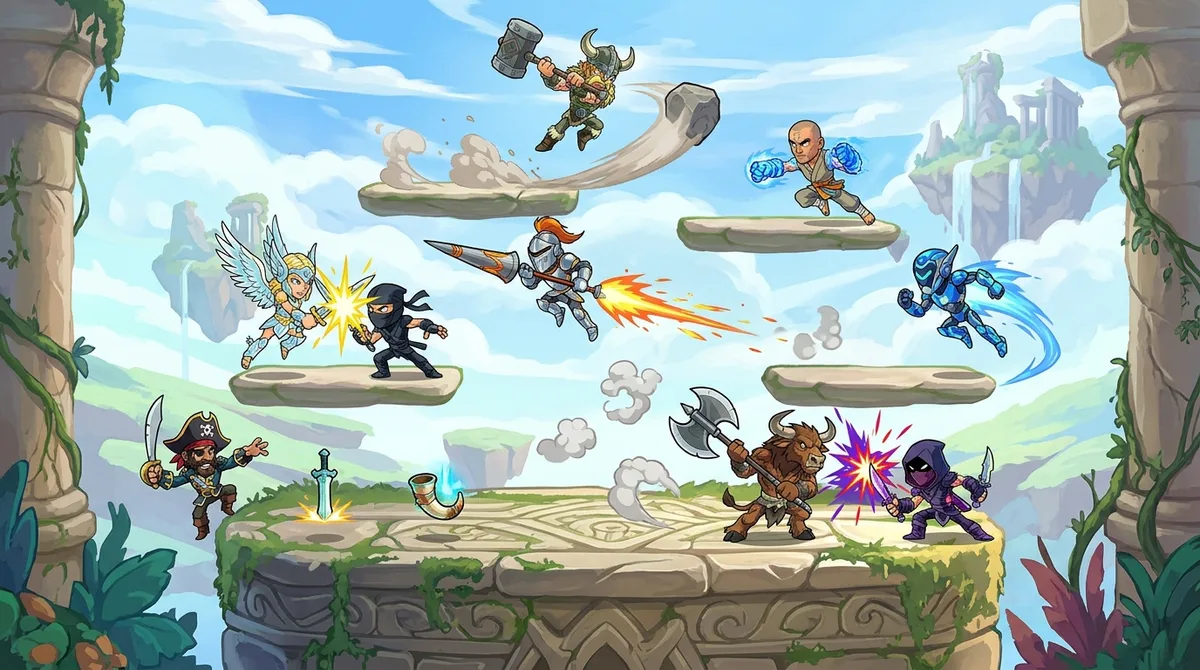
Brawlhalla is a free-to-play 2D platform fighter, so the goal is to knock your opponents off the stage before they do the same to you. You choose a fighter, then fight locally or online in ranked and team modes. The Xbox listing describes Ranked 1v1, 2v2, and 3v3, plus Capture the Flag, Volleybrawl, Horde, and Walker Attack, so you can go competitive or just goof around.
Nothing about it is physical. You won’t queue at a venue or hunt for parking. Matches can include up to eight players, which makes for a crowded, noisy couch night. The official website lists cross-play across PC, PlayStation 5 and 4, Xbox Series X|S and Xbox One, Nintendo Switch, iOS, and Android, so a friend on a phone can share a stage with someone on a console. Accounts can be linked for cross-progression, which carries Legend XP, ranked Elo, and Battle Pass progress between platforms.
Most crossplay fighters feel like a checkbox. Brawlhalla has a real stage, a roster of weird fighters, and a ranked ladder that doesn’t ask for a credit card. Volleybrawl is a silly bonus that proves the developers were having fun too.
It suits mixed-platform friend groups who want a quick brawl without a big commitment. The Xbox listing rates it Everyone 10+ for fantasy violence and notes in-game purchases, which is worth knowing before the younger players grab the controller. The listing also says it’s included with Game Pass.
At a glance
- Best for: Mixed-platform friend groups who want fast, free platform fighting
- Cost: Free to play, with in-game purchases; included with Game Pass according to the listing
- Ages: Rated Everyone 10+ on Xbox for fantasy violence, with user interaction and in-game purchases noted
- Location: Local or online, on PC, PlayStation, Xbox, Nintendo Switch, iOS, and Android
- Booking: None needed, since it’s a video game rather than a venue
Crossplay Settings Hide in Plain Sight
Crossplay toggles are hard to find because every publisher hides them somewhere different. Some live in the main settings menu, some sit under a social tab, and some are on the title screen where nobody looks until the squad is already waiting. Fortnite is the one to learn first, because its rules change depending on which device you’re holding.
You add Fortnite friends by their Epic display name. Anyone on a platform other than PC or Mac has to enable cross-play before they can play with friends on other systems. The catch is that on Nintendo Switch, PC, and mobile, cross-play can’t currently be turned off. PlayStation players are the only ones who get an off switch, and Epic’s Fortnite cross-play settings page explains exactly what each platform gets.
That PlayStation switch comes with a warning. Epic says disabling cross-play can leave some modes playable only in Solo. So the player who opts out to avoid the Switch crowd may find the squad mode has quietly disappeared. Read the warning before you click anything.
Title-screen toggles are the sneakier problem. Bandai Namco’s battle royale MY HERO ULTRA RUMBLE keeps its crossplay option out of the in-game menus, so a player who never looks at the title screen may not know the setting exists. If a friend says they can’t see you, the first thing to check is whether their toggle is even in the right position.
The pattern across these games is simple: the setting is rarely in the same place twice, and it’s often switched on only for one platform. Check it before the session, not during it. Ask each friend to open their settings the night before and confirm what they see. Then run a quick private match with one friend from a different system. Five minutes of prep beats discovering, mid-match, that your PlayStation buddy has been playing Solo all night.
Checking Crossplay Before You Schedule Game Night
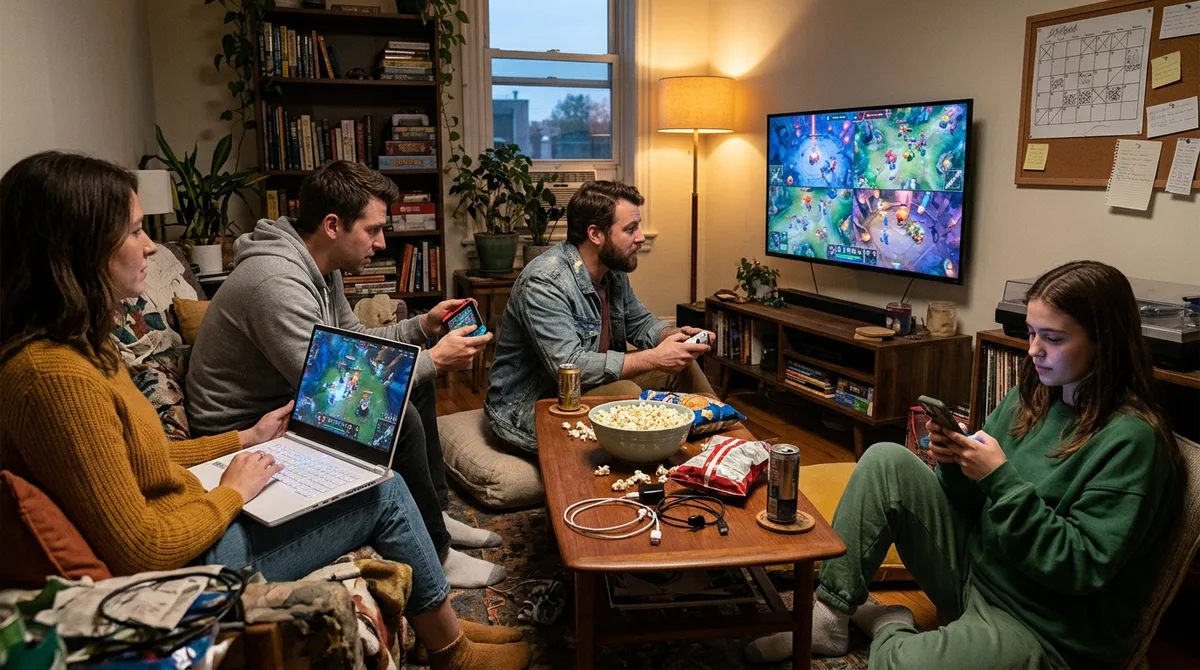
Crossplay promises are cheap, so check them before anyone’s card comes out. A few minutes of homework beats a Saturday night spent staring at a greyed-out invite button. Run every game on your shortlist through this list.
- Write down the device each friend will actually play on. “PC” might mean a gaming rig or a laptop that gets used once a month. Only the platform they’ll really log in on counts.
- Check the official platform list on the day you plan to play. Apex Legends’ current guide now includes Nintendo Switch 2, which shows how quickly a list can change. An old screenshot from a forum is not a platform list.
- Find out whether ranked play splits your squad. Marvel Rivals keeps ranked separate by platform, and Destiny 2 runs separate console and PC competitive pools. Casual crossplay doesn’t guarantee a ranked night together.
- Count the subscriptions, friend by friend. A PlayStation Plus or Nintendo Switch Online membership can turn a full lobby into one friend watching from the sidelines.
- Make sure everyone is on the same patch. Stumble Guys pairs players by patch version, so the friend who skipped the last update is the one who ruins the party.
- Confirm that “free” means free on each console. Warzone skips PlayStation Plus, and Fortnite can be played online on Switch without a membership. Those exceptions are game-specific, so check the exact title on the exact console.
Pick the Squad First, Then Pick the Game
Start with your friends, not the game. Send one dull question to the group chat: what does each person actually log in on? Get specific. “PC” might mean the gaming rig, or the laptop that gets dusted off once a month.
Then sort the answers by what each person already pays for. If your PlayStation friend doesn’t have PlayStation Plus, skip the games that require it and start with Fortnite, Apex Legends, or Warzone. If two Switch owners already have Nintendo Switch Online, you have more options. If your group includes younger players, check the ratings. Fall Guys and Disney Speedstorm are rated E for Everyone, while Warzone 2.0 is Mature 17+, and that’s a conversation to have before the invites go out.
Once the squad is locked, pick the game that matches those platforms and the evening you have. Then do the boring part. Tonight, have every friend open the crossplay settings on their own device, and run a five-minute private match with the person most likely to be stuck. Only after that should anyone pick a Saturday.