The best gaming mice in 2026 are the ones your hand likes, but if you need one name for the shortlist, the Logitech G PRO X2 SUPERSTRIKE is the standout premium pick in current testing. It costs $179, ditches traditional left and right-click switches for adjustable haptic motors, and tops the RTINGS 2026 gaming mouse guide at a tested weight of 60.8 g. Impressive hardware. But a spec sheet can’t tell you how a mouse feels after five hours of ranked matches, and that’s where most purchases go wrong.
Here’s the part the marketing skips: a 44,000 DPI sensor won’t save you from a shape that cramps your palm. Tom’s Guide makes the sensible case that hand size and grip should come before the lowest weight or the highest DPI. Sensor quality still matters, and polling rate matters less than the box art suggests. Budget matters too, because you can get a capable mouse for under $30 if you stop paying for numbers you’ll never feel. So we’re comparing comfort, sensors, and value, and pointing you toward the mouse that fits how you actually play.
Key Takeaways
- Shop for hand fit before anything else, because the Logitech G PRO X2 SUPERSTRIKE’s 44,000 DPI sensor won’t save you from a mouse that cramps your palm.
- Treat 1,000Hz polling as the sensible default, since a higher rate can drain your battery faster and many players can’t tell the difference.
- Set your budget before reading another review, because the Redragon M916 Pro costs under $30 while the Logitech G PRO X2 SUPERSTRIKE costs $179.
- Hold any mouse in your normal grip for a few minutes, check that your thumb reaches the side buttons without stretching, and confirm the return policy before you commit.
Which Gaming Mouse Is the Best Pick for Most Players?
For most players, the best gaming mouse is the one that fits their hand, grip style, and budget. Among premium options, the Logitech G PRO X2 SUPERSTRIKE is the standout pick in current testing. It costs $179, replaces the traditional left and right-click switches with adjustable haptic motors, and tops a 2026 testing guide’s list of gaming mice at a tested weight of 60.8 g. Strong credentials. Still, a mouse can ace every lab number and leave your palm aching by the third ranked match.
Shape beats spec sheets. Hand size matters, and so does how you hold the thing. Palm grip, claw grip, and fingertip grip each want a different body shape, and a mouse that suits one can feel like a bar of soap in another. Before you care about weight or DPI, ask whether your fingers land on the buttons without stretching and whether the back of the mouse supports your palm.
DPI is the number everyone quotes, and it’s the one you should ignore first. The G PRO X2 SUPERSTRIKE’s sensor reaches 44,000 DPI, but most people play at a sensitivity far below that. What you feel is tracking: whether the cursor moves exactly where your hand tells it to, every time. Razer’s Focus Pro 50K sensor on the Viper V4 Pro earns praise for accuracy and consistency, which is the kind of quality you notice in a flick shot.
Polling rate sounds like a horse race, and it is one, with fine print. At 1,000Hz, the mouse reports its position every 1 millisecond. Higher rates shorten that interval but can drain the battery faster, and for many players the gain is hard to notice. Treat it as a bonus feature, not a reason to buy.
Price is where most shoppers talk themselves into a bad deal. Decide what you can spend before you read another review, then judge the shape, sensor, and weight within that budget. A $179 mouse that fights your grip is worse than a $30 mouse that fits like it was made for you.
The rest of this guide splits the field into premium, lightweight and mid-range, and budget options, so you can see where each one earns its spot.
Does Hand Size and Grip Style Matter More Than Specs?
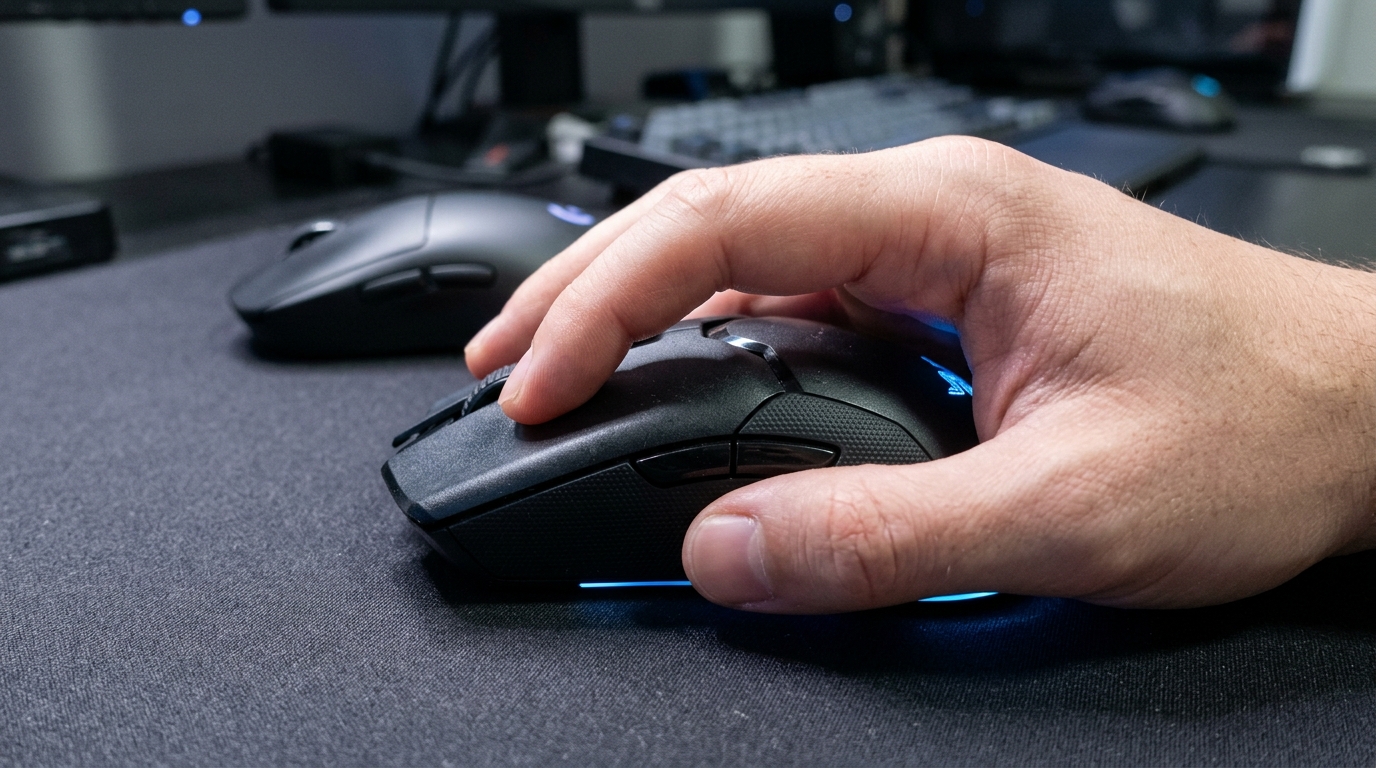
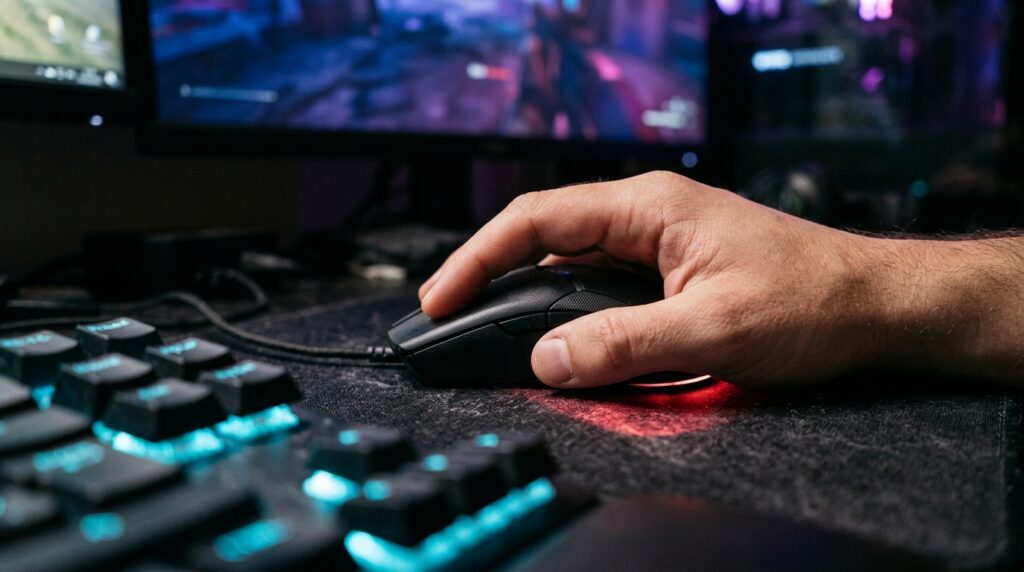
Yes. Hand size and grip style matter more than the spec sheet because shape is the thing you feel in every match, every session, every day. A mouse that fits your hand can be plenty good enough. A mouse that doesn’t will fight you no matter how many numbers it posts.
Your grip decides which shape you need. Palm grip, where your whole hand rests on the mouse, wants a fuller body with a higher hump so your palm has something to cradle. Claw grip, where your palm rests on the back and your fingertips arch over the buttons, usually works best with a medium height and a rear end that supports the palm without pushing into it. Fingertip grip, where only your fingertips touch the mouse, favors a lower, more compact body that you can flick without lifting your whole arm. Plenty of players switch between these depending on the game, so a mouse that works for only one grip is a gamble.
This is where symmetry earns its keep. A contoured shape is designed around one specific hand, which is great if you’re that hand and miserable if you’re not. A symmetrical shape has no preferred side and no built-in thumb rest, so it suits a wider range of grips and hand sizes. The Razer Viper V4 Pro is a good example: it’s symmetrical, light at 48.9 g, and it gives you room to adjust how you hold it. Its clicks are loud, though, so a shape that fits you might still annoy the person in the next room.
Symmetry doesn’t automatically make a mouse left-handed friendly, though. A symmetrical body with side buttons only on the right is still a right-hander’s mouse wearing a disguise. If you’re left-handed, look for side buttons on both sides and confirm the design works for your hand before you trust the word “ambidextrous” on the box.
Now the lazy marketing. Every brand claims its mouse is “ergonomic,” “for every hand,” or “built for all grips,” usually next to a stock photo of a hand that looks like it belongs to a mannequin. One shape can’t fit every hand. If a company says it can, it’s selling you a press release, not a mouse.
So test before you commit. Visit a store and hold the mouse in your normal grip, then click, drag, and flick at the counter for a few minutes. Check your thumb and pinky reach, and make sure your fingers don’t have to stretch to hit the buttons. Read the return policy, because the first week of use tells you more than any review. If you’re nervous, buy a cheap mouse first. The Redragon M916 Pro sits under $30 and helps you learn what you like before you spend real money on a shape you might not keep.
Is a Higher Polling Rate Worth the Battery Hit?
Usually not. A higher polling rate is a small edge that costs battery life, and for most players it’s a number they’ll never notice during a match.
Polling rate is how often your mouse tells the computer where it is and which buttons you’re pressing. Think of it as the mouse mailing your PC a postcard. At 1,000Hz, that’s 1,000 postcards per second, or one every 1 millisecond. That’s already fast enough that your reaction time, your monitor, and your nerves will cause far bigger problems than the gap between updates.
Crank the number higher and the gaps shrink. At 4,000Hz or above, the mouse reports at intervals of 0.25 milliseconds or less. Manufacturers love quoting that figure because it sounds like a race car spec. They rarely mention what happens to the battery.
Higher polling draws more power because the mouse has to wake up and transmit far more often. Wireless models feel this most. A mouse that lasts a long stretch between charges at a sensible setting can burn through its battery noticeably faster when you max out the rate, and nobody enjoys a mid-match low-battery warning.
The big numbers are easy to print. The Razer Viper V4 Pro reaches 8,000Hz wireless polling, and the Logitech G PRO X SUPERLIGHT 2 goes up to 8 kHz over LIGHTSPEED wireless, as Logitech’s own US product page states. Meanwhile the Redragon M916 Pro, which costs under $30, lists 4,000Hz. If a budget mouse can wear that number, the number isn’t proof of a premium experience.
Whether the difference matters depends on your hardware and your play style. If your monitor and PC can’t display frames as fast as the mouse reports, those extra updates pile up unseen. A game running at modest frame rates can hide the gains completely. Players who live on fast flick shots in competitive shooters are the most likely to feel smoother tracking. Someone grinding through a strategy game or a story-heavy RPG won’t notice anything at all.
If you want to find out for yourself, start at 1,000Hz and play a week of your usual games. Then switch to a higher setting and compare. If you can’t tell the difference, and many players can’t, leave it at 1,000Hz and let the battery live a little longer.
Logitech G PRO X2 SUPERSTRIKE: The Premium Pick Worth Its Price
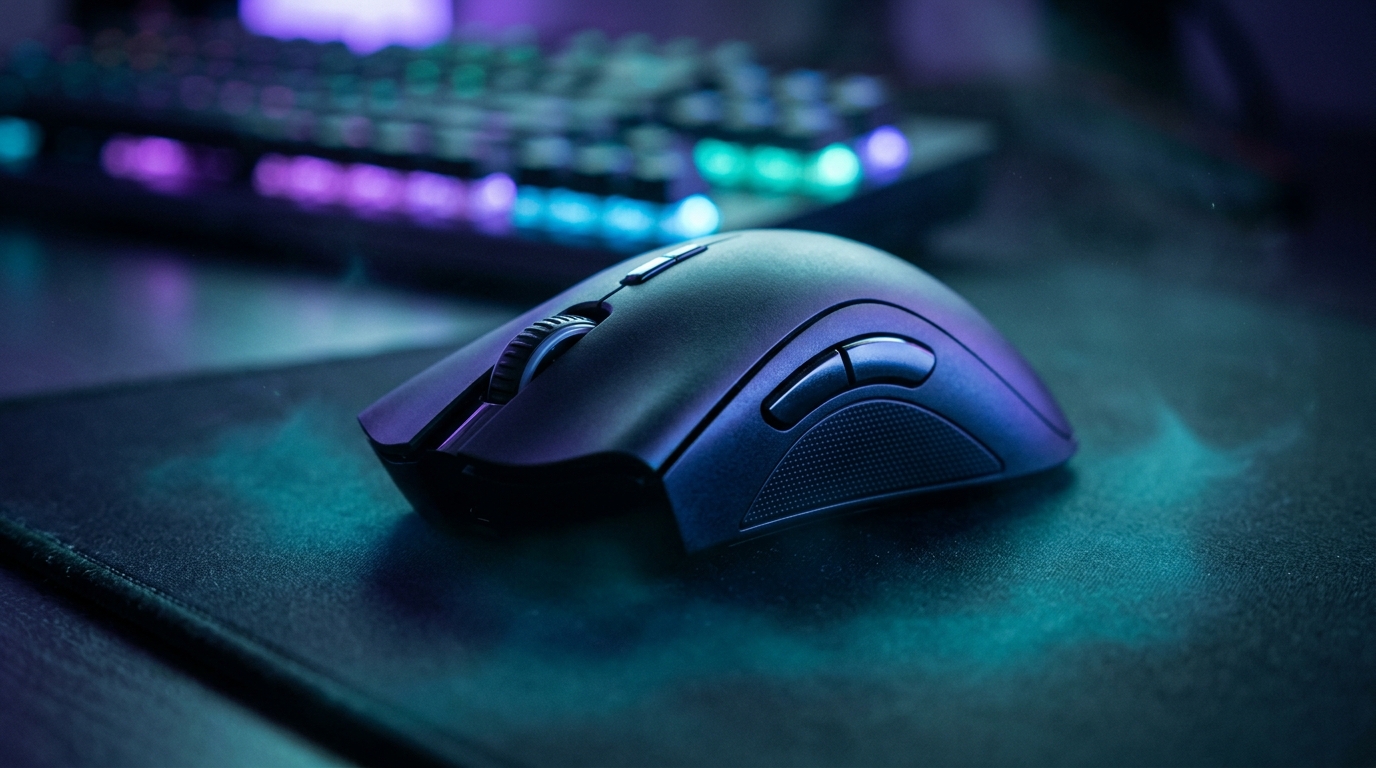
The Logitech G PRO X2 SUPERSTRIKE is the most interesting mouse on this list and the one most likely to make you wince at checkout. It swaps the traditional left and right-click switches for adjustable haptic motors, so each click is something the mouse generates, not a plastic lever snapping down. Clever. Also a little strange the first time you press it.
The underlying design is called the Haptic Inductive Trigger System, and it does two jobs at once. The real-time haptics control the feel of each click, while inductive analog sensing reads how far a button has moved instead of just whether it’s pressed or not. That analog reading is what makes rapid trigger possible. The mouse supports rapid trigger, which resets a button as soon as you ease off it slightly rather than making you travel all the way back up.
In a fast shooter, that reset can matter. Tapping, strafing, and quick repeated clicks feel more responsive when the button doesn’t have to fully rise before it can fire again. In a slow RPG, nobody will know it’s there.
The adjustable part matters too. A click that feels mushy to one player can feel crisp to another, and being able to dial that in is the strongest argument for this design. If you have strong opinions about click feel, you’ll probably have fun here. If you don’t, the feature is a nice party trick.
The spec sheet is less exciting. The mouse tops out at 44,000 DPI and 8,000Hz polling, the same headline pair Logitech’s PRO X SUPERLIGHT 2 advertises, and that mouse lists at $159.99. So the price gap isn’t buying you a faster sensor. It’s buying you the haptic clicks and rapid trigger. Whether that’s worth it depends entirely on whether you care about the click enough to pay for it.
Weight is the other trade-off. At 60.8 g, the SUPERSTRIKE isn’t built for people who chase the lightest possible shell. Next to the Razer Viper V4 Pro’s 48.9 g, you’ll feel the difference during long flick-heavy sessions. The motors and sensors need room, and the mouse makes no secret of that.
So is the premium earned? For players who care about click feel and want rapid trigger, yes, and it’s easy to see why the testing guide put it on top. For everyone else, it’s an expensive way to own a clever novelty with a sensor you can already get for less. Logitech’s engineering deserves the applause. The price tag still needs an argument, and most players won’t need the extra features to have a great time.
Lightweight and Mid-Range Mice That Earn Their Spot
Not everyone wants a brick in their hand. If you flick, jiggle, and spin your way through shooters, a lighter mouse can make a long session feel less like a workout. Two mice in this range deserve a serious look: the Razer Viper V4 Pro and the Logitech PRO X SUPERLIGHT 2.
The Razer Viper V4 Pro is the upper-mid-range pick in the testing guide, and on paper it makes the strongest case. Its Focus Pro 50K Optical Sensor Gen-3 is described as highly accurate and consistent, which matters more than a big DPI number when you need to land on the same spot twice. At 48.9 g it’s light, and its 8,000Hz wireless polling is available if you want it, though you can skip chasing that number.
Here’s how the two stack up on the things that matter most in this range:
| Feature | Razer Viper V4 Pro | PRO X SUPERLIGHT 2 |
|---|---|---|
| Tested weight | 48.9 g | Not covered in this comparison, so weigh it in your hand before buying |
| Sensor | Focus Pro 50K Optical Sensor Gen-3, praised for accuracy and consistency | HERO 2, up to 44,000 DPI |
| Wireless polling | Up to 8,000Hz | LIGHTSPEED, up to 8 kHz |
| Click noise | Loud, tactile clicks that may not suit everyone | Not called out as loud in the sources, but test it if you share a room |
| Price | Not listed in our sources | $159.99 |
The PRO X SUPERLIGHT 2 comes in at $159.99, and its HERO 2 sensor reaches 44,000 DPI with LIGHTSPEED wireless polling up to 8 kHz. That’s a lot of headroom for a mouse that keeps conventional switches. If you like the familiar snap of a normal click and don’t need haptic motors, this is the simpler route to a fast, light setup.
Sensor consistency is the part nobody prints on the box. Test it yourself by flicking the cursor at a fixed target a dozen times, then checking whether it lands in the same place each time. If it drifts, the spec sheet won’t save you. Do the same check on any mouse you’re considering, because a sensor that’s accurate in a showroom can still feel sloppy after a few hours of use.
Click noise is the quiet deal breaker. The Viper’s loud clicks are fine if you play alone with headphones on, but they can get old fast in a shared apartment or a dorm. Press the buttons a few times at a store, or listen closely to a reviewer’s clip before you commit.
Budget Mice That Are Worth Buying Under $30
Cheap doesn’t have to mean miserable. Budget mice earned their bad reputation with a few decades of plastic shells that creaked, sensors that skipped, and cords that tangled every time you reached for the keyboard. Modern budget models have mostly grown out of that phase, though they still come with trade-offs you should know about before you click buy.
The Redragon M916 Pro is the one to beat under $30. Its spec sheet reads like a premium mouse’s: 4,000Hz polling, six buttons, and a 2.1-ounce weight. The polling number is the one you can safely ignore, as covered earlier. The six buttons are the useful part. Side buttons give you room for a reload bind, a utility key, or a quick weapon swap without taking your eyes off the screen. The light weight helps too, especially if you flick a lot in shooters and get tired of hauling a heavier shell around.
What you give up is polish. A mouse at this price won’t have the premium materials, refined clicks, or sensor tuning of the expensive models. The buttons may feel a little looser, and the shell will tell you it’s a budget product every time you pick it up. Test the clicks before you commit, and make sure your thumb lands on the side buttons without a stretch.
The Logitech G305 LIGHTSPEED takes a different route. The testing guide we’ve been citing calls it the best budget gaming mouse, and the reason is simple: it’s wireless, it’s proven, and it doesn’t ask you to pay a premium for the privilege of cutting the cord.
Now the drawback. The G305’s default weight is 101.7 g, which is heavier than the SUPERSTRIKE’s 60.8 g and the Viper V4 Pro’s 48.9 g. That’s a lot of mouse. Some players will love the solid, planted feel, especially those who rest their whole palm on the shell and move slowly. Others will feel every gram after an hour of fast flicks. If you’re a fingertip or claw grip player who spins through shooters, that extra weight is the first thing you’ll notice, and it won’t get better with practice.
So which budget mouse fits your play? If you want light and extra buttons, go with the M916 Pro. If you want wireless and a steady feel in your palm, the G305 is hard to beat at its level. Either way, hold it in your normal grip before you decide, because a bargain that fights your hand is still a bad purchase.
Picking Your Next Mouse Without Regret
Shop in this order: hand fit first, then sensor consistency, then polling rate. Let your budget set the ceiling before any of that. Reverse the order and you end up paying for a number while your palm files a complaint.
Once your hand says yes, match the mouse to how you play:
- Premium competitive: the Logitech G PRO X2 SUPERSTRIKE, if you care enough about click feel and rapid trigger to pay $179 for them.
- Light and consistent: the Razer Viper V4 Pro if you can live with loud clicks and want a symmetrical shape, or the PRO X SUPERLIGHT 2 at $159.99 if you prefer conventional switches.
- Budget with extra buttons: the Redragon M916 Pro, under $30, with six buttons and a light frame.
- Budget and wireless: the Logitech G305 LIGHTSPEED, if you rest your whole palm on the shell and can handle its 101.7 g weight.
Now the hand test, which takes a few minutes and saves you a lot of grief. Hold the mouse in your normal grip, then check whether your thumb reaches the side buttons without stretching. Click for a few minutes, because a mushy or noisy click annoys more over time than it does on day one.
Next, play two sessions with the mouse. If your aim feels the same on day two as it did on day one, the sensor is doing its job. If the cursor seems to wander, no amount of marketing will fix it.
Polling rate comes last. Start at 1,000Hz, and only climb if you can prove the extra updates help your games and your battery can handle them.
Your hand gets the final vote, and it doesn’t care what the box says.
Picking Your Next Mouse Without Regret
Start with one question: which games do you play most, and how do you hold the mouse while you play them? Answer that before you open another tab.
If you spend your evenings in ranked shooters, shortlist the Razer Viper V4 Pro if you don’t mind loud clicks. If you’d rather have conventional switches, the PRO X SUPERLIGHT 2 at $159.99 is the simpler route. Set your ceiling first, then only consider mice that fit inside it.
If you mostly play RPGs, strategy games, or anything where you’re not flicking constantly, ignore the weight race. Buy for palm comfort instead. The G305 LIGHTSPEED suits that style, provided you can live with its 101.7 g body.
Got under $30 and a healthy dose of skepticism? Order the Redragon M916 Pro, play it for a week, and see whether you miss the premium features. Most people won’t.
Before you buy anything, grab your current mouse and write down three things that annoy you about it. Maybe the scroll wheel skips, your palm sweats, or the cable catches on the desk. Each complaint becomes a requirement for your next mouse, and any model that doesn’t solve those problems gets crossed off the list.